56
56
EN
R7
- OPERATING INSTRUCTION
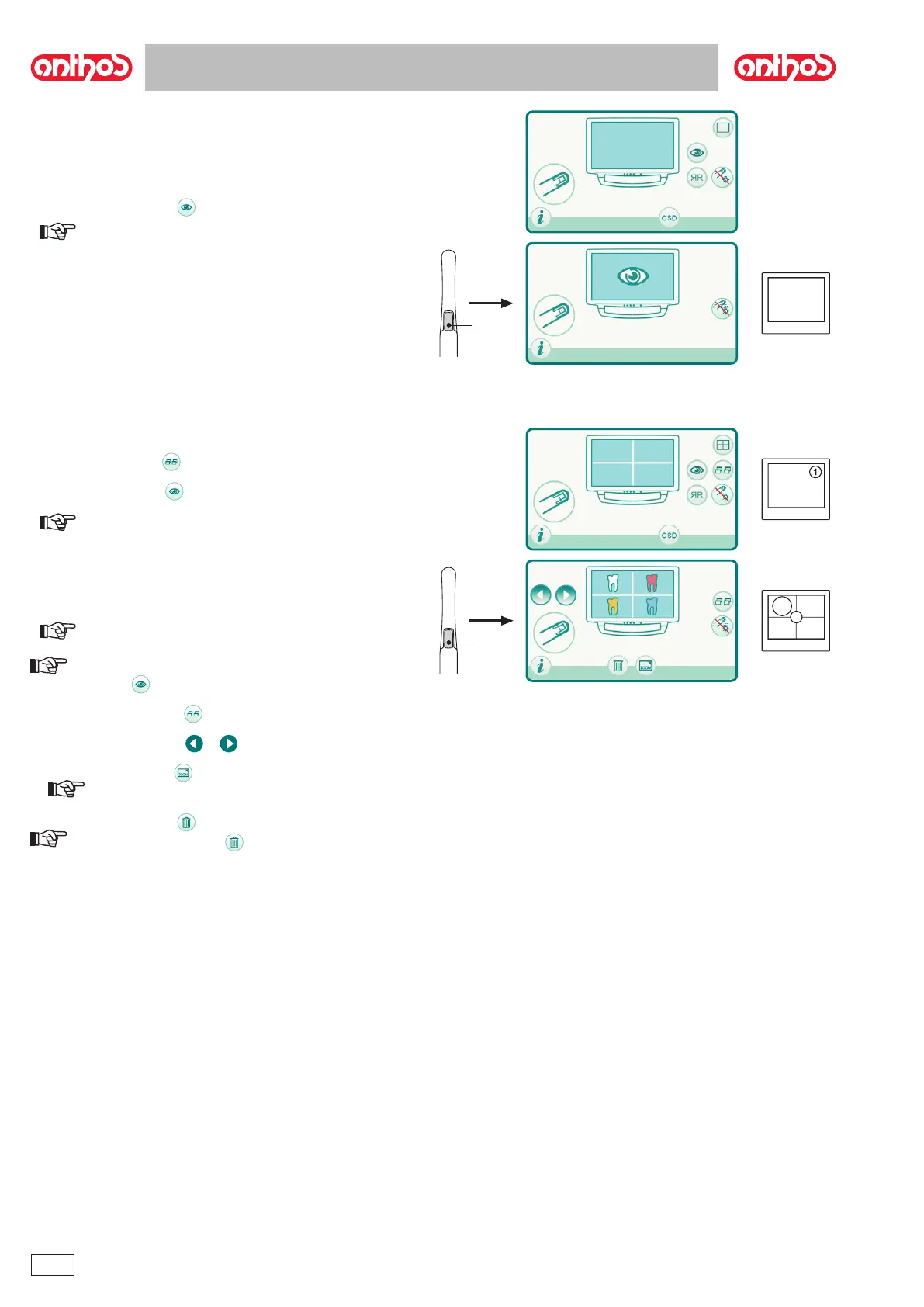
Operation in single image mode.
LIVE
• g
•
NOTE: The last image frozen remains on the monitor even if the
camera is put back in place.
Operation in multiple image mode
NOTE: the number of the page selected is shown in the centre
of the monitor.
NOTE: once the 4 available boxes have been lled, each subse-
quent frozen image will replace the existing ones again going clockwise.
NOTE: to store other images without deleting the previous ones,
touch the button and to move to the next active storage page.
or
NOTE: touching the icon button again, you go back to display
of 4 images.
NOTE: Touch the icon button for 3 seconds to delete all 4 images
on the page displayed.



 To Next Page