13 | ANYLOAD OCS Series Electronic Crane Scale User’s Guide
SCALE’S MODE
WEIGHING MODE
Action
o No buttons or keys are required to enter W
EIGHING
M
ODE
.
Function
o W
EIGHING
M
ODE
is the default mode after the scale is turned on. In
W
EIGHING
M
ODE
, the scale detects its load and refreshes the weight
reading all the time, if the display is not in HOLD.
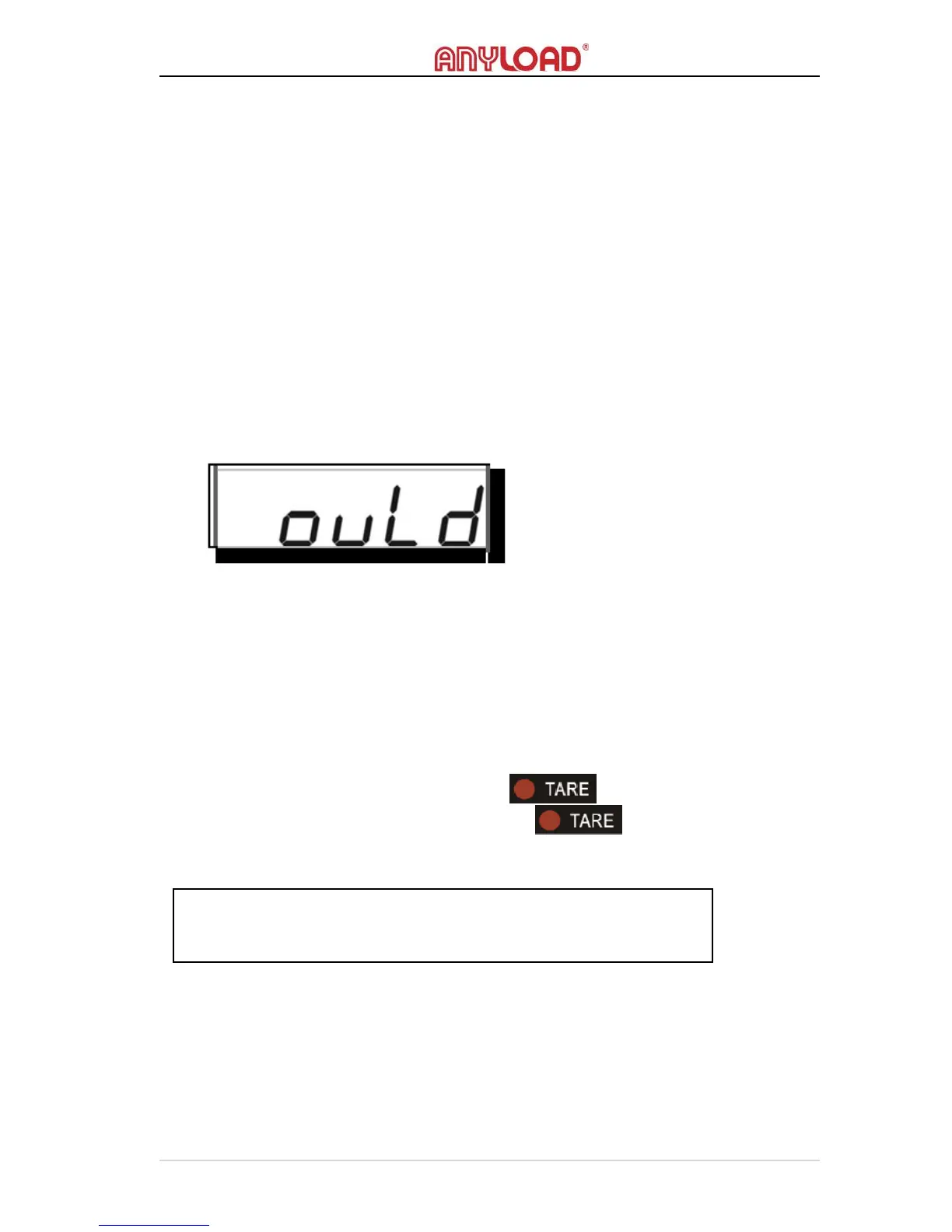
o If the scale is overloaded, the display will keep flashing the error
message below.
GROSS/NET MODE
Action
o To enter N
ET
M
ODE
, press T
ARE
or T
ARE
S
ET
the scale.
o To enter G
ROSS
M
ODE
, Tare Out the scale.
Function
o In N
ET
M
ODE
, the TARE indicator will light on.
o In G
ROSS
M
ODE
, the TARE indicator will light off. The
default weight reading is in G
ROSS
M
ODE.



 To Next Page