19 | ANYLOAD OCS Series Electronic Crane Scale User’s Guide
Function
o In order to start a new series of Totals, the old T
OTAL
can be erased
completely by C
LEAR
T
OTAL
.
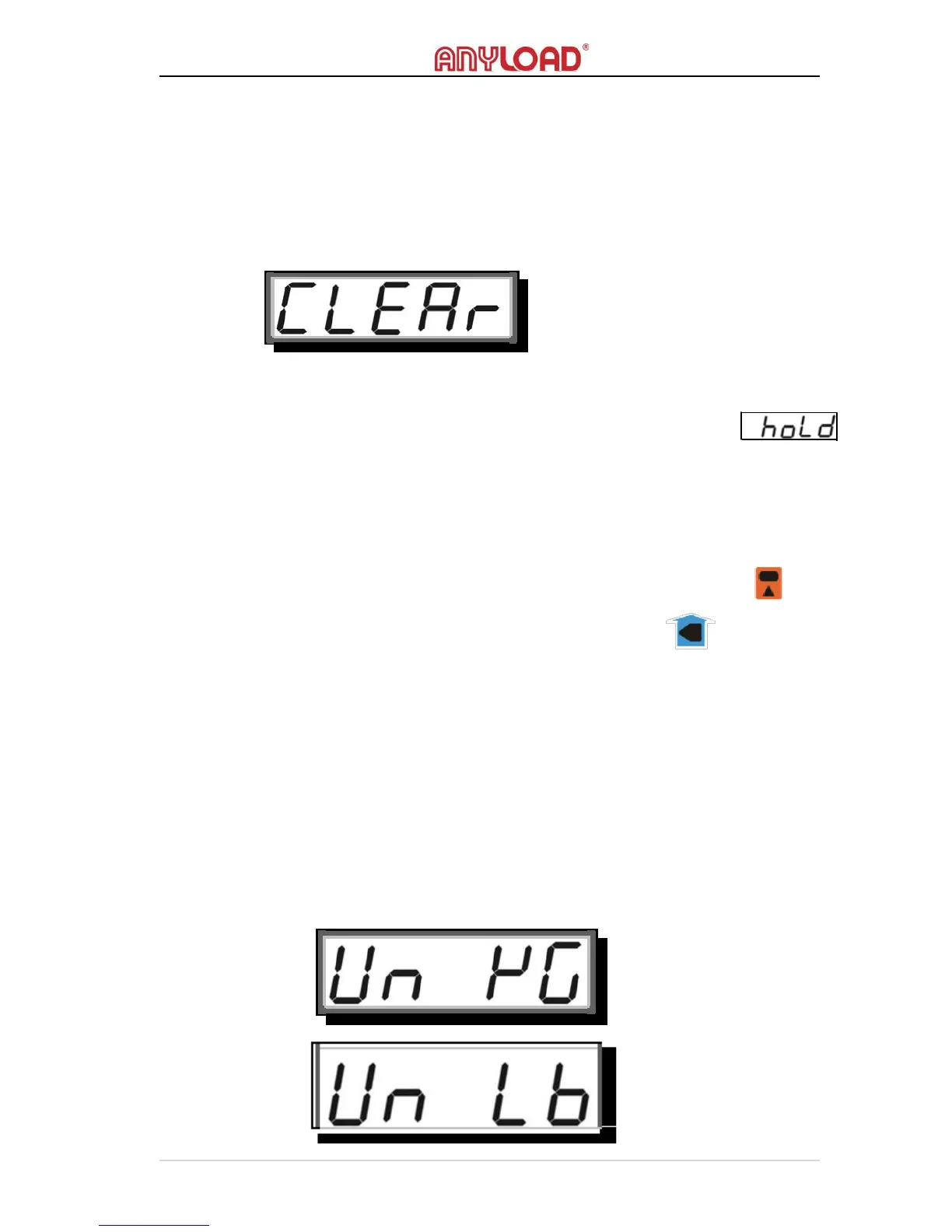
o The screen will display the below message indicating that the T
OTAL
is
successfully erased.
Condition
o
The scale must not in H
OLD
mode otherwise an error message
will display.
UNIT SWITCH
Action
o To change the scale’s D
ISPLAY
U
NIT
, press 2ND key on scale or
on remote controller and then ZERO key on scale or on remote
controller. Some models do not have 2
ND
key at the scale, use the
remote controller instead.
Function
o The scale switches to 2
ND
M
ODE
, and then recognizes Z
ERO
action
as D
ISPLAY
U
NIT
S
WITCHING
action. D
ISPLAY
U
NIT
S
WITCHING
toggles between kg (metric system), lb (imperial system) and
U
SER
‐
DEFINED
U
NIT
.
o
The screen flashes the unit to change and returns to W
EIGHING
M
ODE



 To Next Page