17 | ANYLOAD OCS Series Electronic Crane Scale User’s Guide
Condition
o
The scale must not in H
OLD
mode otherwise an error message
will display.
o The scale must be stabled otherwise an error message will
display.
o
Current weight reading must be greater than 0 (or 0.0 or 0.00,
depending on the resolution)
otherwise an error message
will display.
o
The weight reading on scale must return to 0 (or 0.0 or 0.00,
depending on the resolution)
before the next weight reading can be
added. This assures that a load on the scale is only added to the T
OTAL
once otherwise an error message will display.
VIEW TOTAL
Action
o
To view the T
OTAL
in scale, press on remote controller.
Function
o The scale will switch into V
IEW
T
OTAL
M
ODE
.
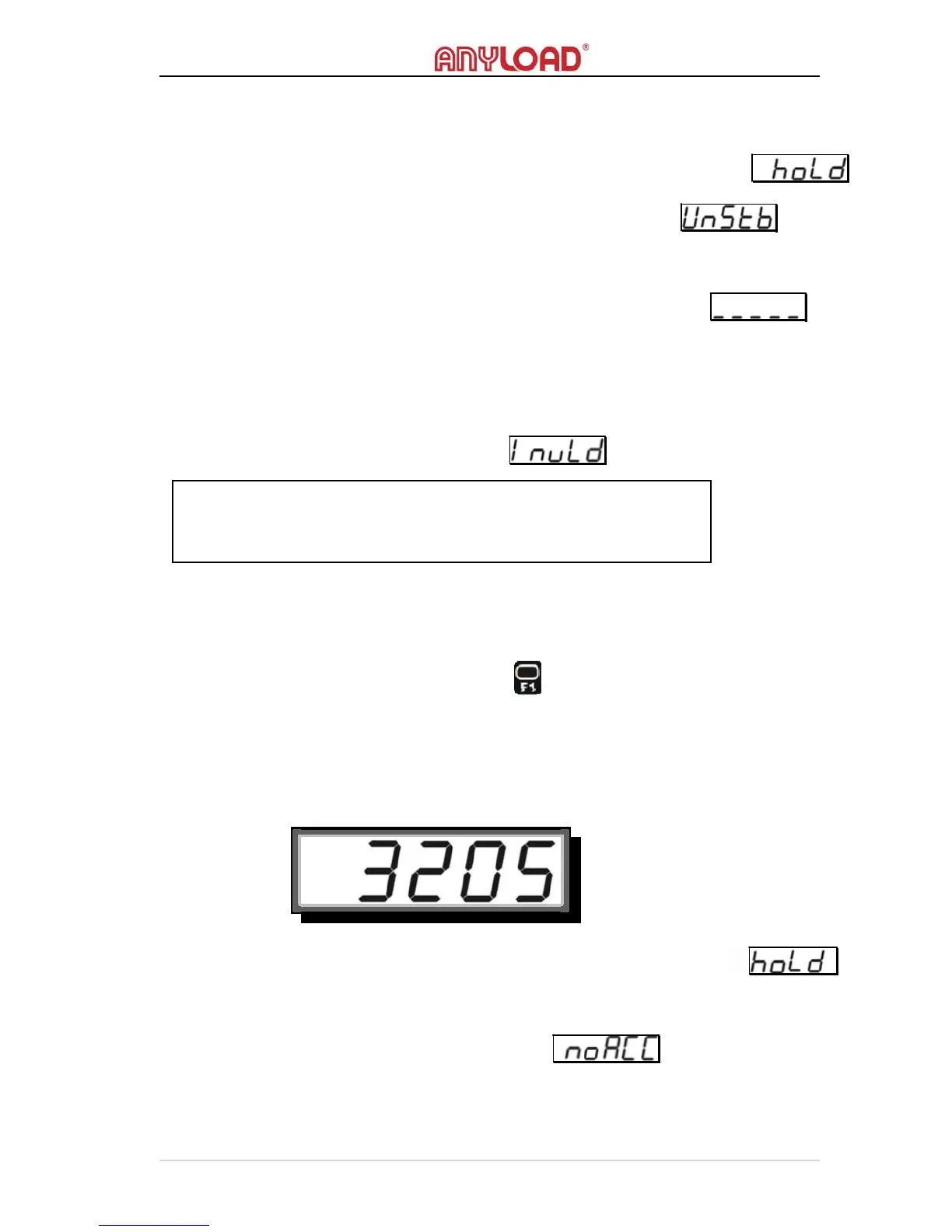
o The screen flashes current T
OTAL
, for example 3205kg.
Condition
o
The scale must not in H
OLD
mode otherwise an error message
will display
.
o The T
OTAL
must be greater than 0 (or 0.0 or 0.00, depending on the
resolution) otherwise an error message will display.
NOTE:
The accumulator always uses the displayed weight, so GROSS and
NET readings can be added into the same T
OTAL
.



 To Next Page