26 | ANYLOAD OCS Series Electronic Crane Scale User’s Guide
IDLE TIMING
o
To extend and maximize battery’s charge, the scale may automatically
enter to I
DLE
M
ODE
when there is no
activity on the scale or the load is
stable. In I
DLE
M
ODE
, the scale works in low‐power consumption
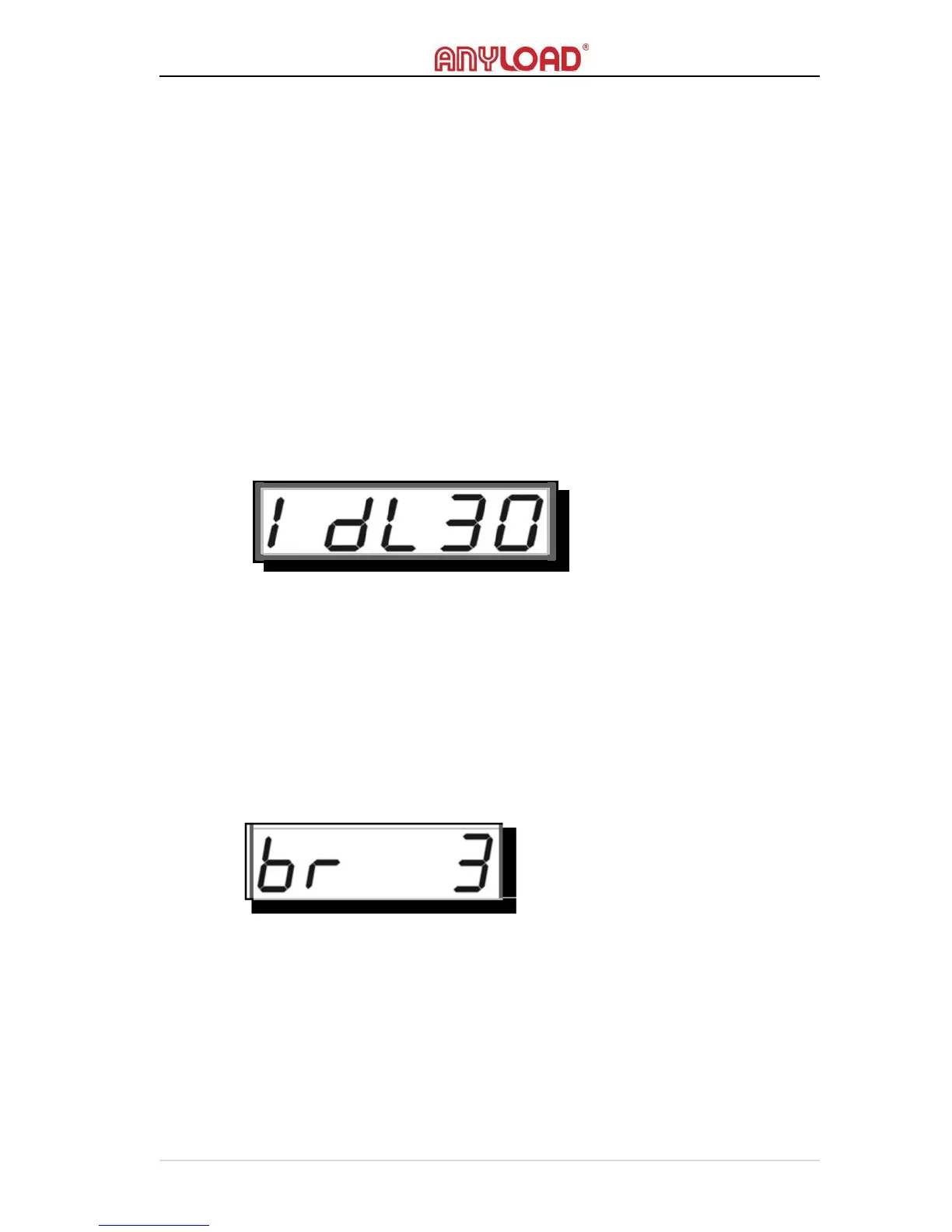
status. “01” seconds to “99” seconds can be set to scale’s idle
countdown timer. Once the timer’s timing reaches the delay set in
SYSTEM SETUP, it will automatically lower the brightness of the screen.
If I
DLE
T
IMING
is set to “00”, the scale never goes to I
DLE
M
ODE
.
o Pressing any keys or disturbing the load will wake up the scale from
I
DLE
M
ODE
(when it is in this mode) and reset the countdown
timer.
o The default Idle Timing is set to “30” seconds.
DISPLAY BRIGHTNESS
o
Lowering the brightness of screen can also save scale’s battery charge.
o There are 3 levels of brightness, “1” to “3”. At level 1, the
screen works at lower power while at level 3 it works at higher
power.
o The default Display Brightness is set to level “3”
DISPLAY FREQUENCY
o
D
ISPLAY
F
REQUENCY
sets the speed of the screen updates when the
weight reading changes.
o There are 5 levels of Display Frequency, “0” to “4”. At level 4, the
screen’s update rate changes slower while at level 0 it changes
faster.



 To Next Page