25 | ANYLOAD OCS Series Electronic Crane Scale User’s Guide
Condition
o
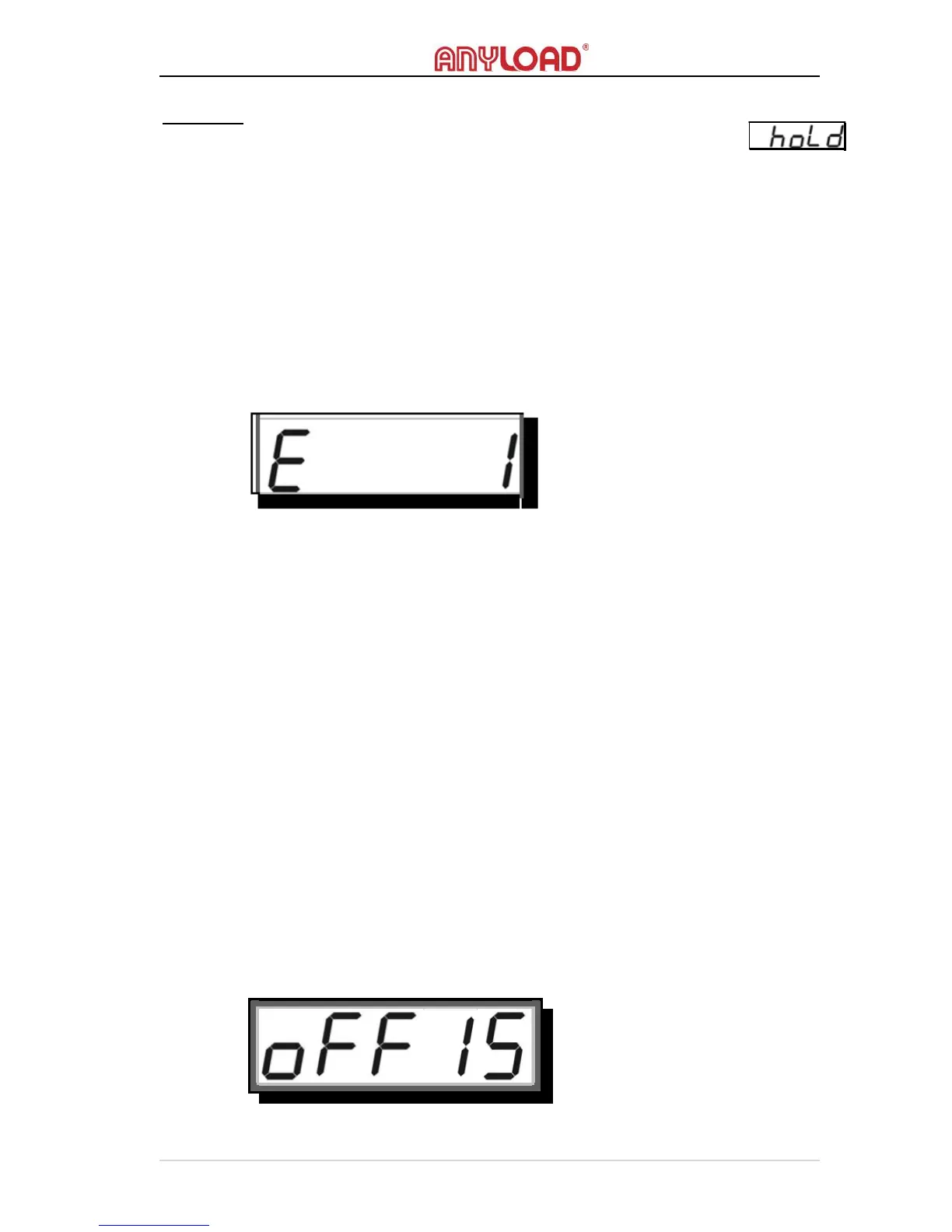
The scale must not in H
OLD
mode otherwise an error message
will display
.
RESOLUTION
o
Technically, the R
ESOLUTION
here and the above-mentioned
R
ESOLUTION
S
WITCH
are both
refer to the same thing. The only
difference is that changes made here will be saved permanently while
changes at R
ESOLUTION
S
WITCH
work temporarily and will return to
its default measurement unit once the scale is rebooted.
To learn more about Resolution, refer to Resolution Switch in Advanced
Operations
section.
AUTO POWER-OFF TIMING
o
A
UTO
P
OWER
‐O
FF
function extends the battery’s charge and turns off
the scale if it is not working or has no activity on specified time set
.
o A
UTO
P
OWER
‐O
FF
will start the scale’s P
OWER
‐O
FF
countdown
timer when there’s no activity or the load is stable. Once the timer’s
timing reaches the delay set in S
YSTEM
S
ETUP
, it will automatically
turn off the scale. Pressing any keys or disturbing the load will reset
the countdown timer.
o Scale can be timed to auto power‐off from “01” minutes to “99”
minutes or “never”. When A
UTO
P
OWER
‐O
FF
T
IMING
is set to “00”
the scale is set to “never” meaning auto-off is disabled.
o The default A
UTO
P
OWER
‐O
FF
T
IMING
is set to “15” minutes.



 To Next Page