8 | ANYLOAD OCS Series Electronic Crane Scale User’s Guide
o
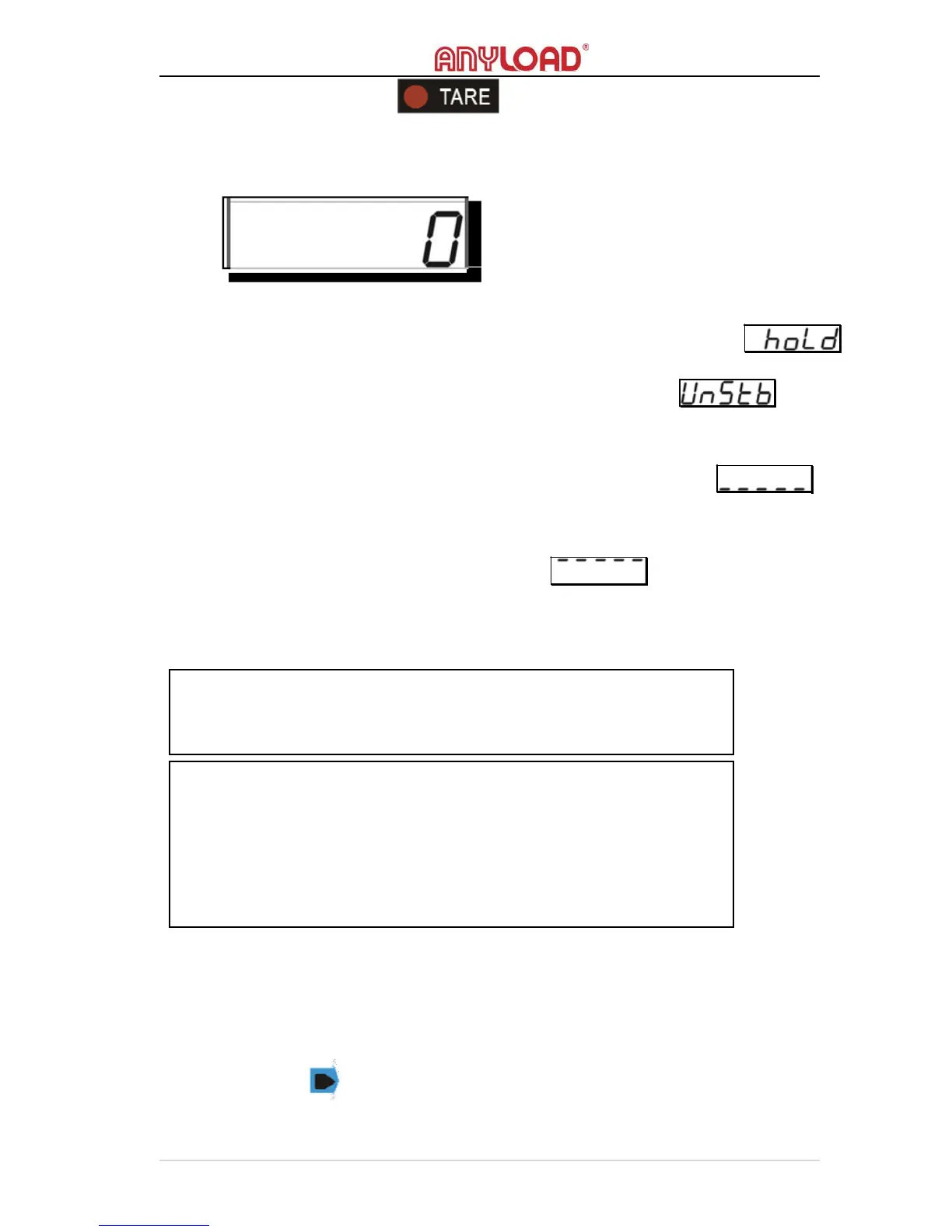
The TARE indicator will light on.
o The weight reading shall turn to “0” (or “0.0” or “0.00”, depending on
the resolution).
Condition
o
The scale must not in H
OLD
mode otherwise an error message
will
display.
o The scale must be stabled otherwise an error message will
display.
o
Current weight reading must be greater than 0 (or 0.0 or 0.00,
depending on the resolution).
Otherwise an error message
will display.
o Current weight reading must be lesser than 100% scale’s M
AXIMUM
C
APACITY
otherwise an error message will display.
o
The scale must be in gross mode otherwise the action will treat as
T
ARE
O
UT
.
TARE OUT
Action
o To T
ARE
O
UT
the tared weight from the scale, press TARE key on
scale or on remote controller ( the scale shall be in N
ET
M
ODE
).
NOTE:
Taring will reduce the overloading range of the scale.
For example if a 1000kg container is tared on a 5000kg maximum
capacity scale, the new overload limit will become at 4018kg
[(5000 –
1000) + 9 divisions].



 To Next Page