27 | ANYLOAD OCS Series Electronic Crane Scale User’s Guide
o The default D
ISPLAY
F
REQUENCY
is set to level “1”.
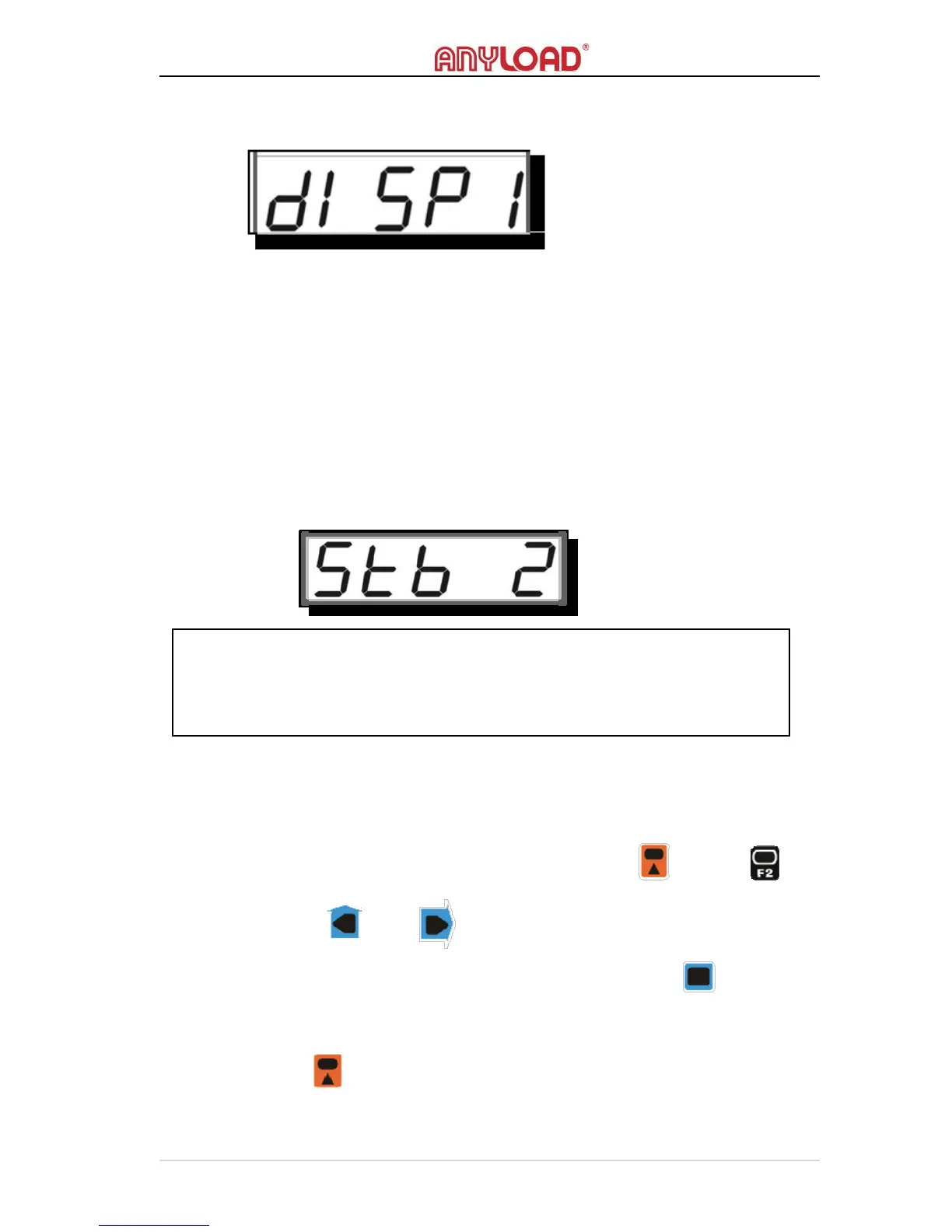
ANTI-MOTION LEVEL
o
A
NTI
‐M
OTION
function intelligently settles the weight
reading when
the scale is in motion. The weaker A
NTI
‐M
OTION
is the faster weight
reading displays, but the longer it takes to settle the weight reading.
o There are 6 levels of A
NTI
‐M
OTION
, “0”, “1”, “2”, “3”, “4”, “5”
equivalent to “Off”, “weakest”, “weak”, “normal”, “strong”, and
“strongest”, respectively.
o
The default A
NTI
‐M
OTION
L
EVEL
is set to “2” (normal).
COMMUNICATION SETUP
Action
o To enter C
OMMUNICATION
S
ETUP
M
ODE
, press and then
on remote controller. To input values, press ZERO and TARE button
on scale or and on remote controller. This function can
be done using the remote controller.
o To confirm inputted value, press HOLD key on scale or on remote
controller.
o
To save and exit C
OMMUNICATION
S
ETUP
M
ODE
, press 2ND key on
scale for on
remote controller.
NOTE:
Higher resolution offers better accuracy at the cost of longer measuring time
and stricter requirement of load’s stability. Designed to meet the OIML R76’s
directive, this scale has the best (default) performance at 2000 to 3000 division



 To Next Page