14 | ANYLOAD OCS Series Electronic Crane Scale User’s Guide
VIEW TOTAL MODE
Action
o
To enter the V
IEW
T
OTAL
M
ODE
, press when scale is in
W
EIGHING
M
ODE
.
o
To toggle between the low 5 digits format and the high 5 digits format,
press HOLD key
on scale or on remote controller.
Function
o In V
IEW
T
OTAL
M
ODE
, the weight reading keeps flashing to distinguish
itself from that in
W
EIGHING
M
ODE
.
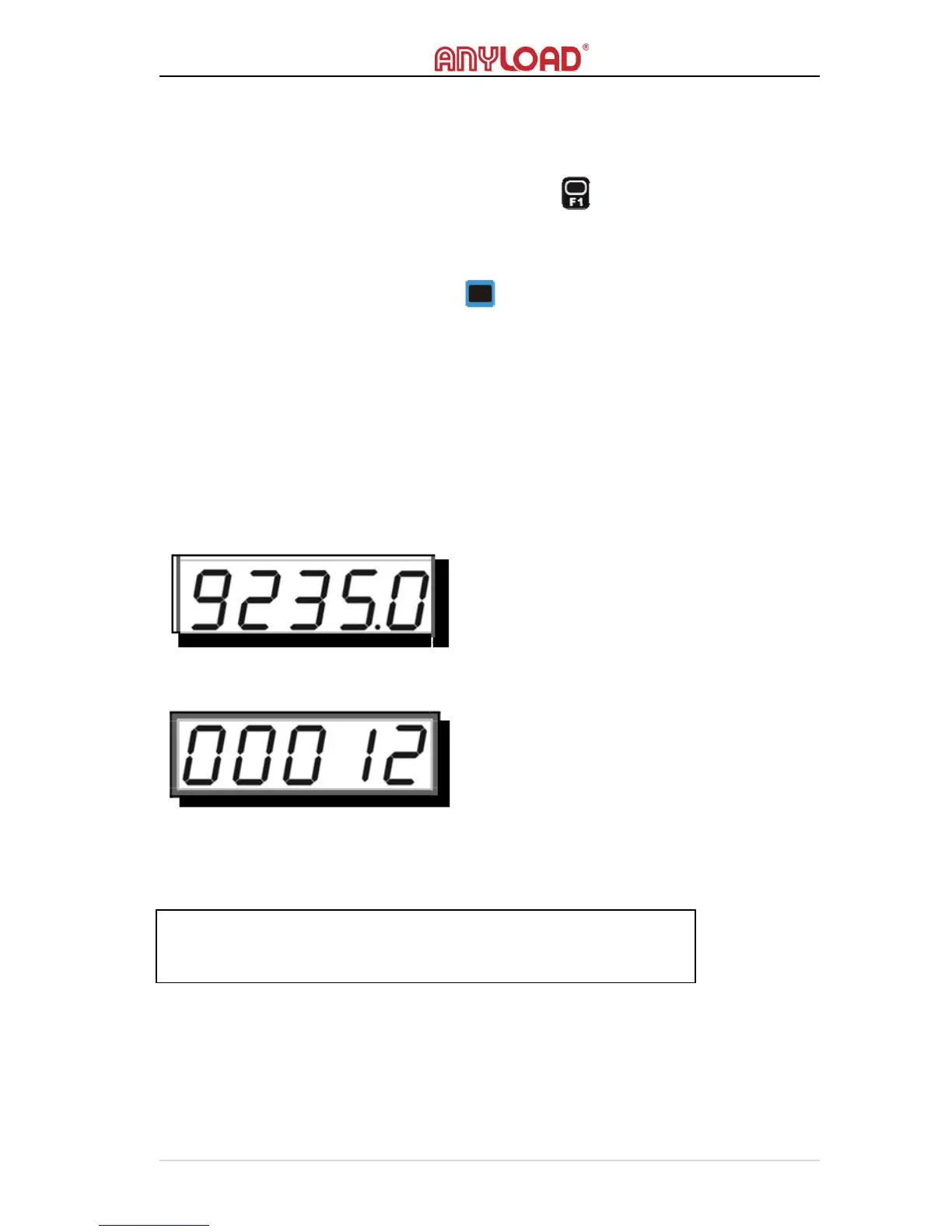
Apparently, T
OTAL
is the sum of stored weight readings, which can be so
great that the 5 digits screen is not able to display correctly. The T
OTAL
is
therefore divided into two parts, the low 5 digits format, and the high 5
digits format.
The high 5 digits format of “29235.0” is like below.
To learn more about View Total, refer to View Total in Advanced Operations
section.
IDLE MODE
Action
o No buttons or keys are required to enter the I
DLE
M
ODE
.



 To Next Page