EasyManua.ls Logo

Anyload OCS Series - Troubleshooting Guide

Anyload OCS Series
36 pages
Print Icon
To Next Page IconTo Next Page
To Previous Page IconTo Previous Page
Loading...
32 | ANYLOAD OCS Series Electronic Crane Scale User’s Guide
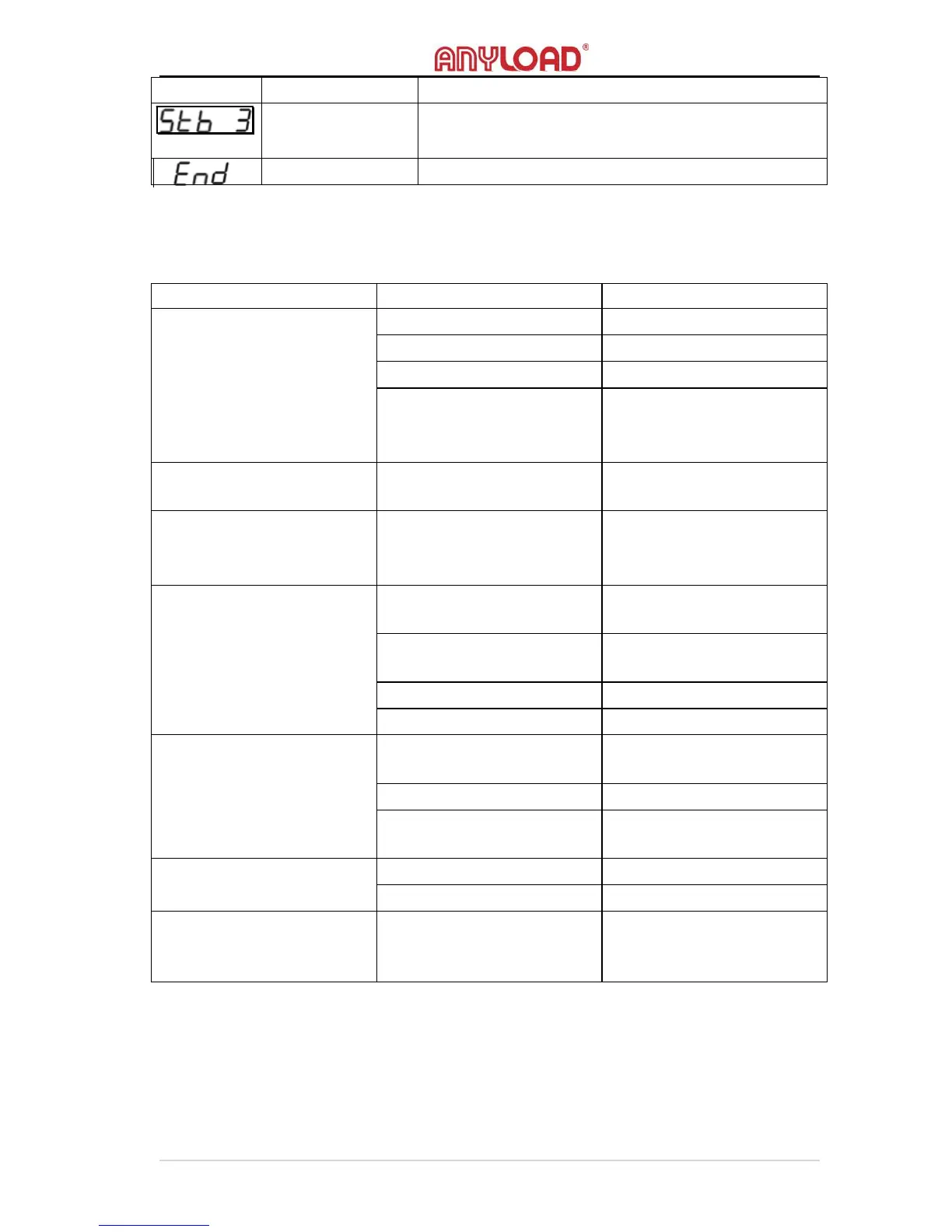
frequency
stability
performance
ANTI‐MOTION LEVEL
end
Save and exit.
9. Troubleshooting
Symptoms
Possible Causes
Suggested Solutions
Displays blank when
pressing ON/OFF key
Discharged battery
Recharge the battery
Defective battery
Replace the battery
Corroded battery
Clean connections
Power key not properly
pressed
Press Power On/Off firmly
and hold until
It turn on.
Display flash at low
brightness
Discharged battery
Recharge the battery
No response after Zero /
Tare / Hold
/ 2nd button is pressed
Defective button
Clean button
Display reading is not
stable
The scale’s load maybe in
motion
Wait until the load is
stable
Filter (Anti‐Motion) set
too low
Change filter (Anti‐Motion)
setting
The scale is damped
Dry the scale
Dust on PCB boards
Clean PCB board
Large tolerance in weight
reading
The scale may not zeroed
before applying load
Zero the scale before
loading
Require re‐calibration
Re‐calibrate the scale
lb/kg unit in wrong
selection
Set correct unit
Battery cannot be
recharged
Defective battery
Replace the battery
Defective charging plug
Replace the charging plug
Short remote controlling
distance
Remote controller
batteries may require
replacement
Replace remote controller
batteries

Other manuals for Anyload OCS Series

Related product manuals