28 | ANYLOAD OCS Series Electronic Crane Scale User’s Guide
o To exit C
OMMUNICATION
S
ETUP
M
ODE
without saving, press
ON/OFF key on scale or on remote controller.
To learn how to input values or change the option, refer to User Input section.
Function
o In C
OMMUNICATION
S
ETUP
M
ODE
, user can change the scale’s
serial communication settings to meet the receiver’s requirement,
like communication on/off status, baud rate, scale’s
communication address, signal output mode, etc.
Condition
o
The scale must not in H
OLD
mode otherwise an error message
will display
.
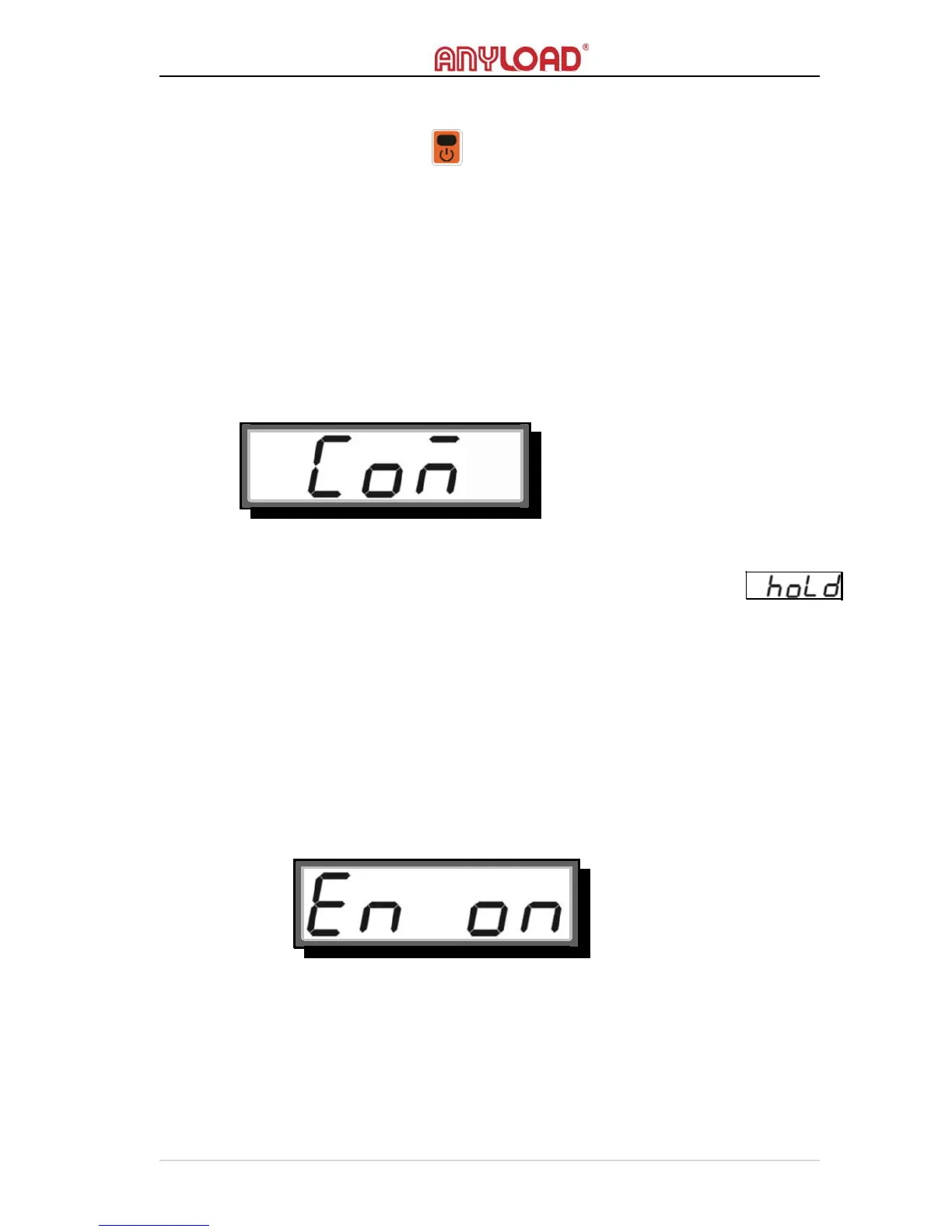
COMMUNICATION ON/OFF
o
The scale’s serial communication port is controlled by the
C
OMMUNICATION
O
N
/O
FF
status.
o When the port is set to on, the scale enables its serial
communication otherwise it is disabled.
o
By default, the C
OMMUNICATION
O
N
/O
FF
status is set to off
BAUD RATE
o
B
AUD
R
ATE
is the speed that scale outputs signal. There are 4 option
baud rates: 1200bps,
2400bps, 4800bps, and 9600bps.
o By default, B
AUD
R
ATE
is set to 1200bps.



 To Next Page