15 | ANYLOAD OCS Series Electronic Crane Scale User’s Guide
Function
o In I
DLE
M
ODE
, the screen dims its brightness to save
battery power. Aside from this power‐saving feature, all of
the operations are the same as in other modes.
To learn how to configure Idle Mode, refer to Idle Timing under System Setup in
Advanced Operations section.
2ND
MODE
Action
o To enter the 2
ND
M
ODE
, press 2ND key on scale or on
remote controller when the scale is in W
EIGHING
M
ODE
. Some
models do not have 2ND key at the scale, use the remote
controller to access this mode.
Function
o The 2
ND
M
ODE
is designed to switch to alternate function of keys in
the remote controller.
o
To access the functions that are not shown in the remote controller,
press this
2ND
key.
o In 2
ND
M
ODE
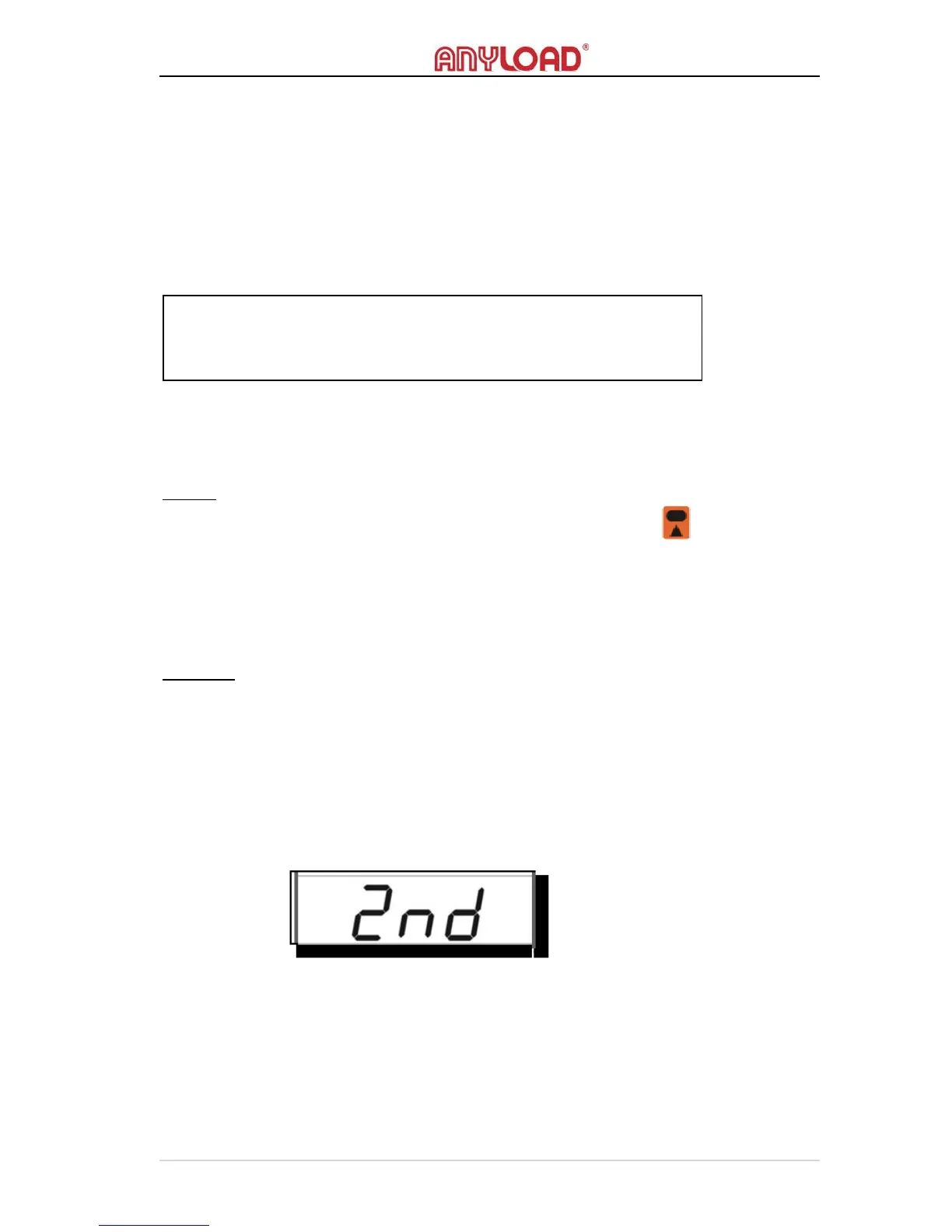
, pressing the 2ND key will show the message below and
keep flashing until the user’s input key is entered.
NOTE:
Any keys on scale or on remote controller will wake the scale up from
its I
DLE
M
ODE
, screen backlight will light up.



 To Next Page