21 | ANYLOAD OCS Series Electronic Crane Scale User’s Guide
TARE SET
Action
o Press 2ND key on scale or on remote controller and then TARE
key on scale or on remote controller mode) to enter T
ARE
S
ET
function (when the scale is in gross mode).
o Press ZERO and TARE keys on scale or and on remote
controller to input value.
o Press HOLD key on scale or on remote controller to confirm the
inputted value.
Function
o The scale will store the tare weight that user has inputted and will
shift to N
ET
M
ODE
. All subsequent readings are deviated from the
tare value.
o
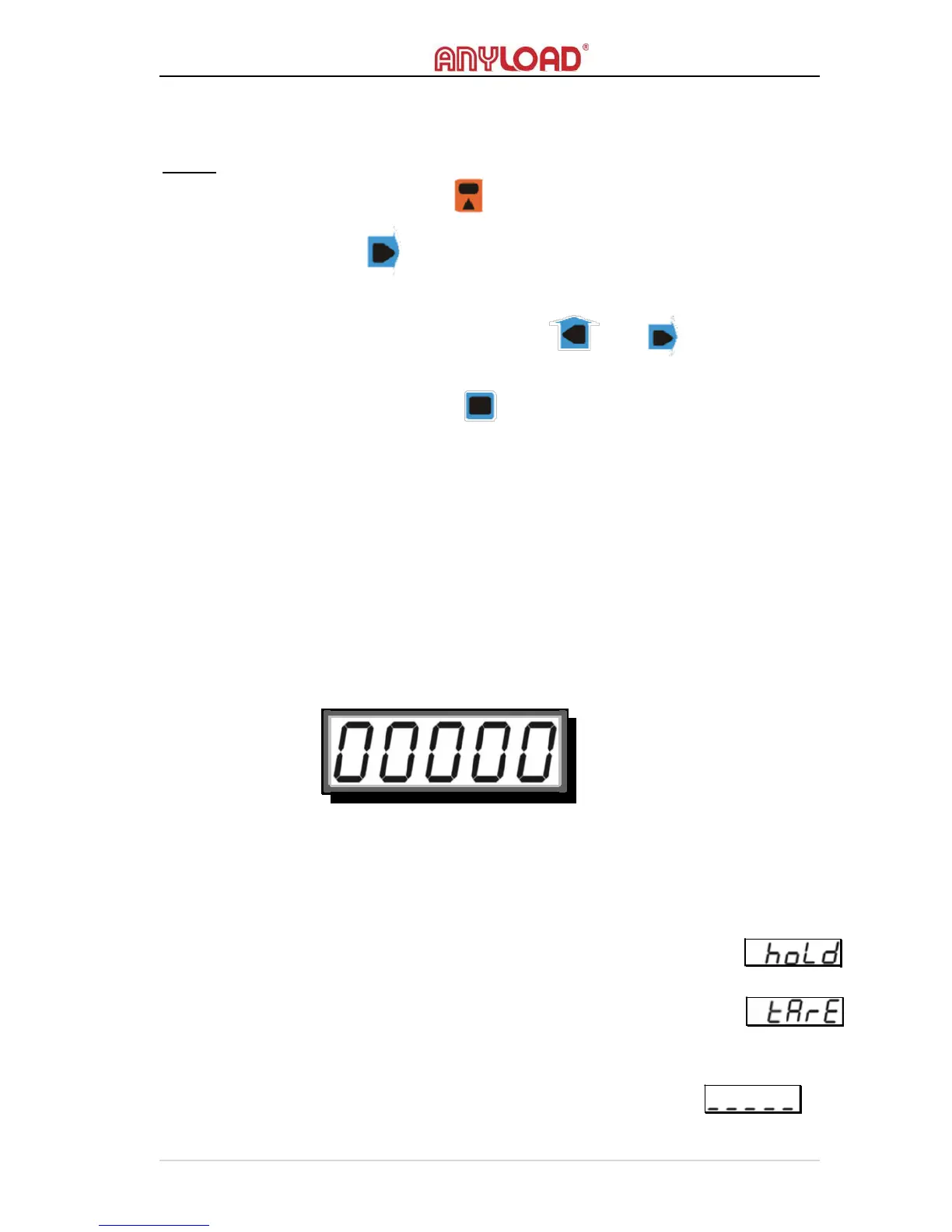
The screen will display “00000” (or “0000.0” or “000.00”, depending on
the resolution) with
the first “0” flashing, waiting for user’s inputs.
To learn how to input values, please refer to User Input section.
Condition
o
The scale must not in H
OLD
mode otherwise an error message
will display
.
o
The scale must be in G
ROSS
M
ODE
otherwise an error message
will display
o
The input tare weight must be greater than 0 (or 0.0 or 0.00,
depending on the resolution)
otherwise an error message
will display



 To Next Page