23 | ANYLOAD OCS Series Electronic Crane Scale User’s Guide
To learn how to set Anti‐Motion Level, refer to the Anti‐Motion Level in
Advanced Operations section.
Condition
o
The scale must not in H
OLD
mode otherwise an error message
will display
.
BATTERY CHECK
Action
o
To check scale’s battery power, press and then on remote
controller. This can be done using the remote controller.
Function
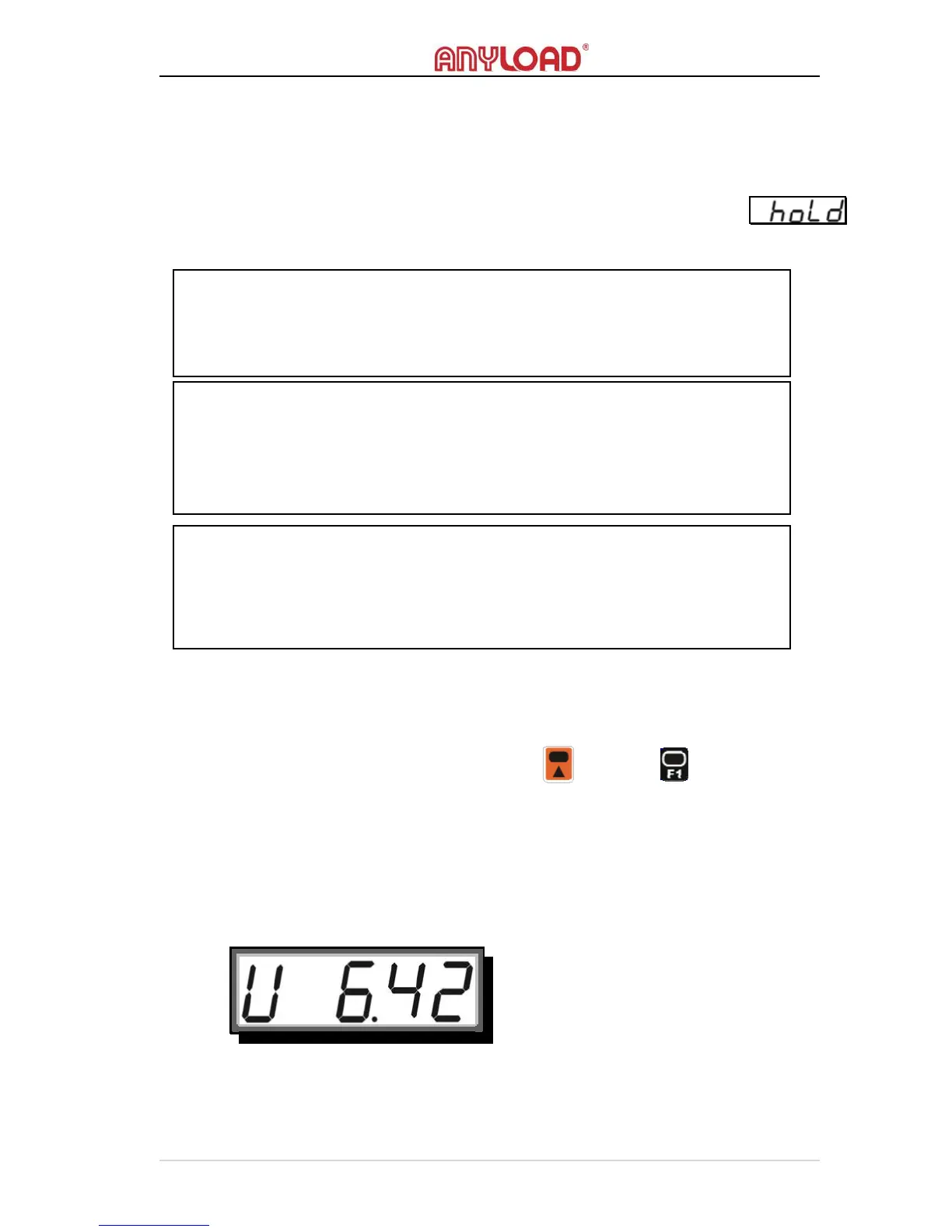
o System checks the battery and feedbacks with battery’s left charge.
o The screen flashes the battery charge in voltage like the image below.
Please refer to Battery section for more information about battery.
NOTE:
High resolution offers better accuracy at the cost of longer measuring time and
stricter requirement of load’s stability. Designed to meet the OIML R76’s
directive, this scale has the best (default) performance at 2000 to 3000 division
NOTE:
R
ESOLUTION
S
WITCHING
will change the apparent overloading range of the
scale. For example, if the resolution of a 3000kg scale is switched to 0.5kg, it
will overload at a new weight of 3004.5kg (3000 + 9*0.5), while by default, it
overloads at a weight of 3009kg (3000 + 9*1)
NOTE:
The default resolution will be restored once the scale is restarted or entering to
System Setup Mode (no matter what settings are changed or not). To save the
changes in resolution, use S
YSTEM
S
ETUP
function rather than R
ESOLUTION
S
WITCHING



 To Next Page