18 | ANYLOAD OCS Series Electronic Crane Scale User’s Guide
To learn how to operate in View Total Mode, refer to View Total Mode of Scale’s
Mode in Advanced Operation section.
DELETE LAST TOTAL
Action
o
To delete the last accumulated weight reading, press on remote
controller.
Function
o If the latest weight reading added to the accumulator is a
mistake or need to be replaced, it can be erased by D
ELETE
L
AST
T
OTAL
. This will erase only the latest weight value
added.
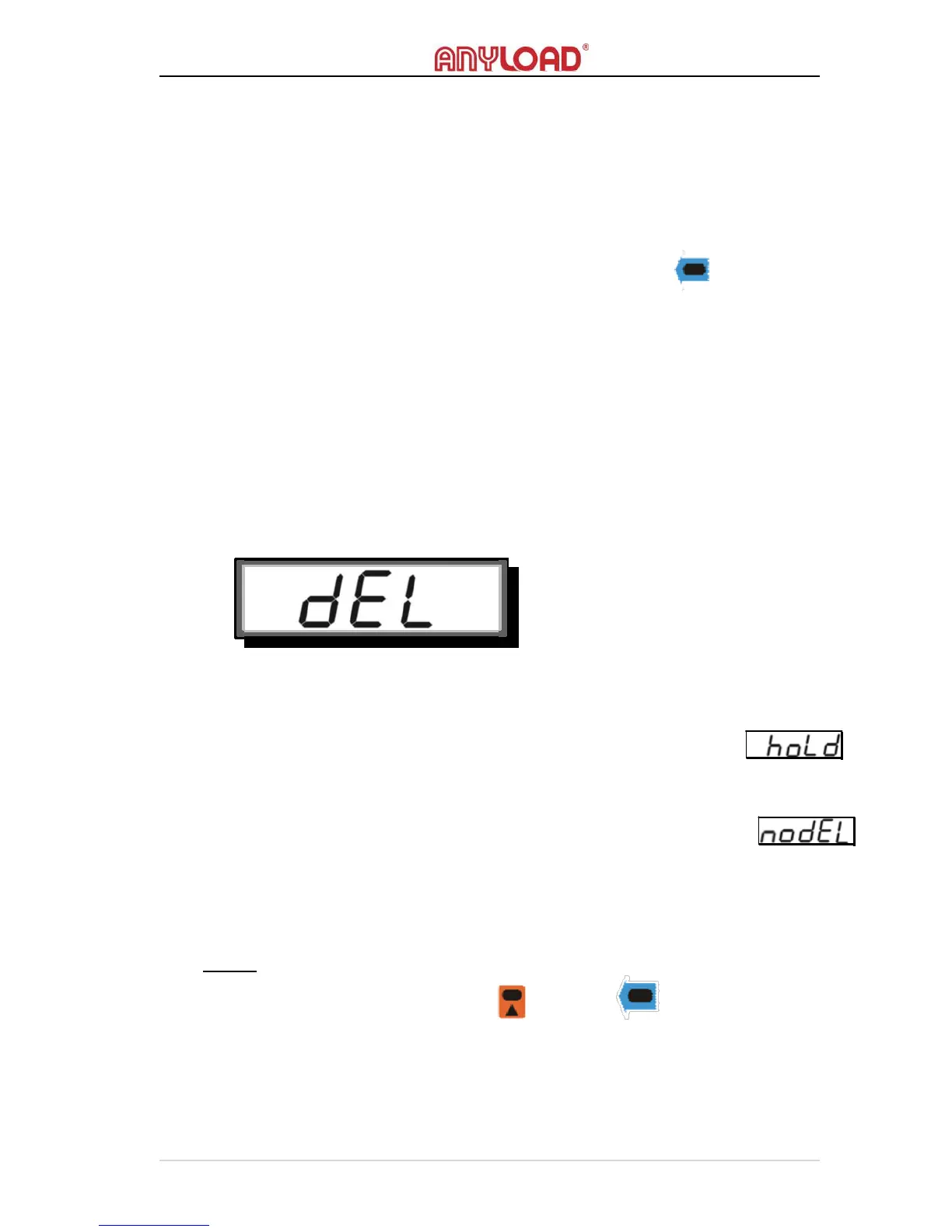
o The screen will display the below message indicating that the last
T
OTAL
is successfully deleted.
Condition
o The scale must not in H
OLD
mode otherwise an error message
will display.
o
The Last Total must be greater than 0 (or 0.0 or 0.00, depending on the
resolution) or has
not been deleted otherwise an error message
will display.
CLEAR
CLE
Action
o
To clear the overall Total, press and then on remote
controller.



 To Next Page