24 | ANYLOAD OCS Series Electronic Crane Scale User’s Guide
Condition
o
The scale must not in H
OLD
mode otherwise an error message
will display
.
SYSTEM SETUP
Action
o To enter S
YSTEM
S
ETUP
M
ODE
, press 2ND and then HOLD keys on
scale or and then on remote controller. Some models do
not have HOLD key at the scale, so it is recommended to have the
remote controller.
o
To input values, press ZERO and TARE keys on scale or and
on remote controller.
o To confirm inputted value, press HOLD key on scale or on remote
controller.
o To save and exit S
YSTEM
S
ETUP
M
ODE
, press 2ND key on scale
or on remote controller.
o To exit S
YSTEM
S
ETUP
M
ODE
without saving, press ON/OFF key
on scale or on remote controller.
To learn how to input digits or change the option, please refer to User Input
section.
Function
o In S
YSTEM
S
ETUP
M
ODE
, user can change the scale’s system function
to their desired setting like higher resolution, automatic power‐off
delay, idle delay, the screen’s brightness, display frequency, anti-motion
level, etc.
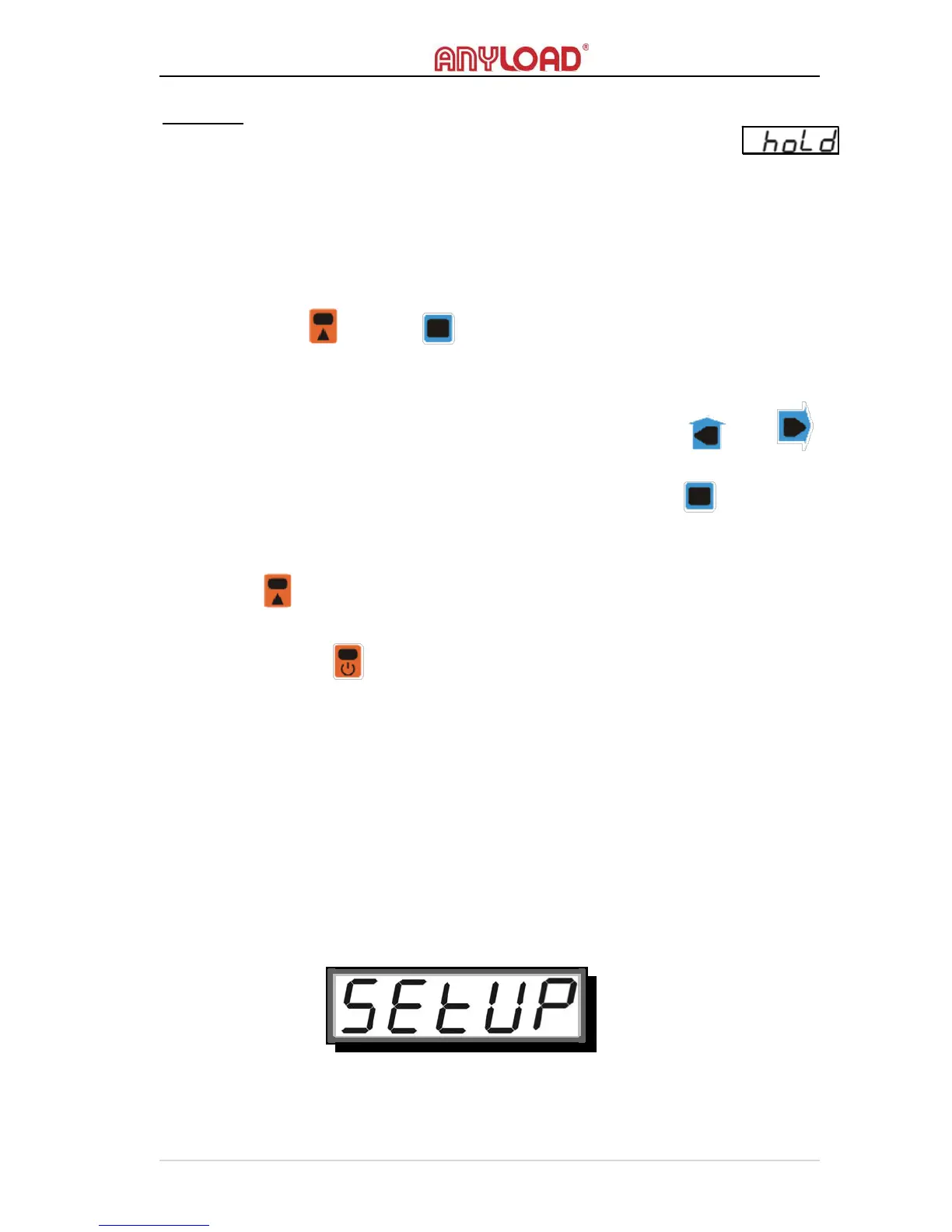
o The screen will display the welcome message shown below:



 To Next Page