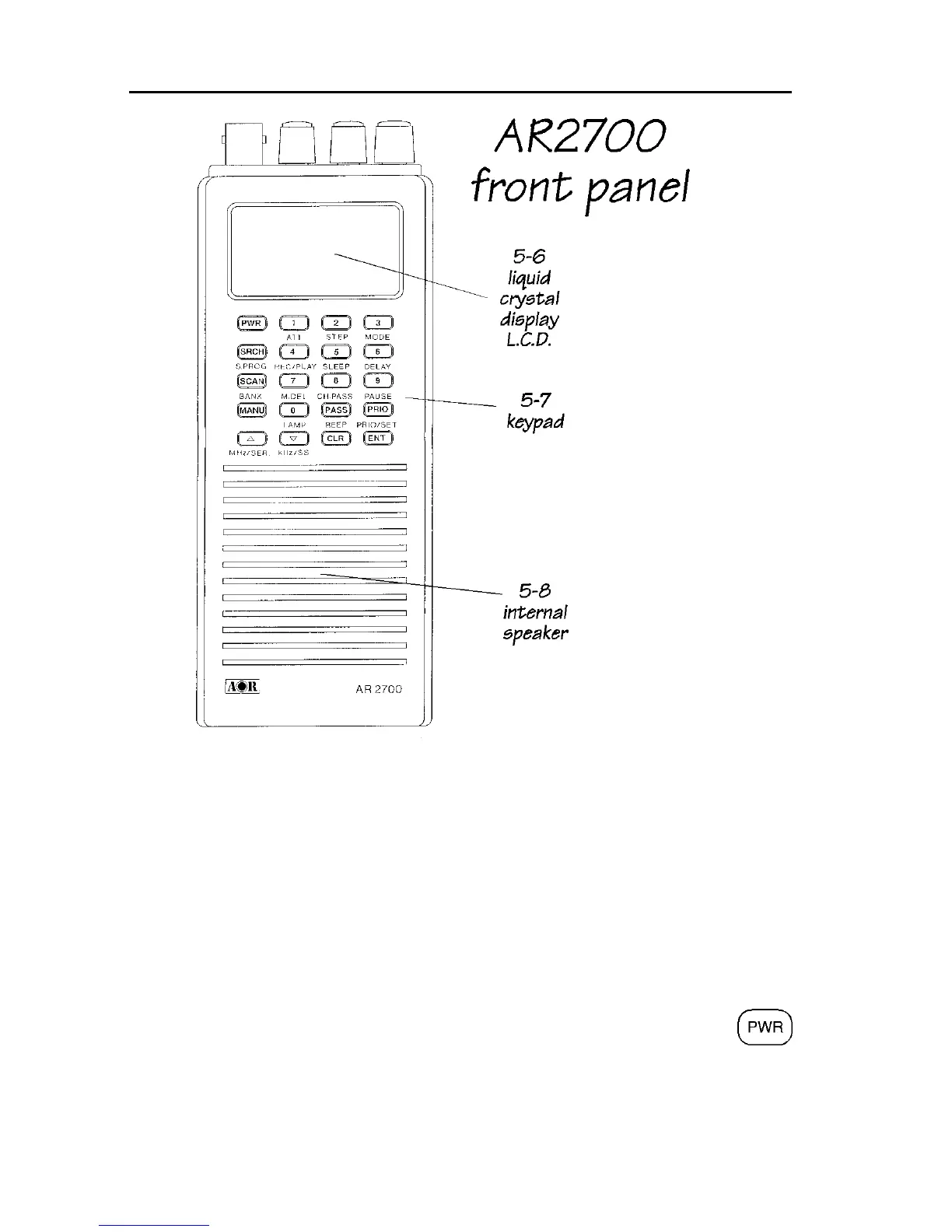
AR2700 operating manual
12
and other operational data in conjunction with the left side panel [2ndF]
function key and top panel [DIAL].
If a key is not pressed within about 30 seconds during data entry, the entry will
be aborted and the receiver will return to the previous display.
Attractive green rear illumination of the front keypad and LCD is switchable for
use in locations of low level lighting.
The basic operational description of each key is as follows:
[PWR] - power On/Off key
When the [PWR] key is pressed and held for more than 1.5 seconds the
microprocessor will switch the receiver On. The requirement of PRESS
AND HOLD prevents accidental switch On and Off.



 To Next Page