AR2700 operating manual
45
passed back-and-fore between a control tower / aircraft which may take a few
seconds. If you are scanning duplex channels then a small delay or no delay
at all may be preferable.
The limits are 0.0 to 9.9 seconds with 0.0 being interpreted as DELAY OFF.
The default is 2.0 seconds.
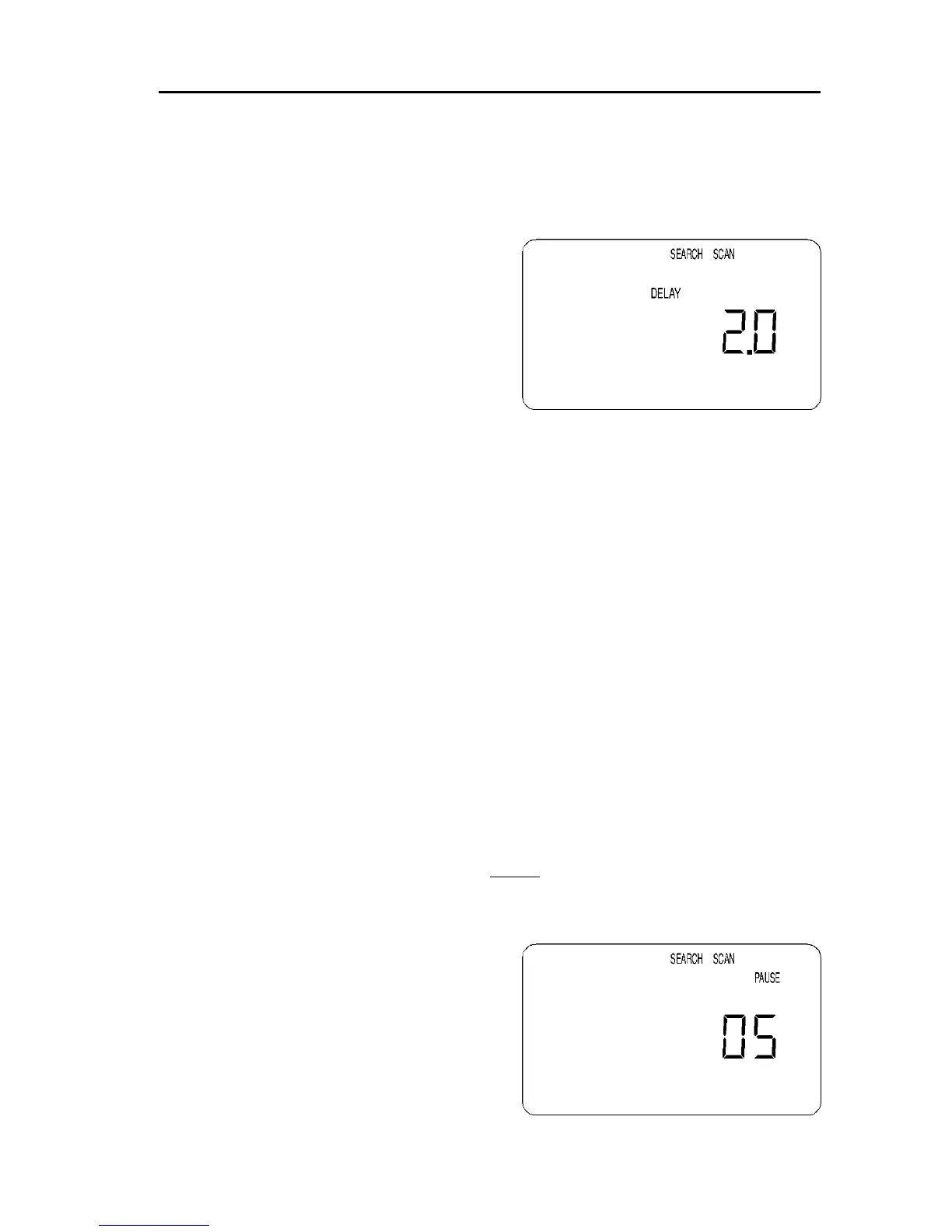
To access the menu to change the delay
time press [2ndF] [6]. The legend
“SEARCH SCAN” appears on the top line
of the LCD with the flashing legend
“DELAY” centrally positioned to the left of
a two digit number, at default this number
will be 2.0
The value may be changed by keying in a
two digit number via the numeric keypad
(the decimal is automatically entered by the microprocessor) or the UP /
DOWN keys or [DIAL] may be used to change the value in 0.1 second
increments. Press [ENT] to accept the new value.
Note: Setting DELAY to 0.0 turns the delay OFF. Under this condition,
the receiver may start to scan before the transmission has finished due
to signal level changes such as mobile flutter or signal fading.
10-2 PAUSE time
The PAUSE parameter determines how long the receiver will remain on an
“active” channel before resuming scanning channels or searching.
This is useful if you wish to gain a picture of what is happening without the
receiver being tied to a busy frequency for long periods of time (such as when
monitoring active amateur band repeaters etc). PAUSE saves you having to
manually intervene to force the scan or search process to continue or use
PASS channels.
The limits are 01 to 99 seconds with the default being 05. It is also possible
to switch PAUSE Off.
If the sequence [2ndF] [9] is keyed the global PAUSE facility will be engaged
and the legend “PAUSE” will be displayed on the LCD. To toggle the pause
facility to Off simply repeat the key sequence [2ndF] [9].
To program the pause delay time, key the
sequence [2ndF] [9] and hold the [9] key
for more than 1.5 seconds. The value
may be changed by keying in a two digit
number via the numeric keypad or the
UP / DOWN keys or [DIAL] may be used
to change the value in one second
increments. Press [ENT] to accept the
new value.



 To Next Page