AR2700 operating manual
32
VHF Civil airband, UHF Military airband and some PMR (Private Mobile Radio)
and utility services.
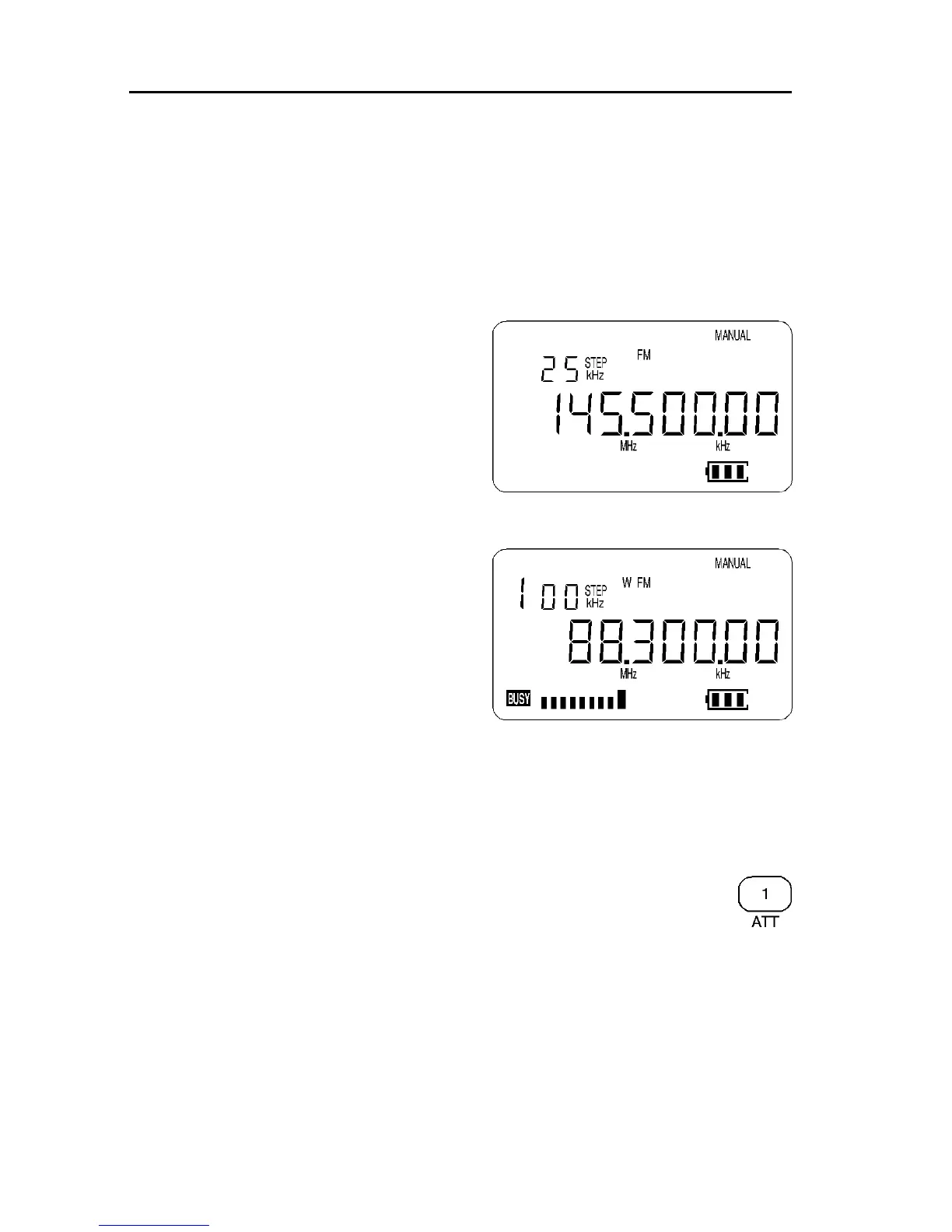
FM (NFM)
Narrow Band Frequency Modulation - this provides high quality communication
for relatively short distance operation. NFM is the most common mode used
above 30 MHz with the exception of the airbands. NFM is widely used on the
VHF bands: VHF Marine band, 2m amateur Band (145MHz), 70cm amateur
band (433 MHz), PMR (Private Mobile Radio) and utilities.
In the absence of a signal, the background
white noise may appear quite loud. For
ease of listening the squelch control
should be rotated clockwise until the
background noise just disappears, this
should be carried out when no signal is
present. The point where the background
noise is cancelled is known as “threshold
point”. Do not advance the squelch
control more than necessary or the
receiver will appear to be desensitised and
weaker signals will be missed.
WFM
Wide band Frequency Modulation - used
by VHF and UHF broadcast stations as
excellent audio quality is available due to
the relatively wide frequency bandwidth
employed. Used only for local services
such as VHF band-2 stereo (received as
mono on the AR2700) and UHF TV sound
channels.
When listening in VERY strong signal locations especially when using an
external aerial, the WFM I.F. amplifier may be overloaded. This will not
damage the AR2700 but may result in “apparent signal loss”. Should this be
encountered, use the attenuator to reduce signal strength or swap to the
standard telescopic whip aerial.
6-8 [ATT] Attenuator ON/OFF
The attenuator adds 10dB of signal reduction to the RF input stages of
the AR2700 to reduce the possible effects of signal overloading due to
connection to an external aerial or when the receiver is used in close
proximity to strong transmissions.
The AR2700 has two settings for ATT (attenuator), On and Off. When the
attenuator is On, the legend “ATT” appears on the top left line of the LCD.
To toggle the attenuator On/Off while in MANUAL mode press [2ndF] [1] the
legend “ATT” confirms selection and incoming signals will be reduced in
strength. To toggle On/Off again just repeat the sequence [2ndF] [1], the



 To Next Page