AR2700 operating manual
57
14-1 Setting the RS232 parameters
The RS232 parameters may be altered using the SERIAL menu. This menu is
accessed with the sequence [2ndF] [UP] with the [UP] key held for more
than 1.5 seconds.
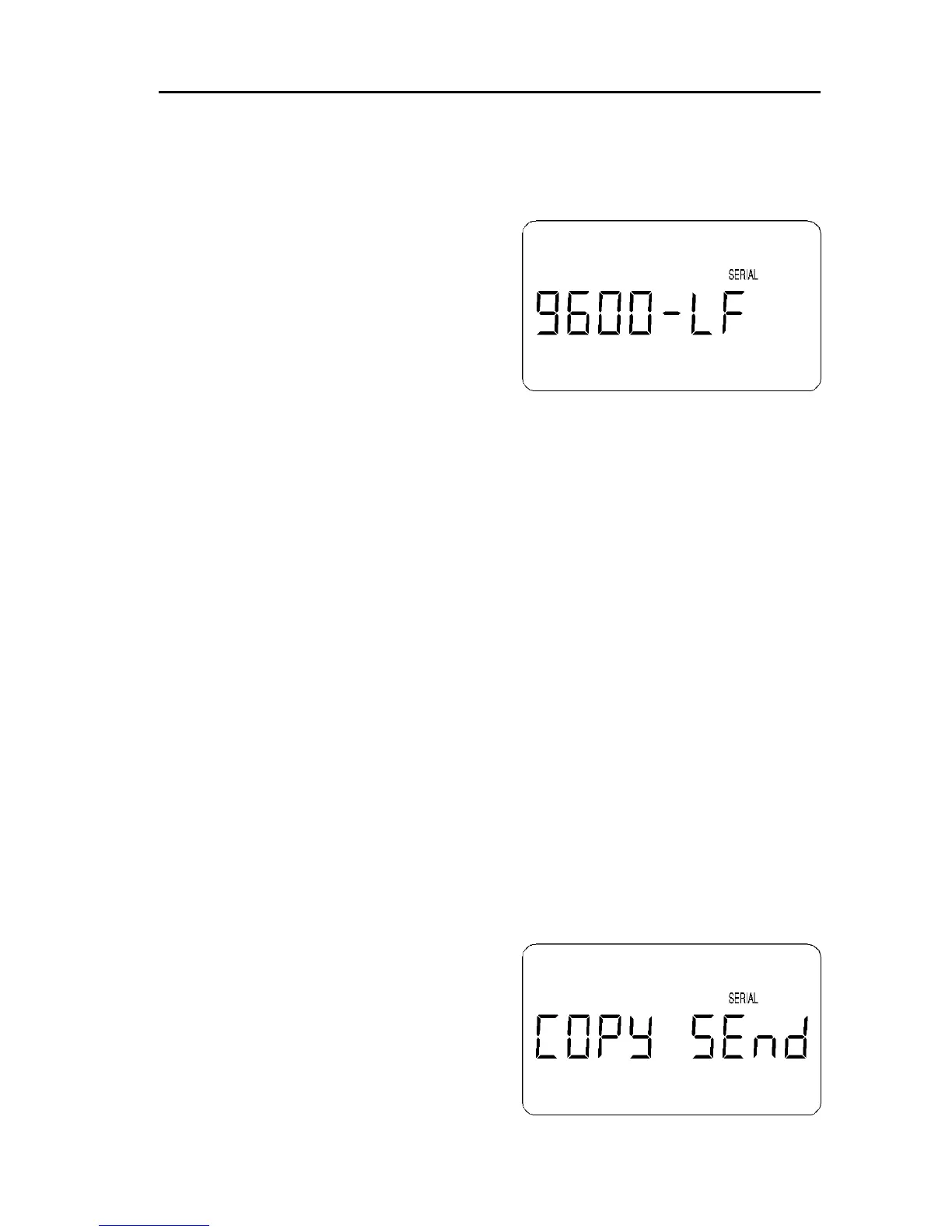
The flashing legend “SERIAL” appears on
the LCD to indicate that the RS232 menu
has been accessed.
The RS232 baud rate is indicated on the
left of the LCD (for example 9600 bps) and
may be changed to 4800 or 2400 bps
using the [DIAL]. The baud rate will be
displayed in sequence on the LCD.
It is also possible to add a LINE FEED to the data, this is accomplished by
using the [UP] or [DOWN] keys. The legend “LF” to the right of the baud rate
indicates when the LINE FEED has been added.
To accept the currently displayed value press [ENT].
Due to the characteristics of the EEPROM and receiver circuits, the choice of
RS232 communications speed between the receiver and computer may not
greatly affect the operational efficiency. Of course, correct operation will only
be achieved when the parameters are all matched between the computer and
AR2700.
(15) Clone (copy) data between two AR2700 receivers
It is possible to clone (copy) ALL data from one AR2700 to another AR2700
receiver. This is a useful facility when two friends each have the AR2700
receiver and wish to share data.
The optional adaptor (IF-ADP) and interface (CU8232) is required. Further
information will be provided with the optional adaptor and interface.
15-1 Transferring data by CLONE
Connect the two AR2700 receivers together using the optional adaptor
(IF-ADP) and interface (CU8232) using the cables provided with the options.
Decide which receiver is going to SEND
the data and which is going to RECEIVE.
You cannot specify what data is to be
transferred, ALL data must be sent.
The process of copying data is initiated
using a menu which is accessed with the
sequence [2ndF] [UP].



 To Next Page