AR2700 operating manual
35
If you had previously written memory
data to location “315”, then the
microprocessor will automatically
increment to location “316” or the first
available empty memory channel. The
microprocessor will always select the
bank number last used unless otherwise
specified.
Should you wish, you may instruct the
microprocessor to “offer” an alternative bank or review the current setting.
While in MANUAL mode use the sequence [2ndF] [SCAN] (the second
function being labelled as BANK. Use the UP / DOWN keys, [DIAL] or
numeric keypad to select an alternative bank then press [ENT].
As you may force a bank / channel location during memory write, the above
facility is not essential but provides a better understanding as to how the
memory system operates.
7-3 Memory recall - Recalling receive data from memory
Once receive frequency and mode data has been stored into a memory
location, its retrieval is quick and simple.
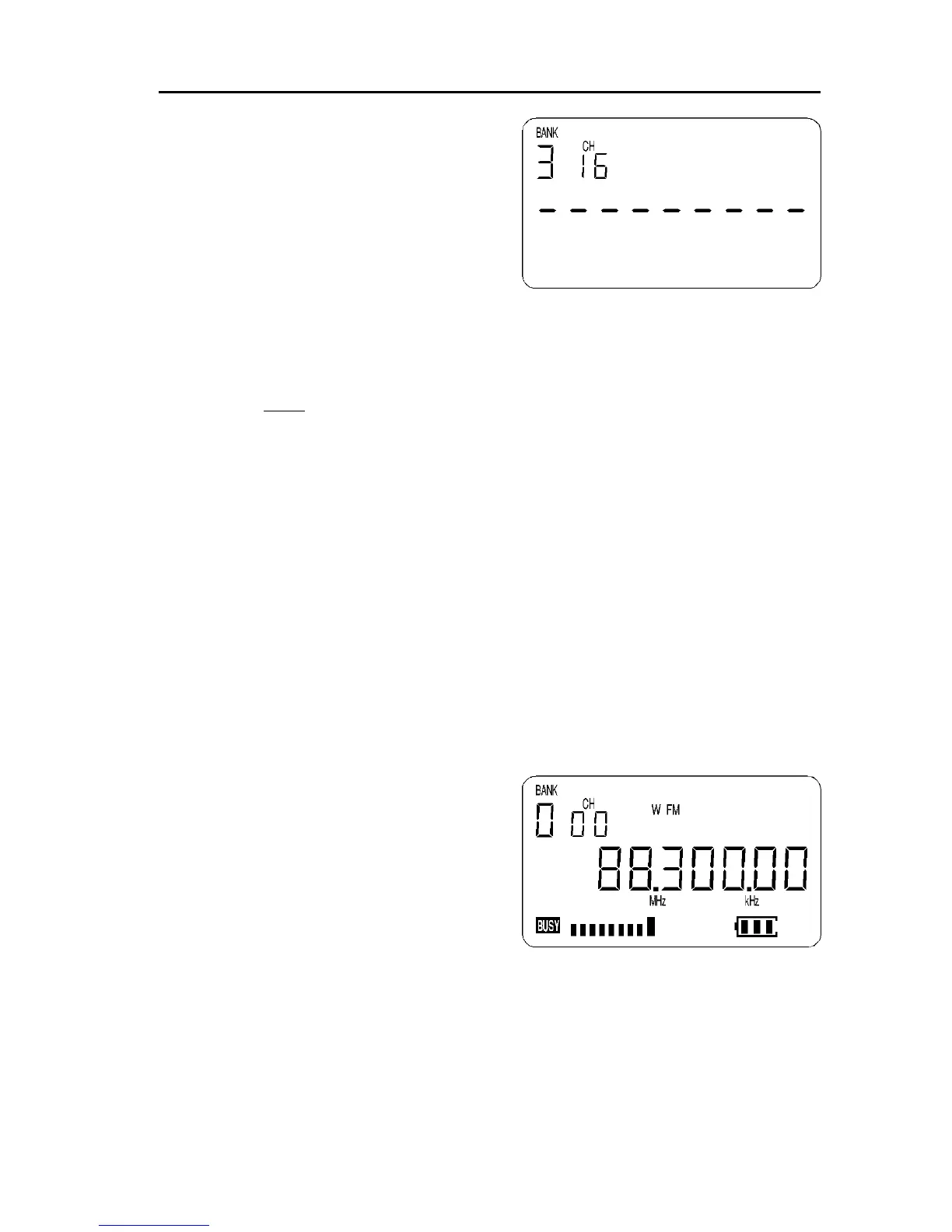
For example to retrieve the frequency of 88.3 MHz which has been pro-
grammed into to memory location “000” during the example in the preceding
section of this manual...
Press [SCAN] to place the receiver into memory recall mode. The legend
“BANK” and “CH” appears on the top left of the LCD to confirm operation.
The receiver will display a memory channel, mode and frequency. If the
desired memory channel is not immediately displayed it may be RECALLED by
keying in the required location.
To recall memory channel “000” while in
memory recall mode, type [0] [0] [0] there
is no need to press [ENT].
The receiver will monitor whatever
memory channel first appeared when you
entered memory recall mode or your new
selection.
Memory channel review / hunt
The UP / DOWN keys and [DIAL] may be used to review, hunt for and select
memory channels.
From MANUAL mode press [SCAN] to enter memory recall mode then use the
UP / DOWN keys or rotate the [DIAL] to select the required memory channel.



 To Next Page