AR2700 operating manual
48
Alternatively you may choose a new memory location using the UP / DOWN
keys, [DIAL] or by keying in a three digit memory location. To accept the data
and write to memory press [ENT].
11-2 FREQUENCY PASS in search mode
It is possible to PASS frequencies (lockout - frequencies that you wish to be
skipped and not searched such as blank carriers) during manual search.
There are a total of 50 PASS channels provided by the AR2700.
PASS a frequency
To PASS a frequency during manual search press [PASS]. The frequency will
be automatically entered into the first available PASS CHANNEL and the set
will continue to search once again.
If the set fails to respond to the [PASS] key then all 50 PASS channels have
probably been used up and you will need to delete some in order to make more
channels available.
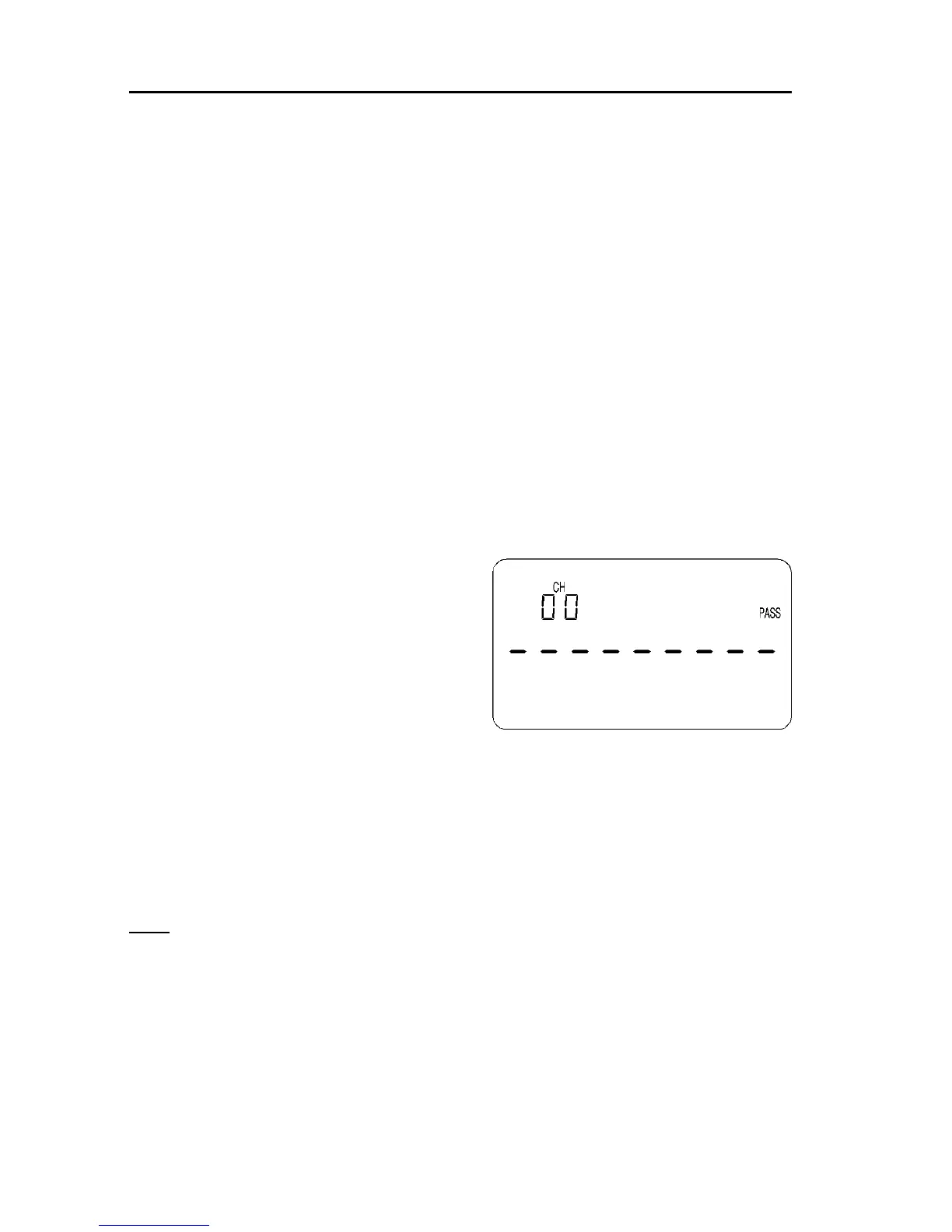
Reviewing the PASS list
To review the pass list press and hold
the [PASS] key for more than 1.5
seconds while in MANUAL or SEARCH
mode. The legends “CH” and “PASS” will
be flashing on the LCD to indicate that the
pass list has been accessed and the first
frequency in the list will be displayed along
with it’s pass channel number “00”.
The list may be reviewed using the UP /
DOWN keys or by using the [DIAL].
Deleting frequencies from the PASS list
A pass frequency may be deleted by first displaying the selected frequency in
the pass list then keying [0] [ENT]. The frequency will disappear and the list
will “shuffle down” to fill the gap which has been made.
Alternatively it is possible to delete the entire pass list in one go! To achieve
this first switch the receiver Off. Switch the receiver back on while holding
both the [PWR] and [8] keys for more than 1.5 seconds. Release both keys
and the display will remain blank for about 2 of 3 seconds. The receiver will
then power up as usual but the entire pass list data will have been erased.
Manually adding frequencies to the PASS list
Frequencies may be manually added to the pass list by first displaying the
chosen pass channel then keying in a frequency followed by [ENT], the
pass list will increment to the next channel. To escape from the pass list
press [CLR].



 To Next Page