AR2700 operating manual
49
11-3 Program search banks
It is possible to save parameters of frequency, mode, step and attenuator into
any of the 10 program search banks for easy access at any time.
The program search banks (referred to simply as search banks) are identified
by the numbers 0, 1, 2, 3 4, 5, 6, 7, 8 & 9.
For your convenience the microprocessor (depending on world market area)
may have been pre-programmed with search banks at the factory, these being
specifically chosen for each market area.
An example of typical programming is as follows (in these examples the mode
& step are taken from the PROGRAM automatic bandplan data). The
sequence may appear in a different order:
1 118.000 to 138.000 MHz (Civil airband)
2 225.000 to 410.000 MHz (Military airband)
3 410.000 to 425.000 MHz (USAF)
4 156.000 to 163.000 MHz (VHF marine band)
5 88.000 to 105.000 MHz (BAND 2 broadcast)
6 145.200 to 145.775 MHz (2M amateur band)
7 433.000 to 433.600 MHz (70cm amateur band)
8 1297.000 to 1298.000 MHz (23cm amateur band)
9 71.000 to 87.000 MHz (Low band PMR)
0 163.400 to 225.000 MHz (VHF PMR)
Starting program search
Assuming that the AR2700 is pre-programmed with similar data to that shown
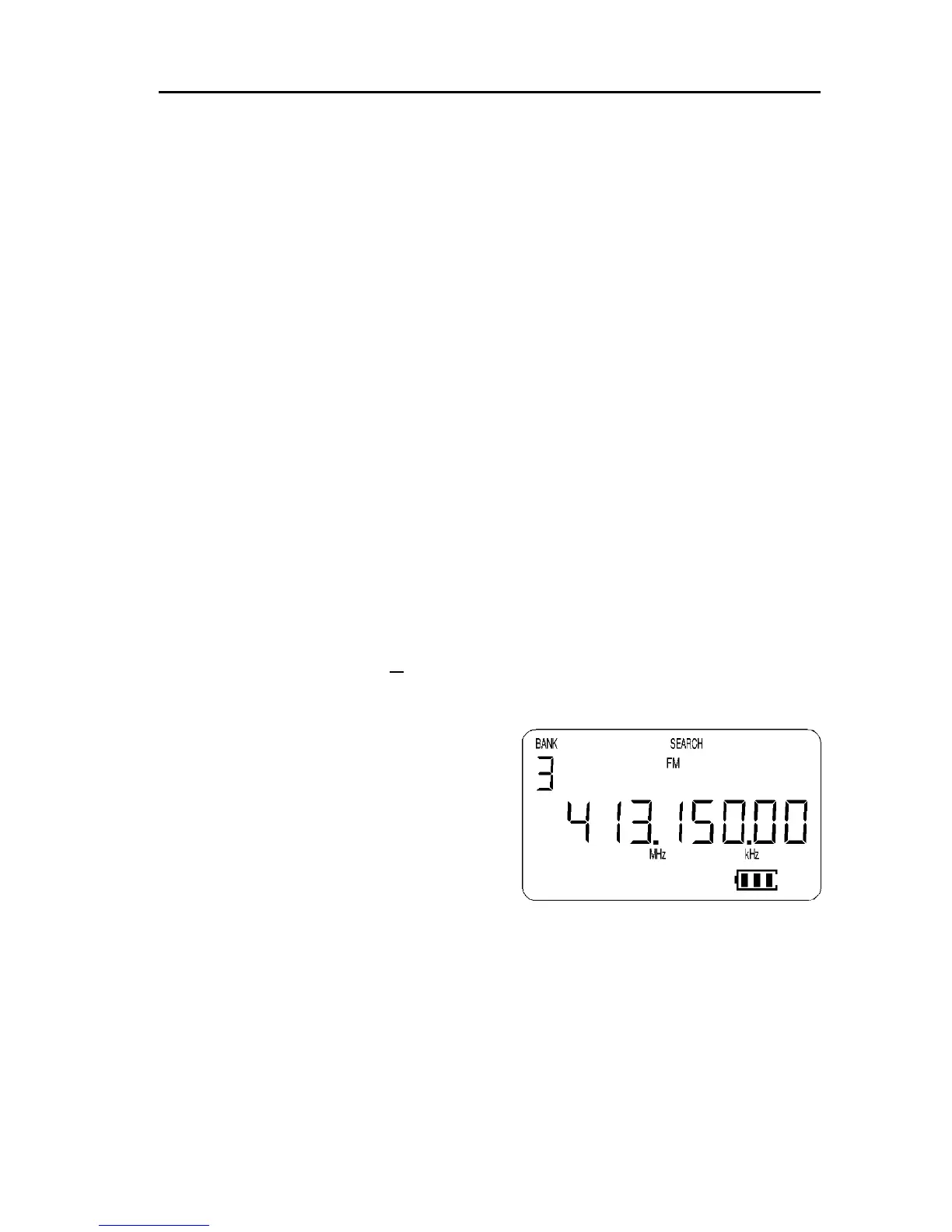
above, to initiate PROGRAM SEARCH press [SRCH]. The legend “SEARCH”
appears on the top row of the LCD to confirm selection.
To select a specific search bank press the
key corresponding to the desired search
bank identifier. For example, to search
bank “3” press [3] while in search mode.
The lowest frequency in the bank will first
appear on the LCD and will change in an
upward direction. Use the UP / DOWN
keys or [DIAL] to reverse the direction of
search.
Forcing the program search passed busy frequencies
Should the receiver stop on an unwanted active frequency, press the
[UP] / [DOWN] keys or [DIAL] to force the search process to continue.
* Also refer to section 11-2 of this operating manual (frequency pass).



 To Next Page