AR2700 operating manual
44
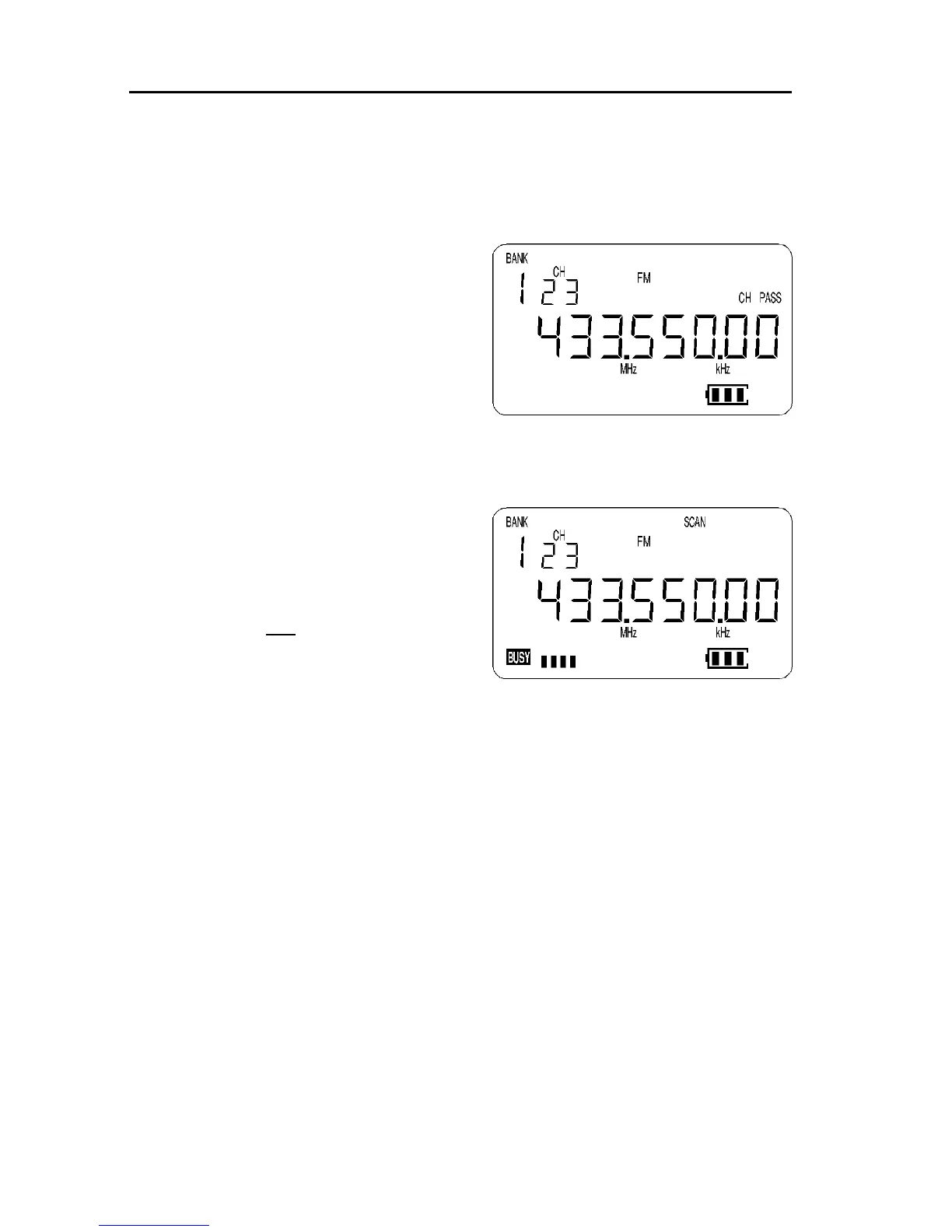
Press [SCAN] to place the receiver into memory recall mode. The legend
“BANK” and “CH” appears toward the top left of the LCD to confirm selection of
memory recall mode.
The receiver will display a memory channel, mode, frequency, attenuator and
CHANNEL PASS status.
If the desired memory channel to be
PASSED (locked out) is not immediately
displayed, the UP / DOWN keys or [DIAL]
may be used to review specific memory
scan channels. Alternatively the memory
channel location may be quickly recalled
by keying in the required location using
the keypad.
For example, to recall memory channel “123” type [1] [2] [3] there is no need
to press [ENT]. When a locked out memory channel has been selected, the
legend “CH PASS” appears above and to the right of the frequency display.
To change the status of CHANNEL PASS
(toggle CH PASS On/Off) use the key
sequence [2ndF] [8].
Lockout = “CH PASS”
(will not be scanned)
Unlocked = “no legend”
(will be scanned)
The receiver will monitor whatever memory channel is displayed in memory
recall mode when manually selected regardless of the CHANNEL PASS status.
(10)
DELAY and PAUSE facility in scan and search modes
Two user programmable timers are provided for optimising the AR2700 to suit
certain applications. These timers are “global” and affect every scan and
search mode.
10-1 DELAY time
The DELAY parameter affects the time the receiver will remain on an active
channel in scan and search mode once the received signal has disappeared
and the squelch closed.
This is particularly useful for customising how long the receiver will wait for a
reply before continuing to scan. For example, when communications are



 To Next Page