AR2700 operating manual
37
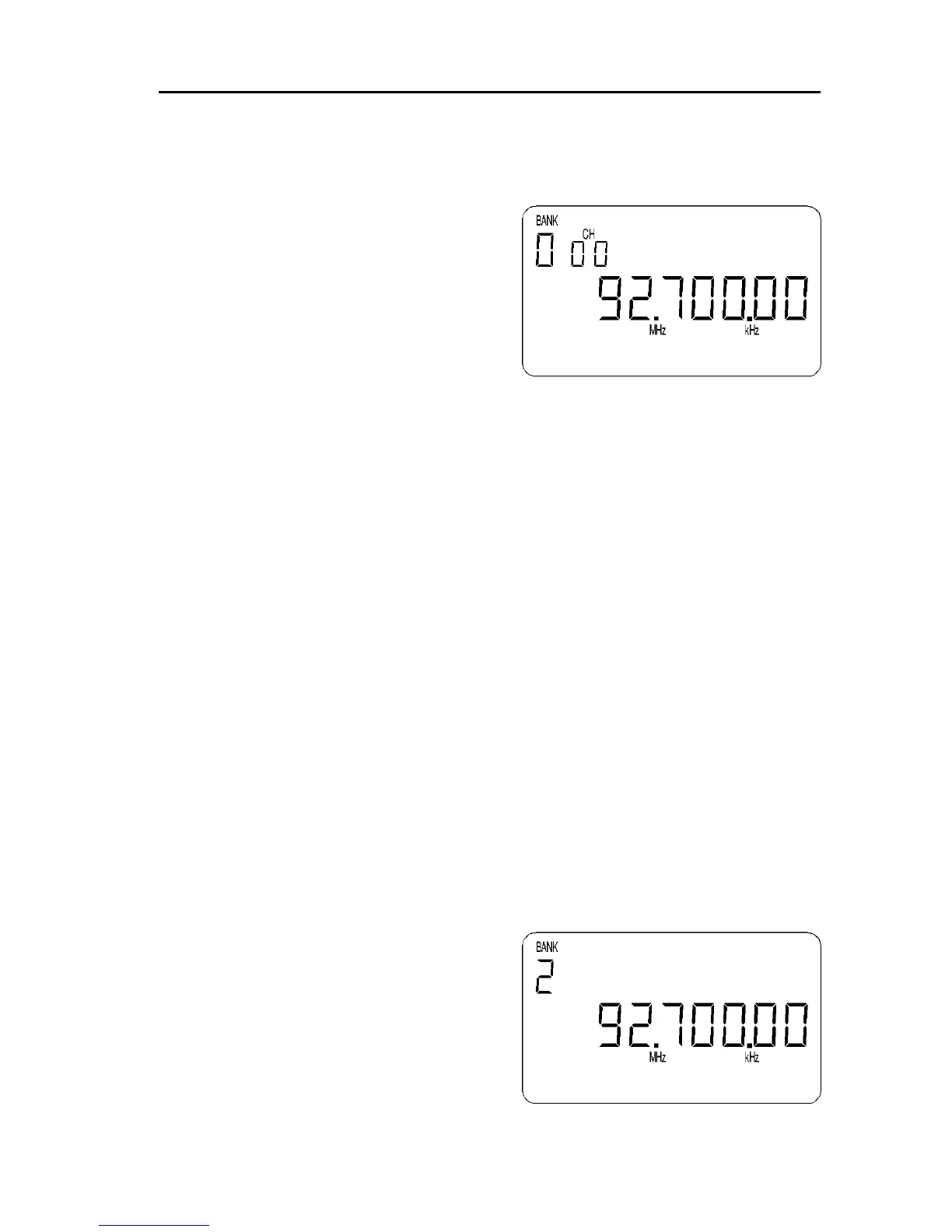
“BANK” and “CH” will flash to indicate that memory input is in progress.
Press [0] [0] [0] to select the memory location you wish to over-write
(000), the stored frequency and new frequency data will alternately flash
on the LCD.
Press [ENT] to over-write memory
location “000”. The data will be
stored and the display will return to
MANUAL mode.
At any time you may abort the memory
input by pressing the [CLR] key, the
display will return to MANUAL mode.
7-6 [M.DEL] - deleting individual memory channels and banks
The deletion of memory data presumes that you have previously programmed
memory channels which you now wish to delete! Once you have deleted
memory channel and memory bank data it cannot be restored so follow the key
sequence carefully.
If the sequence [2ndF] [7] is keyed while in memory recall mode or when
stopped on a channel during scan mode, the displayed frequency will be
deleted from the memory bank and the set will move on to the next memory
channel containing data (upward or downward depending upon how
programmed).
For example, to delete memory channel “000” (Bank 0, CHANNEL 00).
Press [SCAN] to enter MEMORY RECALL MODE. Key in the desired
memory channel which is to be deleted [0] [0] [0]. Key the sequence
[2ndF] [7] to delete memory channel “000”.
The set will remain in memory recall mode and increment to the next channel
which contains data. To delete the current channel just key [2ndF] [7]. To
return to MANUAL mode press [MANU].
It is only possible DELETE ALL THE MEMORY DATA FROM A SPECIFIC
BANK by first selecting the memory bank (using [2ndF] [SCAN] [DIAL] [ENT])
while in manual mode, switching the receiver Off, then switching the receiver
On again while holding the [7] key.
For example, press [MANU] to place the
receiver in memory recall mode. Press
[2ndF] [SCAN] then select the desired
memory bank to be deleted using the UP /
DOWN keys, [DIAL] or numeric keypad.
To accept the selection press [ENT]. Now
power the set Off by pressing and
holding the [PWR] key for more than
1.5 seconds. Switch the receiver back
On by pressing and holding the [PWR]



 To Next Page