AR2700 operating manual
52
been selected. If no frequency data is currently stored the legend “- - -” will be
displayed.
Use the UP / DOWN keys or [DIAL] to select the required receive mode. If the
alternating frequency is distracting, press one of the numeric keys so that the
display “- - -” is presented.
If “PROG” is selected then the receive
mode and step will be taken from the
automatic bandplan data, in this case the
selection of step will be skipped.
To accept the choice of receive mode
press [ENT].
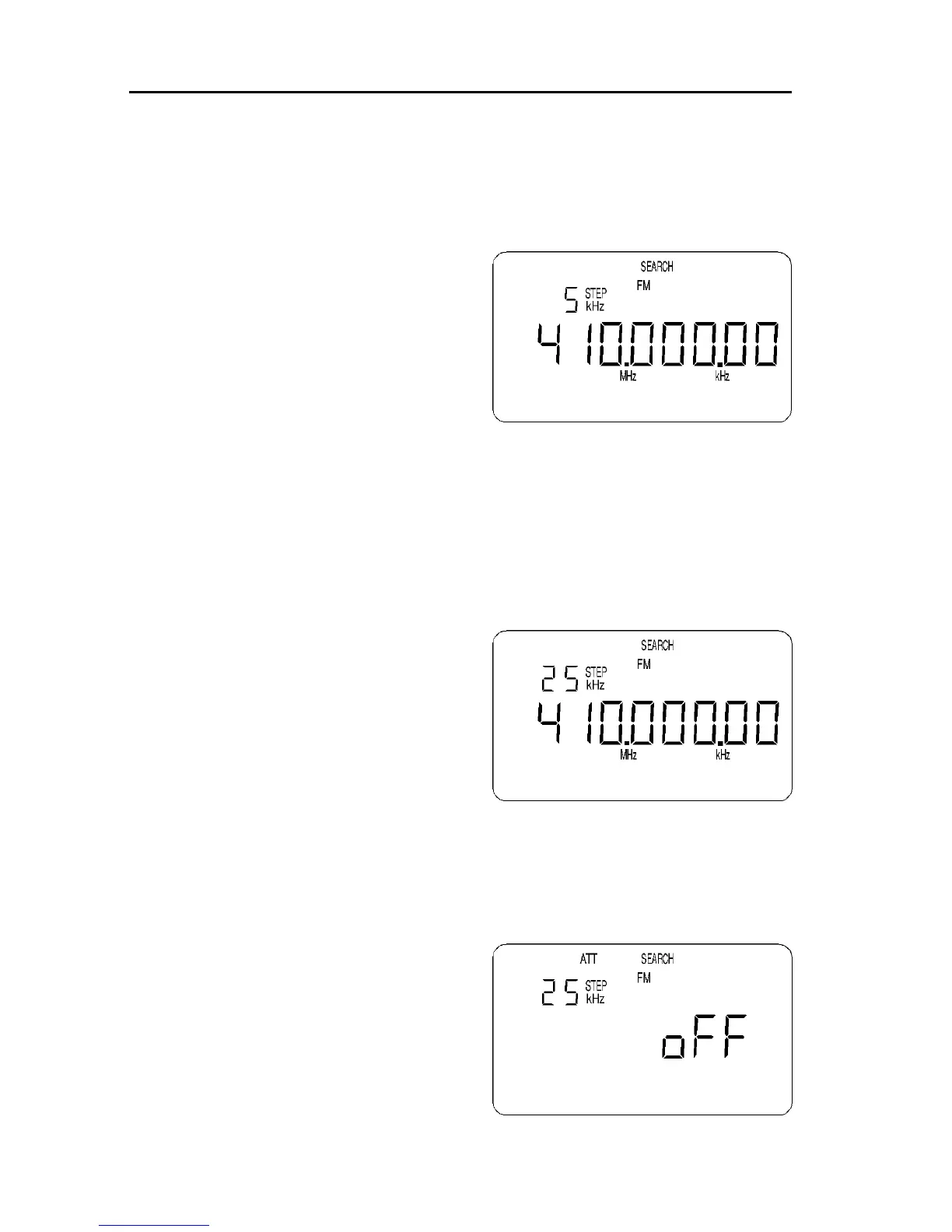
In this example select “FM” then
press [ENT]
Selecting step size
If the mode selection has previously been made as “PROG” then the receive
mode and step will be taken from the automatic bandplan data and this item
will be skipped.
To select the step size use the UP / DOWN keys or [DIAL]. The choices are as
follows:
NFM & AM: 5kHz, 6.25kHz, 9kHz,
10kHz, 12.5kHz, 20kHz, 25kHz,
30kHz, 50kHz & 100kHz.
WFM: 50kHz & 100kHz.
To accept the choice press [ENT].
In this example select “25kHz” then
press [ENT]
Selecting attenuator On / Off
Use the UP / DOWN keys or [DIAL] to select the appropriate setting for the
attenuator. On is when the receiver is least sensitive, Off is when the receiver
is most sensitive. The legends are “on” or “oFF”, the usual setting is Off.
Other legends at this time will be a
flashing “ATT”, steady “PROG” and
flashing “SEARCH”.
To accept the choice of attenuator press
[ENT].
In this example select “oFF” then
press [ENT]



 To Next Page