ARCHTTP PROXY SERVER INSTALLATION
58
5.1 For Windows
You must have administrative level permissions to install SATA
RAID software. This procedure assumes that the SATA RAID hard-
ware and Windows are installed and operational in your system.
Screen captures in this section are taken from a Windows XP instal-
lation. If you are running another version of Windows, your in-
stallation screen may look different, but the ArcHttp proxy server
installation is essentially the same.
1. Insert the RAID subsystem software CD in the CD-ROM drive.
2. Run the setup.exe le that resides at: <CD-ROM>\PACKAGES\
Windows\http\setup.exe on the CD-ROM.
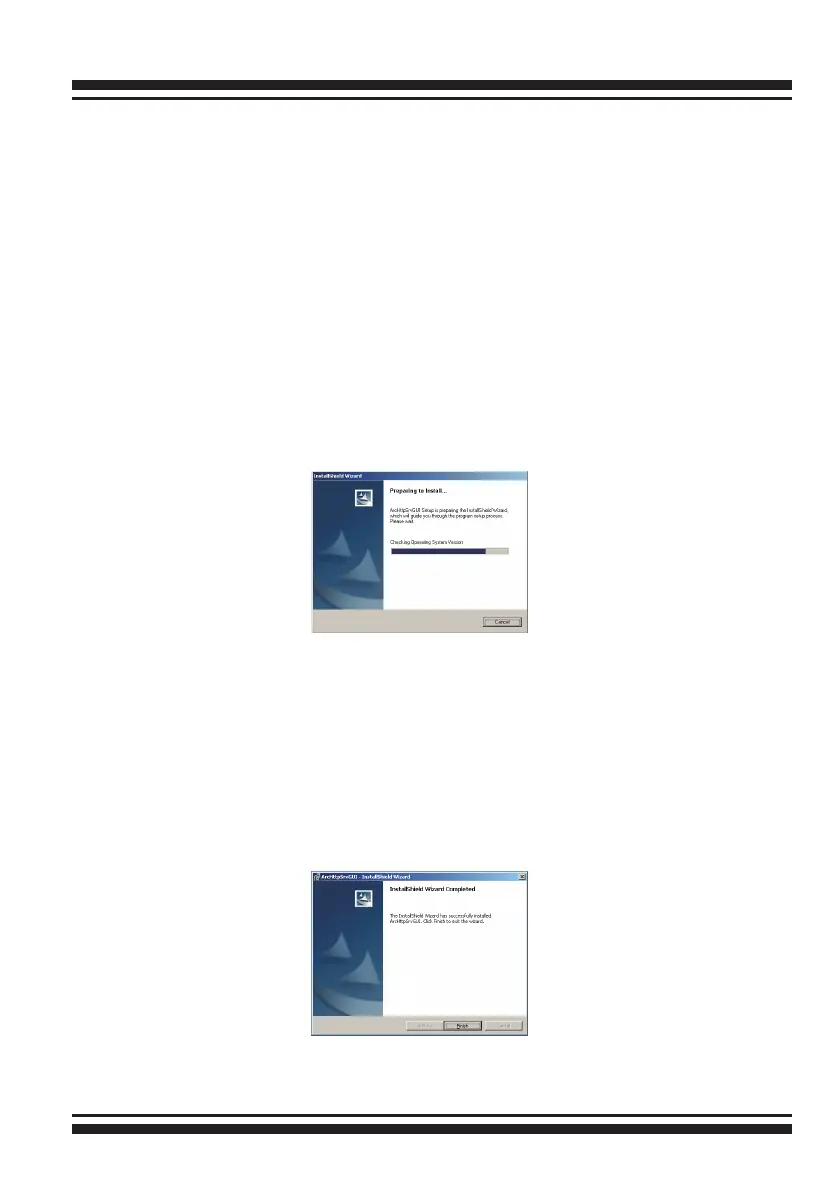
3. The screen shows “Preparing to Install”.
Follow the on-screen prompts to complete ArcHttp proxy server
software installation.
A program bar appears that measures the progress of the
ArcHttp setup. When this screen complete, you have completed
the ArcHttp proxy server software setup.
4. After a successful installation, the “Setup Complete” dialog box
is displayed.
Click the “Finish” button to complete the installation.



 To Next Page