67
WEB BROWSER-BASED CONFIGURATION
• Start-up McRAID Storage Manager from Windows
Local Administration
Screen captures in this section are taken from a Windows XP
installation. If you are running another version of Windows, your
screens may look different, but the ArcHttp proxy server instal-
lation is essentially the same.
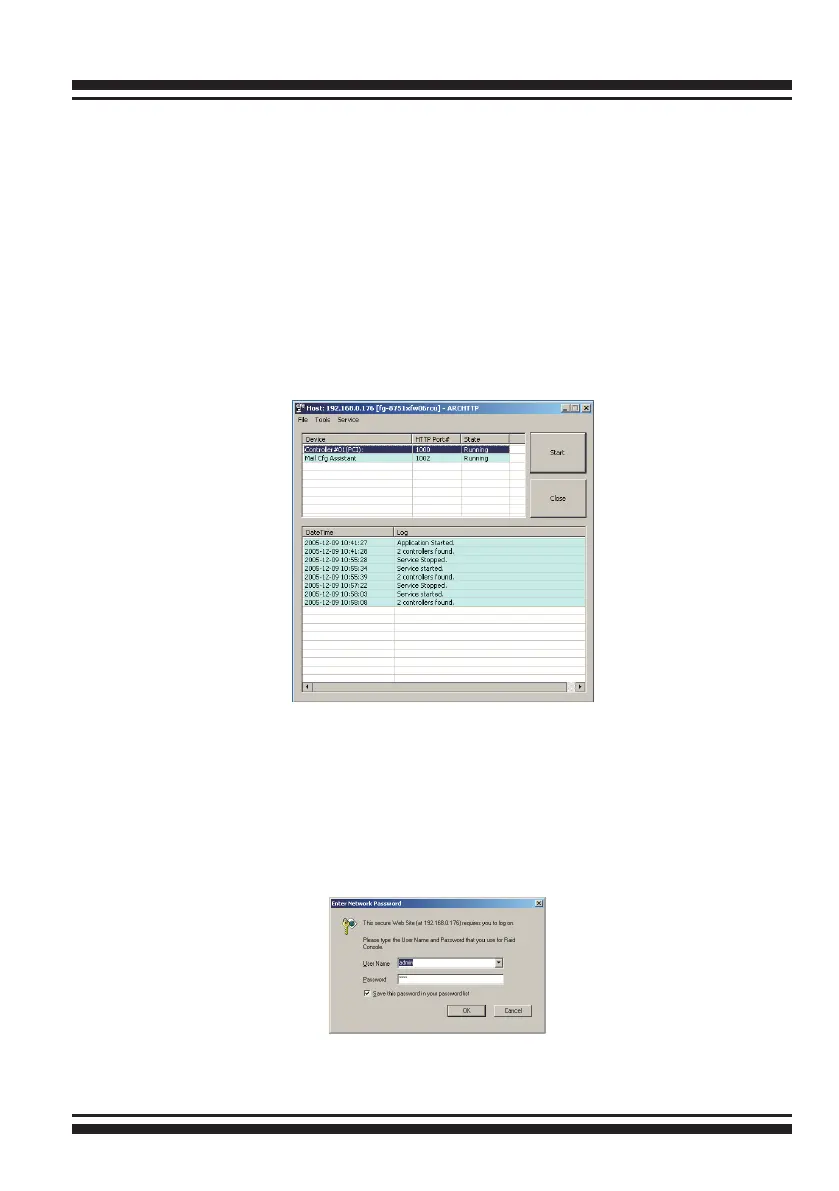
1. To start the McRAID Storage Manager for browser-based
management, selecting Controller#01(PCI) and then click the
“Start” Button.
The “Enter Network Password” dialog screen appears, type the
user name and password. The RAID subsystem controller de-
fault user name is “admin” and the password is “0000”. After
entering the user name and password, press Enter to access the
McRAID storage manager.



 To Next Page