BIOS CONFIGURATION
32
3.6.2.1 Create Raid Set
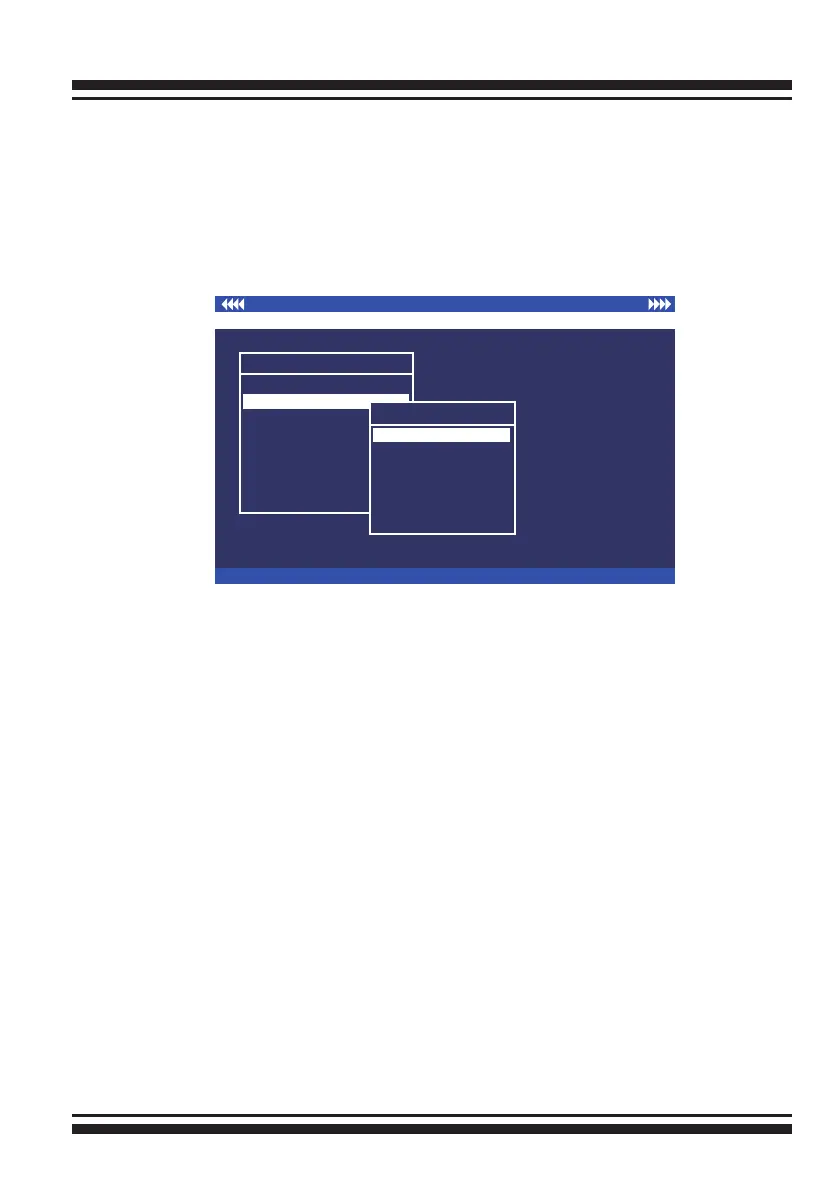
To dene a RAID set, follow the procedure below:
1. Select “Raid Set Function” from the main menu.
2. Select “Create Raid Set “ from the “Raid Set Function” dialog
box.
3. A “Select SATA Drive For Raid set” window is displayed show-
ing the SATA drives connected to the current controller. Press
the UP and DOWN arrow keys to select specic physical drives.
Press the Enter key to associate the selected physical drive
with the current RAID set. Repeat this step; the user can add as
many disk drives as are available to a single RAID set.
When nish selecting SATA drives for RAID set, press the Esc
key. A “Create Raid Set Conrmation” screen appears, select the
Yes option to conrm it.
4. An “Edit The Raid Set Name” dialog box appears. Enter 1 to
15 alphanumeric characters to dene a unique identier for the
RAID set. The default RAID set name will always appear as Raid
Set. #.
I/O Port Addr:FD700000h, F2 (Tab): Select Controller, F10: Reset System
ArrowKey Or AZ:Move Cursor, Enter: Select, ESC: Escape, L:Line Draw, X: Redraw
Areca Technology Corporation RAID Controller
Main Menu
Quick Volume/Raid Setup
Volume Set Function
Physical Drives
Raid System Function
View System Events
Clear Event Buffer
Hardware Monitor
System information
Raid Set Function
Raid Set Function
Delete Raid Set
Expand Raid Set
Activate Raid Set
Create Hot Spare
Delete Hot Spare
Raid Set Information
Create Raid Set
3.6.2 Raid Set Function
Manual conguration gives complete control of the RAID set set-
ting, but it will take longer to congure than “Quick Volume/Raid
Setup” conguration. Select “Raid Set Function” to manually con-
gure the RAID set for the rst time or delete existing RAID sets
and recongure the RAID set.



 To Next Page