93
APPENDIX
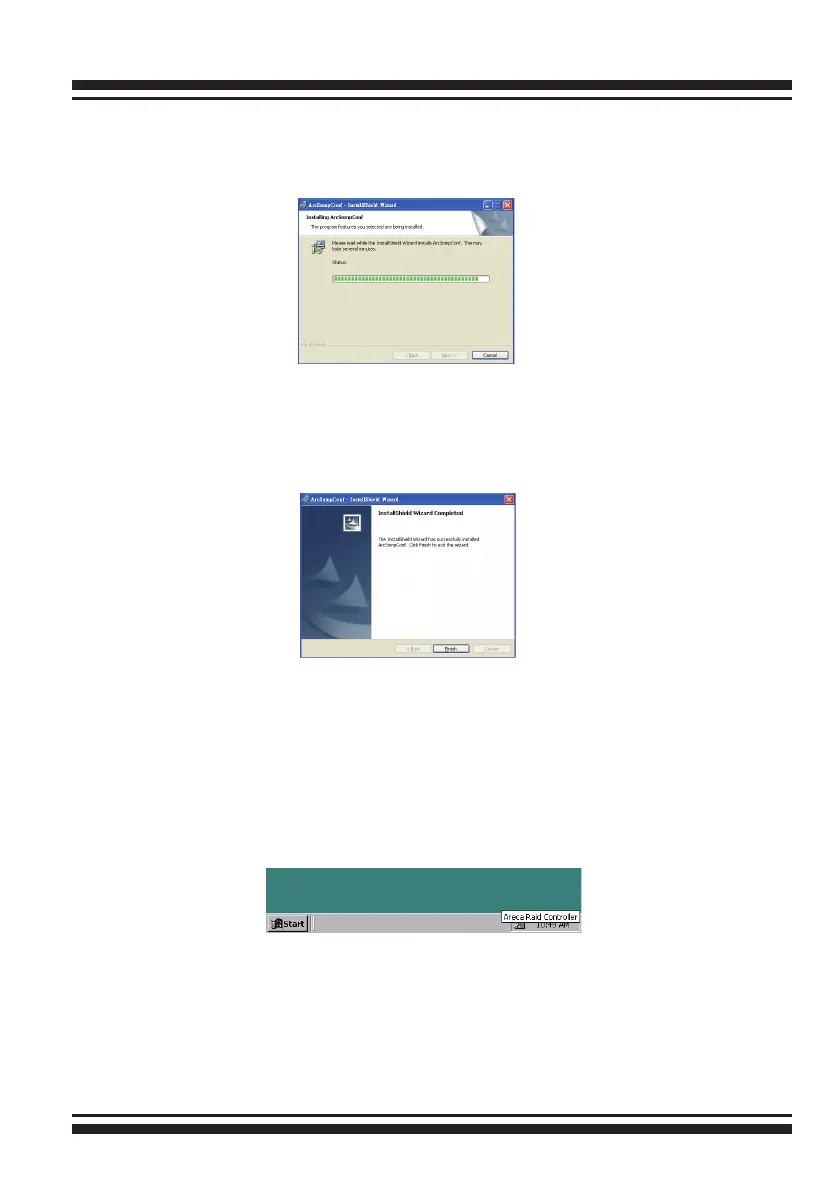
5. A Progress bar appears that measures the progress of the
Areca SNMP Extension Agent setup. When this screen complete,
you have completed the Areca SNMP Extension Agent setup.
6. After a successful installation, the “Installshield Wizard Com-
pleted” dialog box of the installation program is displayed. Click
the “Finish” button to complete the installation.
Starting SNMP Trap Notication Congruations
To start "SNMP Trap Notication Congurations", There have two
methods. First, double-click on the "Areca Raid Controller".
Second, you may also use the "Taskbar Start/programs/Areca
Technology Corp/ArcSnmpConf" menus shown below.



 To Next Page