Update Documentation P44x/EN AD/E44
MiCOM P441, P442 & P444
Page 57/82
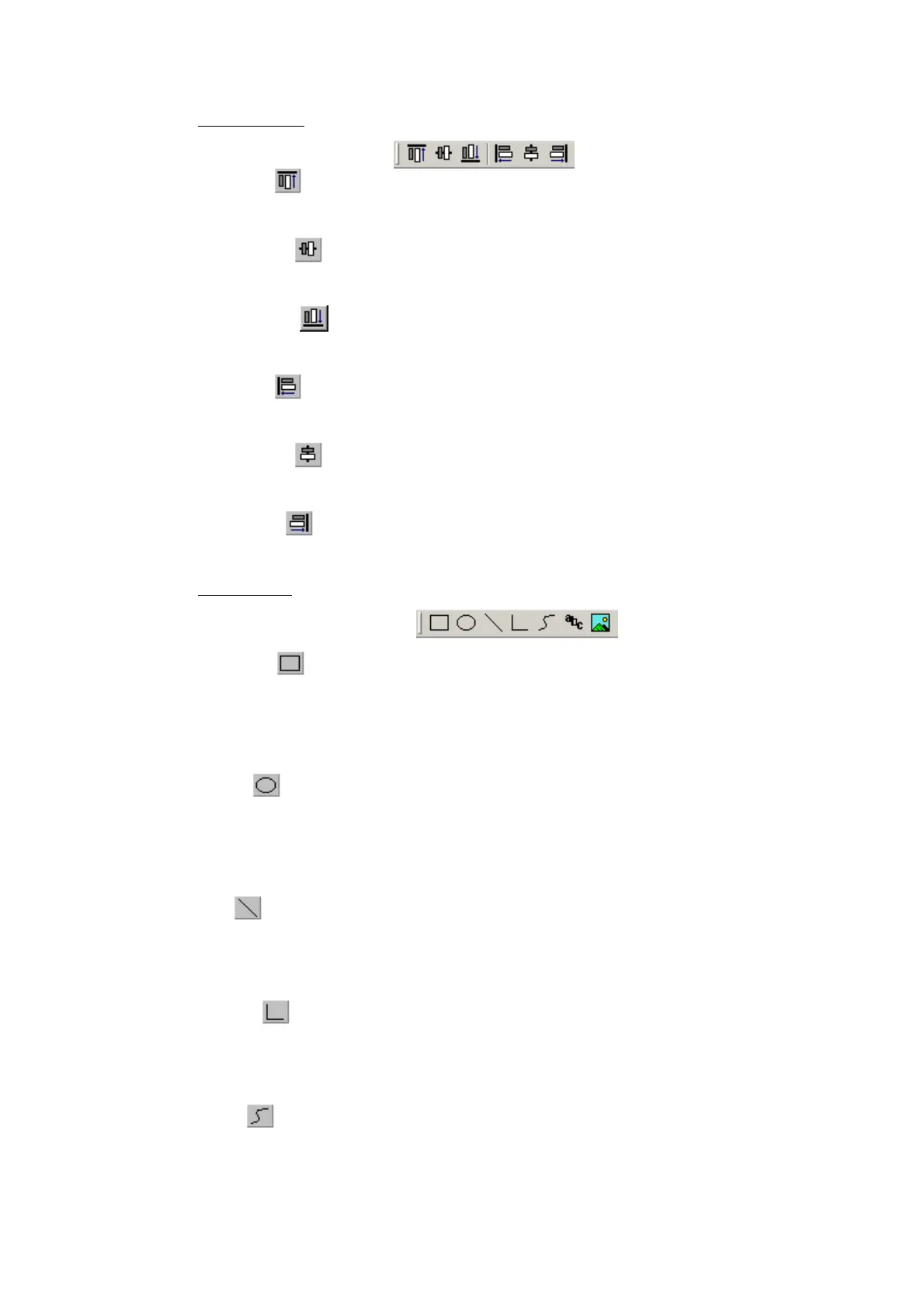
Alignment tools
Align Top
Align all selected components so the top of each is level with the others.
Align Middle
Align all selected components so the middle of each is level with the others.
Align Bottom
Align all selected components so the bottom of each is level with the others.
Align Left
Align all selected components so the leftmost point of each is level with the others.
Align Centre
Align all selected components so the centre of each is level with the others.
Align Right
Align all selected components so the rightmost point of each is level with the others.
Drawing tools
Rectangle
When selected, move the mouse pointer to where you want one of the corners to be, hold
down the left mouse button and move it to where you want the diagonally opposite corner to
be. Release the button. To draw a square hold down the SHIFT key to ensure height and
width remain the same.
Ellipse
When selected, move the mouse pointer to where you want one of the corners to be, hold
down the left mouse button and move until the ellipse is the size you want it to be. Release
the button. To draw a circle hold down the SHIFT key to ensure height and width remain the
same.
Line
When selected, move the mouse pointer to where you want the line to start, hold down left
mouse, move to the position of the end of the line and release button. To draw horizontal or
vertical lines only hold down the SHIFT key.
Polyline
When selected, move the mouse pointer to where you want the polyline to start and click the
left mouse button. Now move to the next point on the line and click the left button. Double
click to indicate the final point in the polyline.
Curve
When selected, move the mouse pointer to where you want the polycurve to start and click
the left mouse button. Each time you click the button after this a line will be drawn, each line
bisects its associated curve. Double click to end. The straight lines will disappear leaving the
polycurve. Note: whilst drawing the lines associated with the polycurve, a curve will not be
displayed until either three lines in succession have been drawn or the polycurve line is
complete.



 To Next Page