P44x/EN AD/E44 Update Documentation
Page 58/82
MiCOM P441, P442 & P444
Text
When selected, move the mouse pointer to where you want the text to begin and click the
left mouse button. To change the font, size or colour, or text attributes select Properties from
the right mouse button menu.
Image
When selected, the Open dialog is displayed, enabling you to select a bitmap or icon file.
Click Open, position the mouse pointer where you want the image to be and click the left
mouse button.
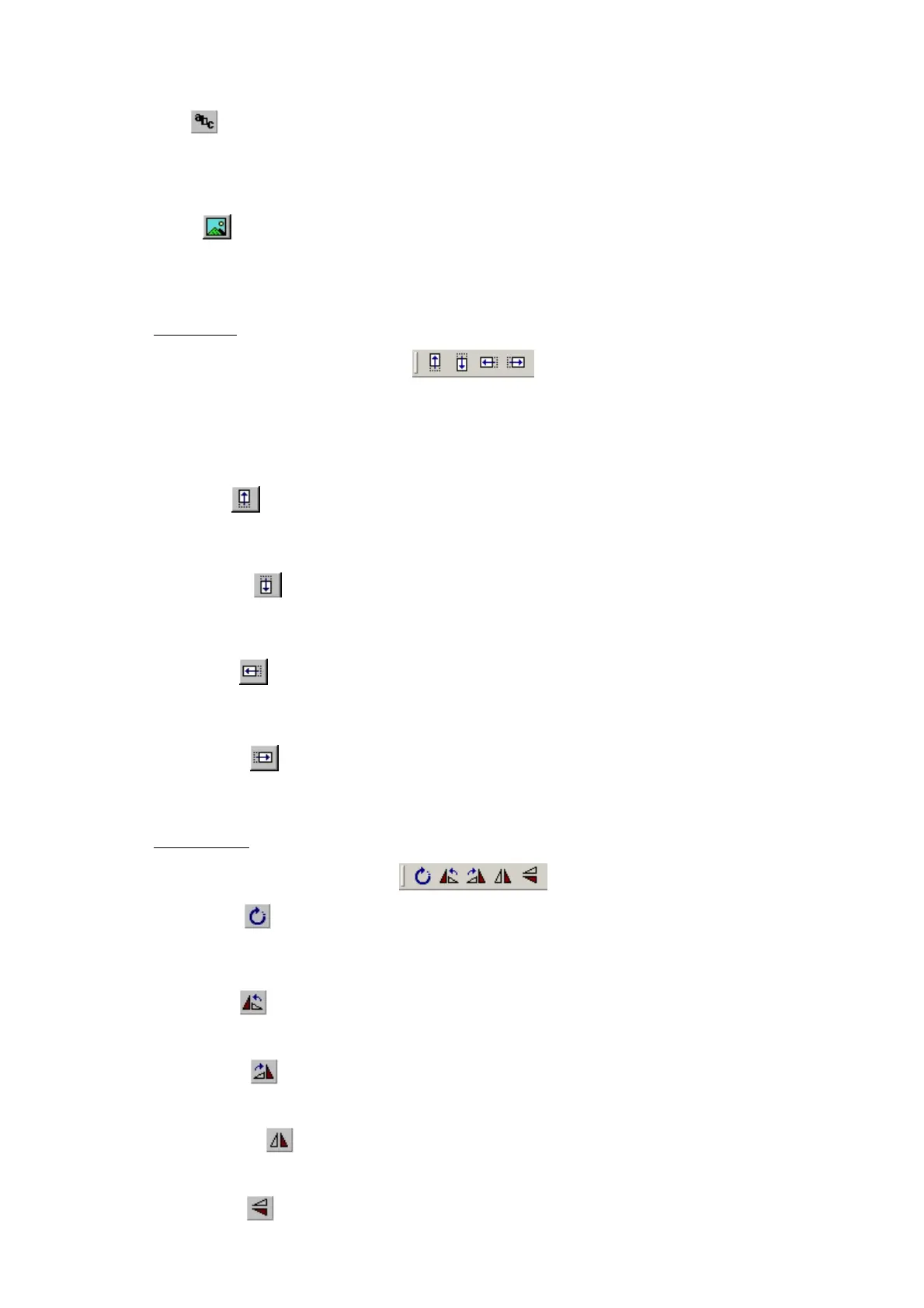
Nudge tools
The nudge tool buttons enable you to shift a selected component a single unit in the selected
direction, or five pixels if the SHIFT key is held down.
As well as using the tool buttons, single unit nudge actions on the selected components can
be achieved using the arrow keys on the keyboard.
Nudge Up
Shift the selected component(s) upwards by one unit. Holding down the SHIFT key while
clicking on this button will shift the component five units upwards.
Nudge Down
Shift the selected component(s) downwards by one unit. Holding down the SHIFT key while
clicking on this button will shift the component five units downwards.
Nudge Left
Shift the selected component(s) to the left by one unit. Holding down the SHIFT key while
clicking on this button will shift the component five units to the left.
Nudge Right
Shift the selected component(s) to the right by one unit. Holding down the SHIFT key while
clicking on this button will shift the component five units to the right.
Rotation tools
Free Rotate
Enable the rotation function. While rotation is active components may be rotated as required.
Press the ESC key or click on the diagram to disable the function.
Rotate Left
Rotate the selected component 90 degrees to the left.
Rotate Right
Rotate the selected component 90 degrees to the right.
Flip Horizontal
Flip the component horizontally.
Flip Vertical
Flip the component vertically.


 To Next Page