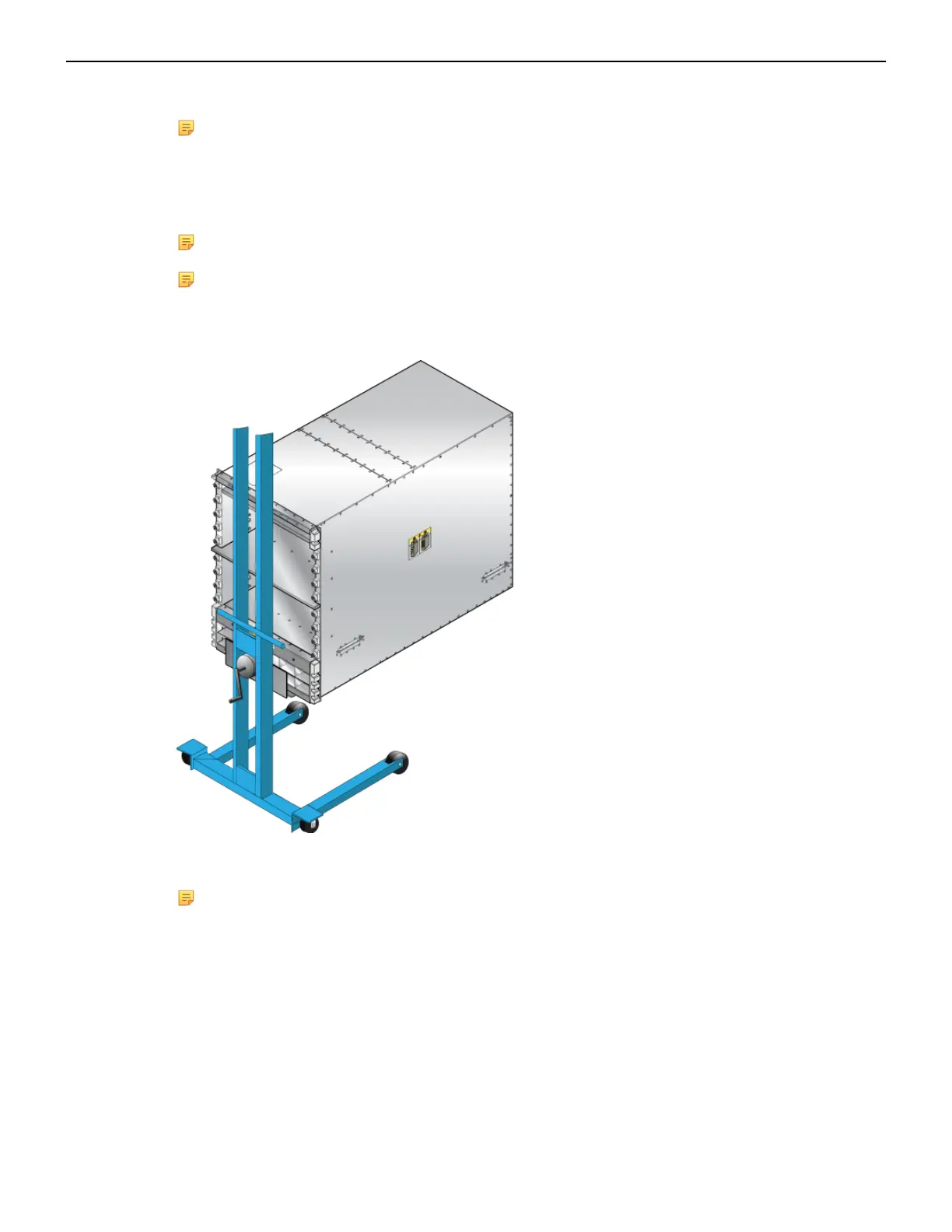
1. Move the chassis to the rack using a mechanical lift (Figure 11: Lifting the Chassis).
Note: If modules are inserted in the chassis, use the lift carefully to avoid damaging any
components.
2. Lift the chassis and insert it into the rack. For the DCS-7816 chassis, remove the lifting brackets
required to lift the chassis from the pallet onto a transport lift, from the top of the chassis before
insertion.
Note: A platform lift is recommended for transportation and installation.
Note: Rack space permitting, it is recommended to leave the lifting brackets attached to the
switch after securing it in the rack.
Figure 11: Lifting the Chassis
3. Secure the chassis by tightening additional M6 screws on the front flanges into the rack posts
(Figure 12: Secure the Switch to the Rack Shelf).
Note: Additional screws depend on the device. The 7804 and 7808 chassis require nine.
20



 To Next Page