30
Scale
Reinspection
Reinspection of approved weigh scales must be carried
out in accordance with the rules stipulated by local
authorities (as specified by each country).
If the seals are broken such as during repair or
replacement of the scale’s circuit board or load cell, then
the entire floor lift must be disqualified and not used
again until a reinspection has been carried out by a
certified inspection body.
Display Symbols/Functions
The handset has an LCD which displays various
numbers and symbols.
The LCD screen can display weight in pounds or in
kilograms.
The minus sign (-) shows when the weight is negative
(see the section “Method B - Weighing With the Patient
Already Suspended in the Sling”).
The scale can also display weight in Gross Weight and
Net Weight modes.
Additional features include the battery charge indicator
and preventative maintenance indicators.
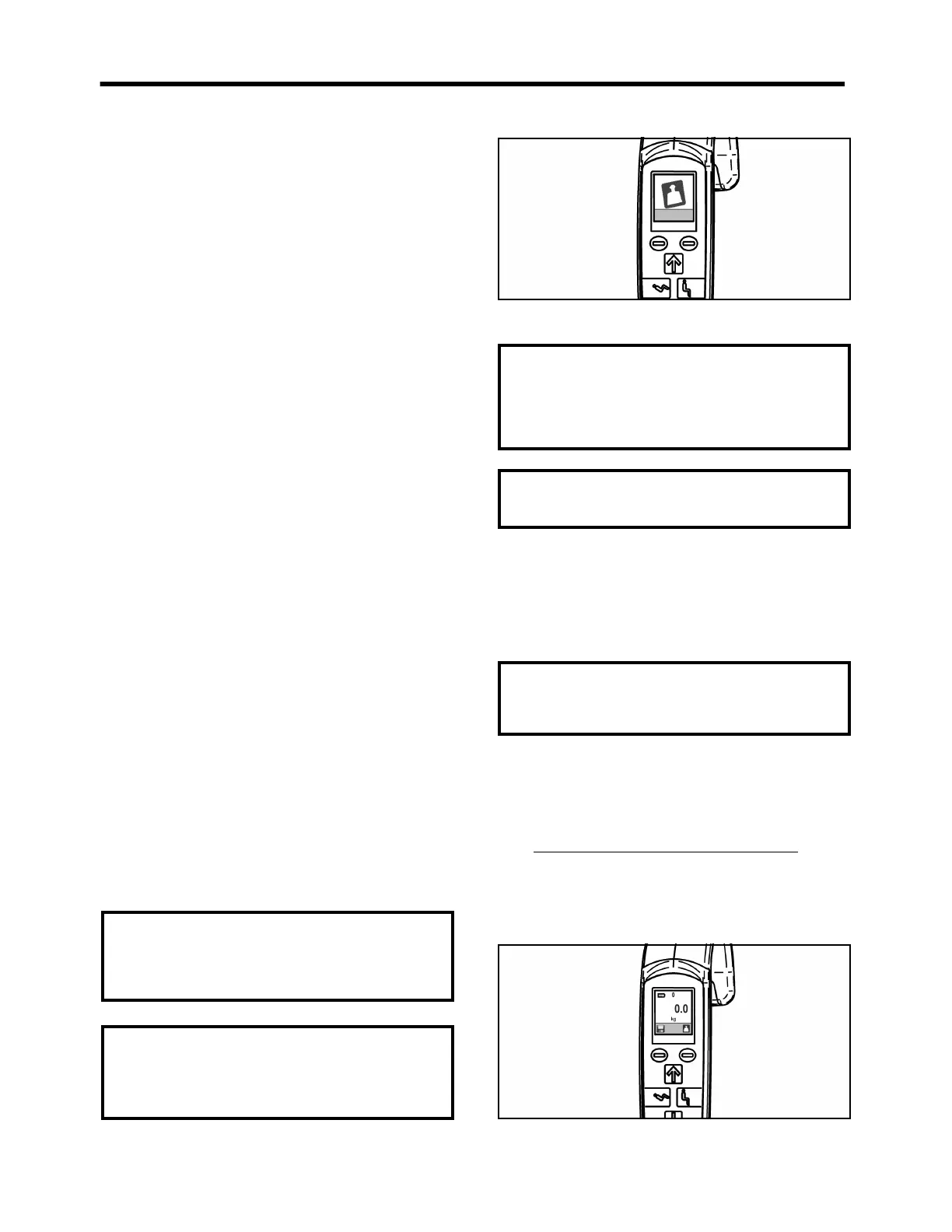
Overload Warning Symbol
When the load is above the safe working load (SWL) for
the scale, the scale unit will display alternating large and
small images of the scale symbol (see Scale User
Manual).
This warning is displayed according to the following
weight limits:
For the standard jib: Load exceeding 227.9 kg
For the Extended jib: Load exceeding 130.9 kg
If the scale is overloaded, remove the load immediately.
Do not move the scale/lift until the symbol is switched
off.
Fig. 56
Gross weight refers to the zero weight reference at power
up. Net weight is defined as the value of a load
determined by the “tare” function, that allows to set the
scale’s display to zero when the load is suspended on the
the jib.
There are two methods for weighing the patient:
Method A - Weighing Before the
Patient is Suspended in the Sling
1. Turn on the Maxi Move by pressing the power
button.
2. If the sling has already been installed on the
spreader bar at start-up, the Maxi Move has already
zeroed automatically and taken the weight of the
sling into account (see Fig. 57).
Move ahead to step 4.
Fig. 57
CAUTION: Do not overload the scale. If the
scale unit displays alternating large and small
images of the scale symbol, lower the patient
immediately onto a bed or into a chair.
NOTE: FOR EUROPEAN SCALES ONLY, If the
display shows the larger “TILT” symbol
alternating with the scale symbol, relocate the
Maxi Move to a level position so that the scale
can be operated correctly (see Fig. 56).
CAUTION: Do not touch or lean on the patient,
jib or spreader bar during the weighing
operation. Ensure that no part of the patient,
sling or spreader bar touches the mast or jib
during weighing, as the jib and spreader bar
are integral parts of the weighing equipment.
WARNING: If the patient is agitated, the
attendant should wait until the patient calms
down before attempting to weigh.
CAUTION: Immediately after power-up, the
scale requires a warm-up period to reach an
accurate zero reading. Do not attempt to weigh
the patient before the scale displays “0.0”.



 To Next Page