32
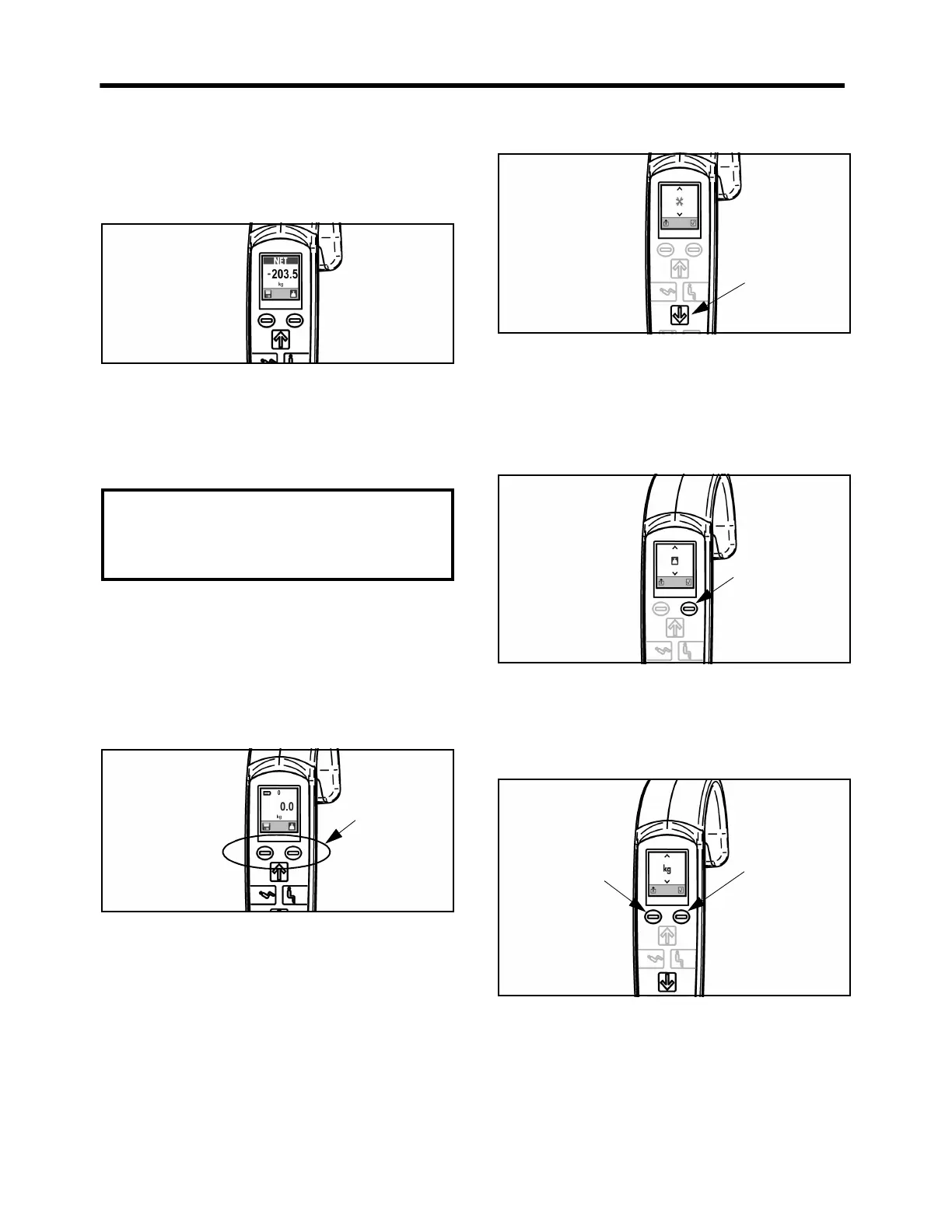
3. Reinstall the sling back on the Maxi Move. Ignore
the minus sign preceding the digits on the screen.
Allow the weight reading to stabilize. The weight
shown is the patient’s actual weight (see Fig. 64).
Fig. 64
4. Press the save button if the net weight needs to be
kept in memory. Horizontal bars will appear above
and below the digits on the screen to show that the
save function is activated. “Save” will stay active
until the save button is pressed again
Units of Measure
The unit of measure is set in kilograms for Europe and
can’t be changed. For non-European instruments, the
unit of measure can be set in either “kg” or “lb”.
1. At start-up, press both operating buttons for the
scale at the same time (see Fig. 65).
Fig. 65
This will access the Hoist Status screen. Two crossed
wrenches will be displayed in the center of the screen.
Up and down arrows will also appear at the top and
bottom of the screen (see Fig. 66).
Fig. 66
2. Next, press the Down button to access the
configuration menu.
The scale icon will replace the crossed wrenches in the
center of the screen (see Fig. 67).
Fig. 67
3. Press the Enter button to access the units of
measurement option. The units of measurement
“kg” or “lb” will replace the scale icon in the
middle of the screen (see Fig. 68).
Fig. 68
4. Press the Down button to switch between “kg” and
“lb”.
5. To save settings and return to normal mode, press
the Enter button. To exit without saving changes,
press the Exit button.
CAUTION: If the unit is reset while the patient is
still suspended in the sling, the scale will move
out of its zero range and display “8888.8” to
indicate an error status. Remove the patient
from the Maxi Move and reset the unit.
Scale



 To Next Page