Configuring the User Settings
-Definition DVR DCX3520e-M • Installation Manual
-095-25080-x.1
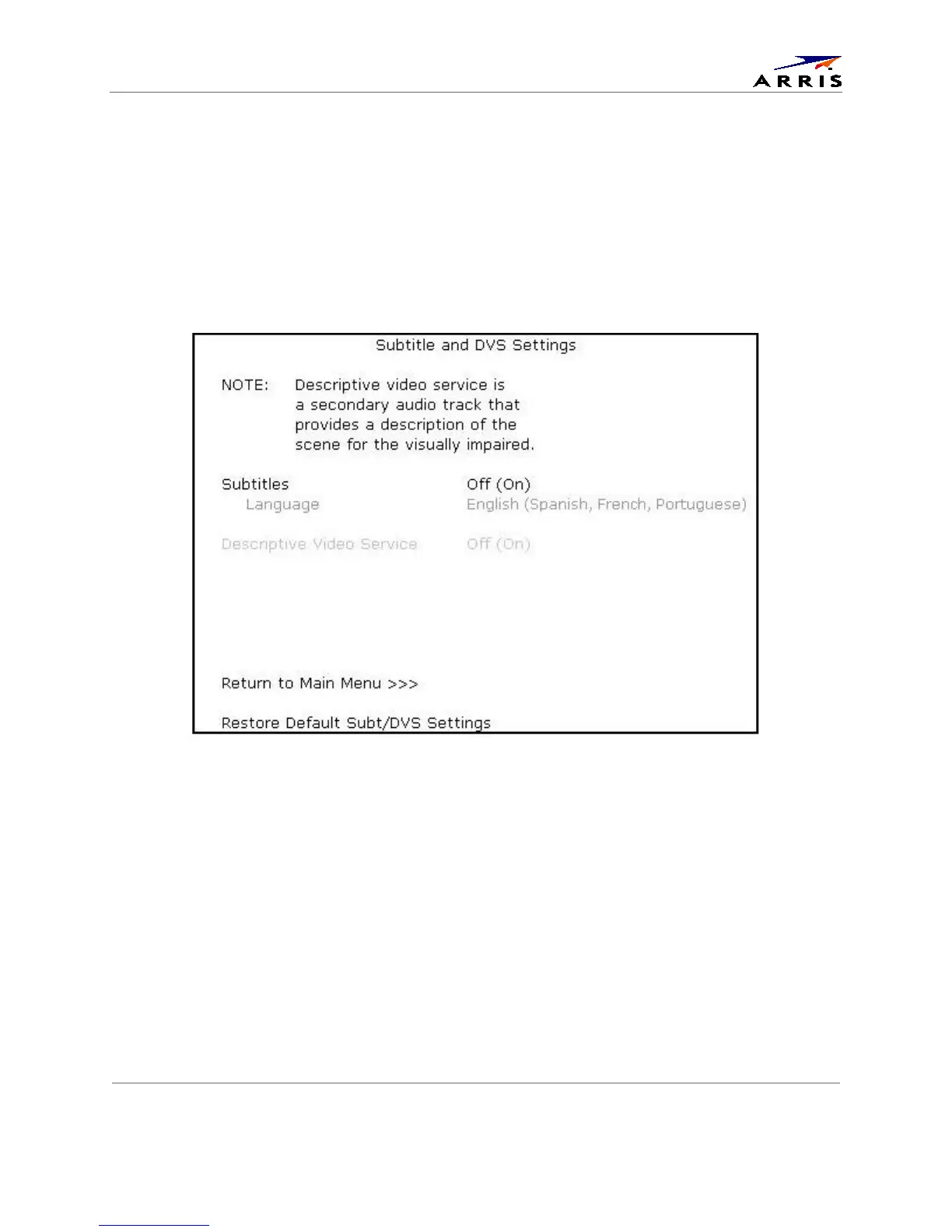
Subtitle and DVS Settings Screen
The Subtitle and DVS Settings menu customizes the language and appearance of subtitles and turns the
descriptive video service feature on and off. Subtitles allow a viewer to watch television programs and
movies that contain dialogue that is not in the viewer’s native language. Subtitles are not included in
many television programs (unlike closed captions).
A descriptive video service (DVS) is a special secondary audio track that is included with many television
programs and is intended to assist the visually impaired. The DVS audio track provides a verbal
description of each scene along with the program’s normal dialogue.
Figure 18: Subtitle and DVS Settings Menu Screen



 To Next Page