Diagnostics
-Definition DVR DCX3520e-M • Installation Manual
-095-25080-x.1
Audio/Video Status
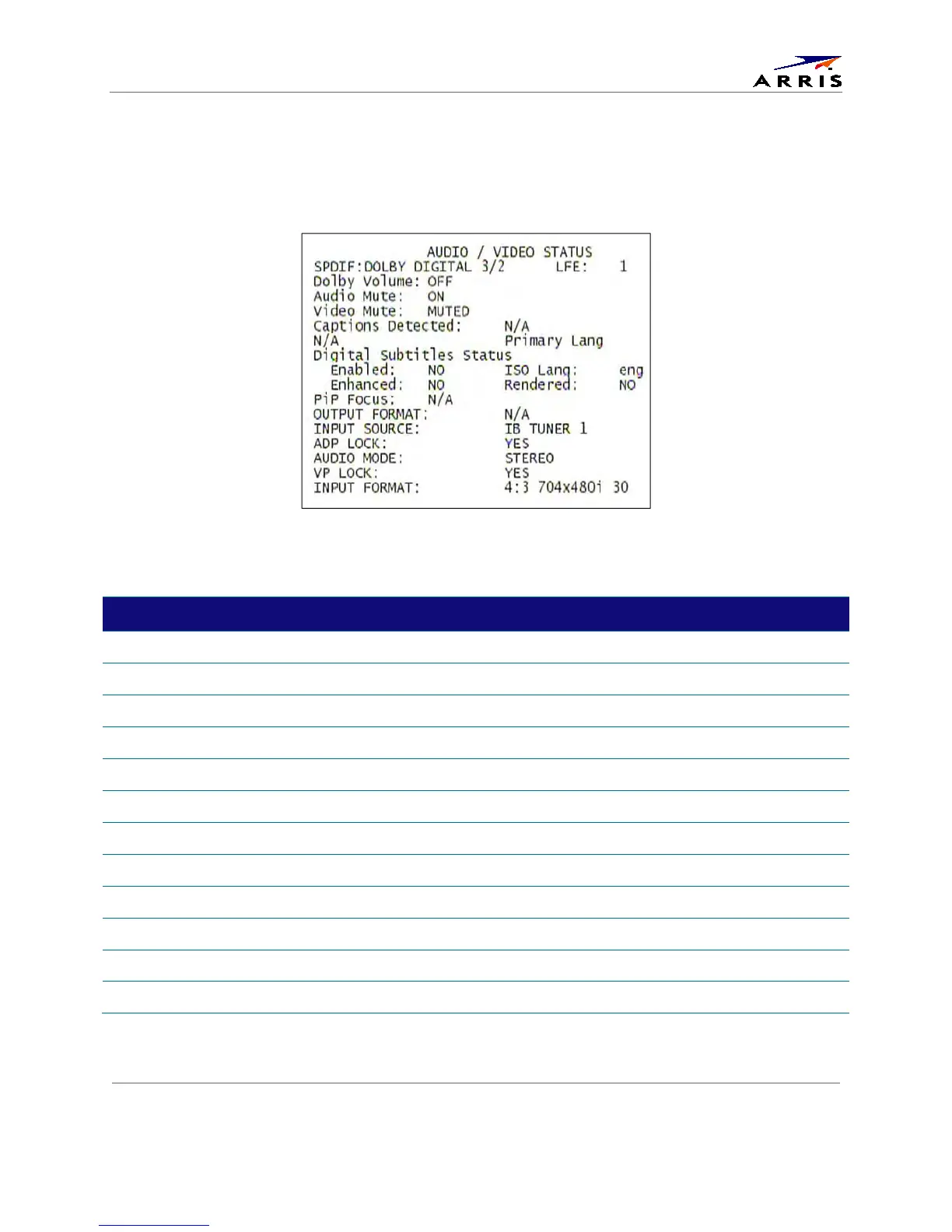
Audio/Video Status diagnostics display information regarding audio and video content and settings
configured for the set-top.
Figure 38: Audio/Video Status Diagnostic Screen
Table 19: Audio/Video Status Diagnostic Field Descriptions
Field Description
S/PDIF Output
Indicates S/PDIF Mode as set by application software.
OSD Display Description
N/A Audio S/PDIF mode is not applicable.
IEC958PCM PCM audio selected.
Dolby Digital Dolby Digital uses the following speaker selections:
1/0 Right front or left front
2/0 Right front and left front
3/0 Right front and left front and center
2/1 Right front and left front and (right rear or left rear)
3/1 Right front and left front and center and (right rear or left rear)
2/2 Right front and left front and right rear and left rear
3/2 Right front and left front and center and right rear and left rear



 To Next Page