C o n f i g u r e I P v 4 :
U s i n g D H C P I P
A d d r e s s , S u b n e t
M a s k , R o u t e r , D N S
S e r v e r s :
A R R I S
Getting Battery Ethernet
Safety Started Installation Installation Configuration Usage Troubleshooting Glossary
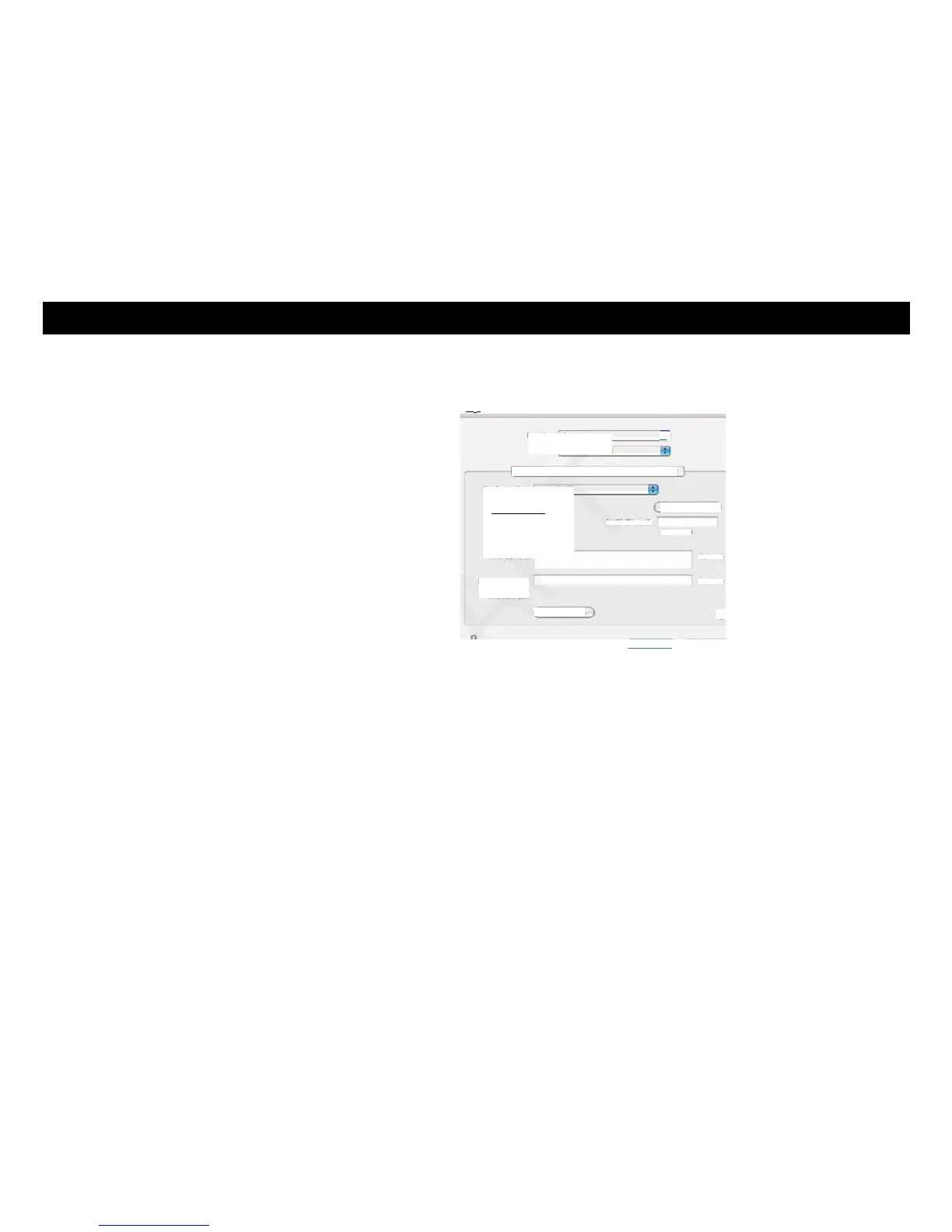
3 Choose Automatic from the Location drop-down menu, and Built-in Eth-
ernet from the Show menu.
III •
J
[ SHoss4
Click She lock to prevent further changes. Assist me... Apply Now
4 Choose the TCP/IP tab, if necessary.
If you are using TCP/IPv4, go to step 5.
If your cable provider requires TCP/IPv6, go to step 8.
5 Choose Using DHCP from the Configure IPv4 menu.
6 If necessary, click the Renew DHCP Lease button.
7 Close the System Properties application.
TCP/IPv4 configuration is completed.















 To Next Page