EasyManua.ls Logo

Arris Xfinity TG1682 - Page 35

Arris Xfinity TG1682
52 pages
Print Icon
To Next Page IconTo Next Page
To Previous Page IconTo Previous Page
Loading...
Xfinity TG1682 Telephony Gateway User's Guide 35
Networ,
nor)
It requ red}
!Optioned
( Renew DHCP Lease
IP Address:
Subnet Mask:
Router: DNS
Servers
DHCP Client ID:
.cOptIonal/
Search Domains:
IPv6 Address:
Configure IPv6... )
Con fig u re Pk: Auto matically
IPv6 Address:
Ro u ter
111mm..
-
A R R I S
Getting Battery Ethernet
Safety Started Installation Installation Configuration Usage Troubleshooting Glossary
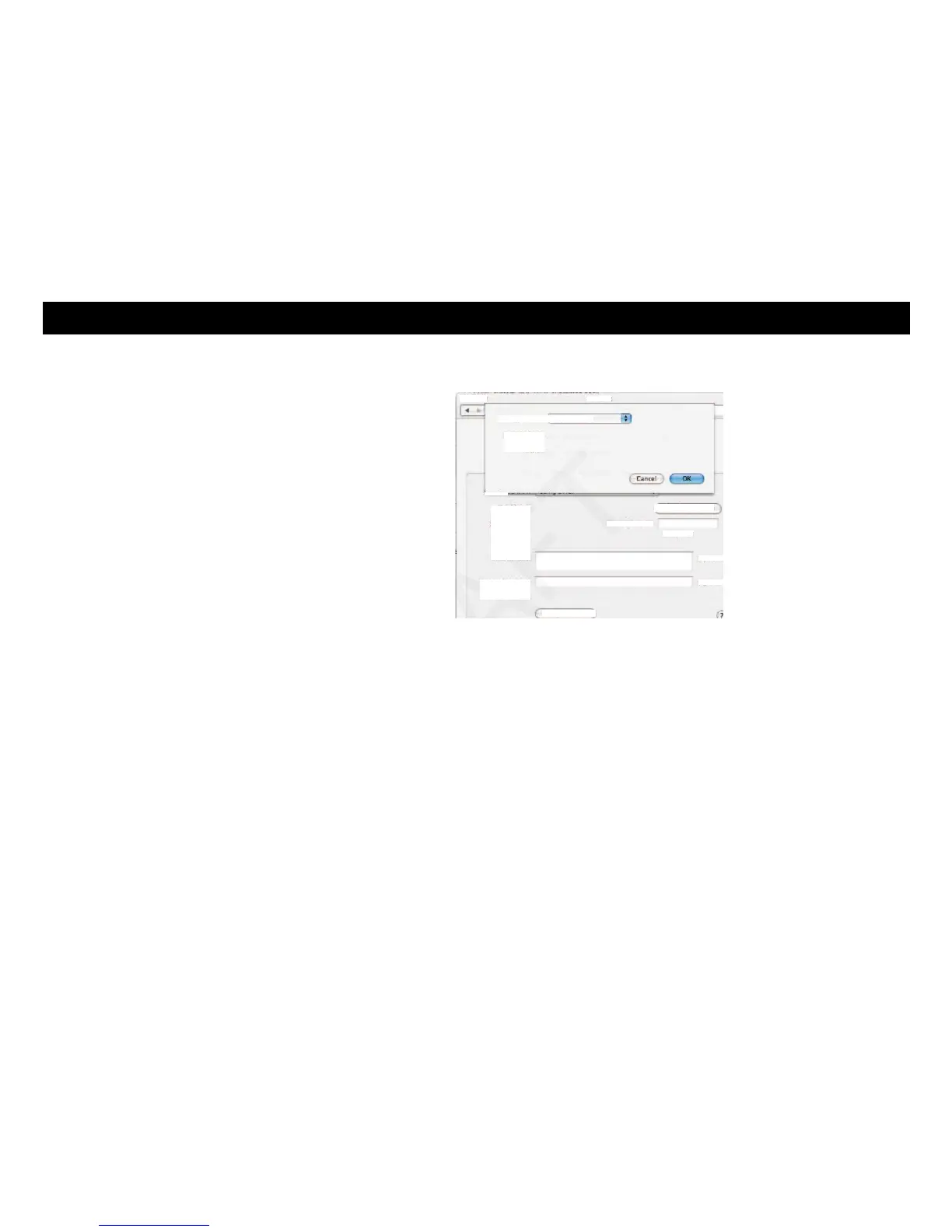
8 If you are using TCP/IPv6, click Configure IPv6 near the bottom of the pre-
vious window.
Dick the lock to prevent rur:••e changes.
9 Choose Automatically from the Configure IPv6 drop-down menu and click
OK.
10 Close the System Properties application.


Related product manuals