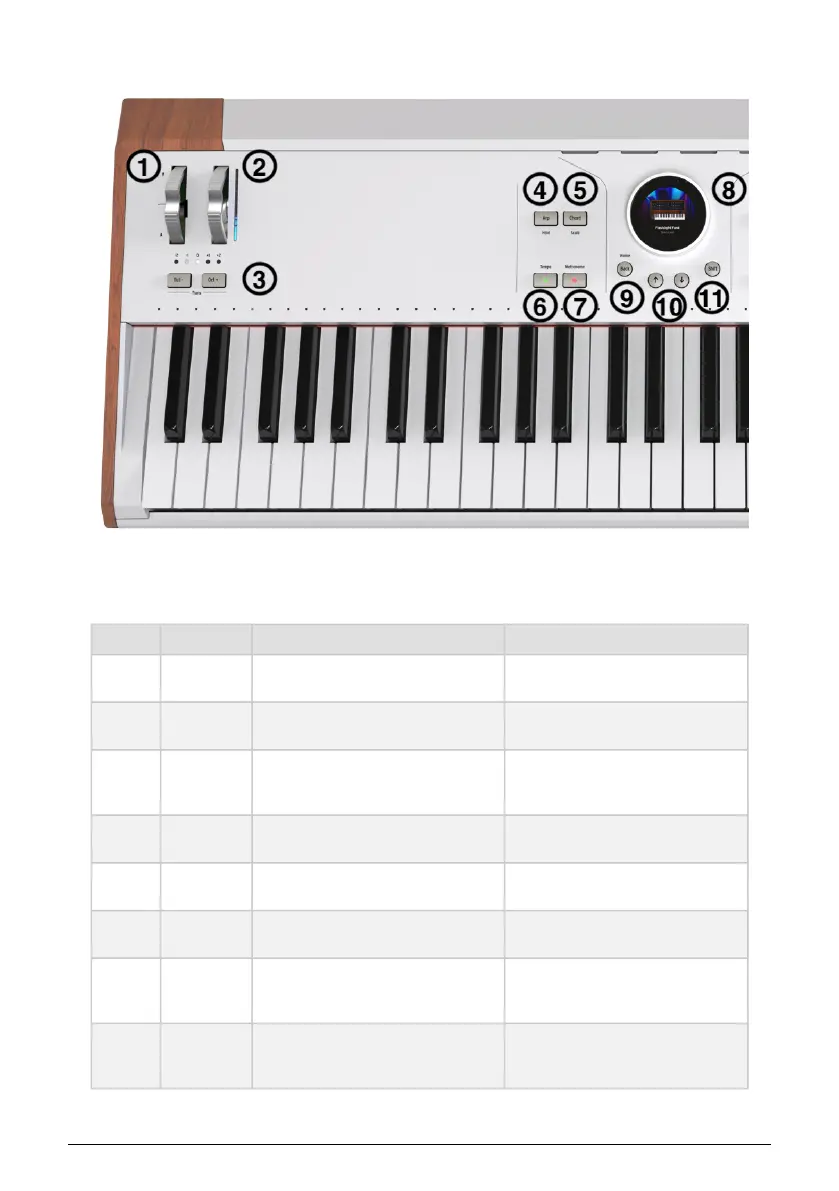
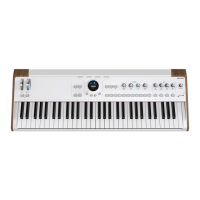
2.2. Front Panel, Left Side
Many front panel controls have an alternate function if pressed while you hold the Shift
button, as described in the tables below.
Number Control Main Function Shift Function
1
Pitch-Bend
Wheel
Bends pitch up or down, spring-loaded N/A
2
Modulation
Wheel
Adds modulation to a sound with LED
strip to show current position
N/A
3
Octave
Shift
buttons
Shifts the overall octave up or down
Transposes the keyboard up or down
in semitones
4
Arpeggiator
button
Turns the Arpeggiator [p.50] on and off Toggles Hold mode
5
Chord
button
Turns Chord mode [p.51] on and off Toggles Scale Mode [p.52]
6
Looper
Play button
Plays and stops the MIDI Looper [p.49]
Opens the Tempo menu or enters tap
tempo if pressed repeatedly
7
Looper
Record
button
Starts/stops recording of a MIDI loop Toggles Metronome on/off
8
Screen
encoder
[p.14]
Displays and navigates Presets,
Instruments, Effects, and all settings
Edits Presets or shows sound sub-
categories
12 Arturia - User Manual AstroLab - HARDWARE OVERVIEW











 To Next Page