• Vocal
• Sound Effects
• Custom
3.4.1.1. Subtypes
To help narrow your search for the perfect sound, Presets can be further divided into
Subtypes. These cover further subdivisions of musical instruments like acoustic, electric, or
synth bass.
Rotate the encoded to select a Type. Then, instead of pressing the encoder to select,
long-
press
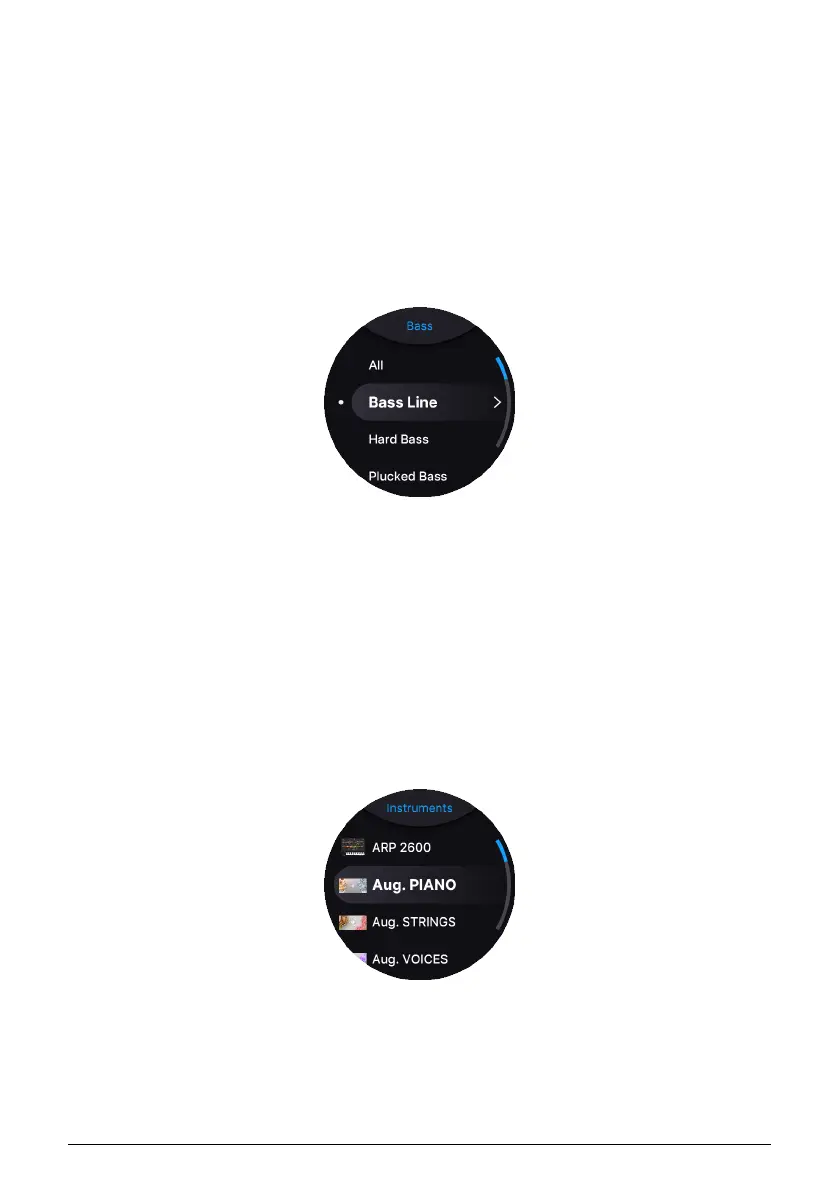
the Screen Encoder to display the Subtypes.
To select a Subtype, scroll the list and select by pressing the encoder.
By turning the encoder, you can scroll through all Presets that have been filtered by Type
and Subtype.
3.4.2. Instruments
Instruments in AstroLab correspond to the software Instruments in Analog Lab. A Preset
can consist of one or two Instruments plus effects. A Single is a Preset that contains one
Instrument; a Multi is a Preset that contains two Instruments.
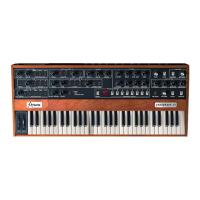
To browse Presets by Instrument, go to the Home screen. Turn the Screen Encoder and
select the Instrument icon to bring up the menu of instruments:
Then, select an Instrument to display a list of Presets that use that Instrument.
20 Arturia - User Manual AstroLab - BASIC OPERATIONS











 To Next Page