8.3. Arpeggiator
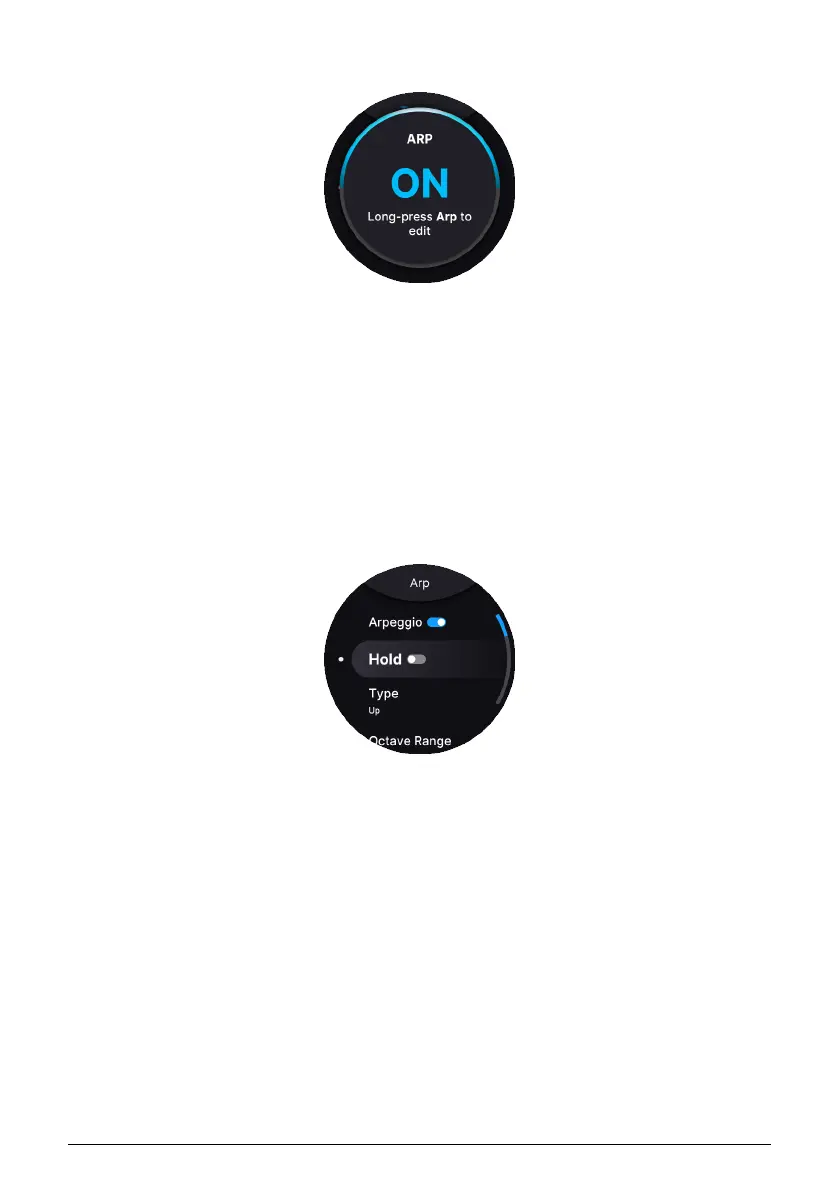
AstroLab includes a classic synth-style Arpeggiator. Turning it on is as simple as pressing
the Arp button. Now, held chords will be arpeggiated according to the Arpeggiator settings.
8.3.1. Hold
Press Shift plus Arp to toggle Hold mode. When active, arpeggiation will continue after you
remove your fingers from the keys.
8.3.2. Arpeggiator Settings
Long-press the Arpeggiator button to enter its settings menu.
Available settings are:
•
Arpeggio
: Turns the Arpeggiator on and off(duplicates the Arp)
•
Hold
: On, Off (duplicates Shift+Arp button press).
•
Type
: The order in which notes are played
◦ Up
◦ Down
◦ Ordered (follows order in which you struck notes)
◦ Reversed (reverse order in which notes were played)
◦ Inc (up and down, top and bottom notes repeated)
◦ Exc (up and down, top and bottom notes not repeated)
◦ Random (random order)
50 Arturia - User Manual AstroLab - TEMPO, MIDI LOOPER, AND ARPEGGIATOR















 To Next Page