5.2. Macros in a Multi Preset
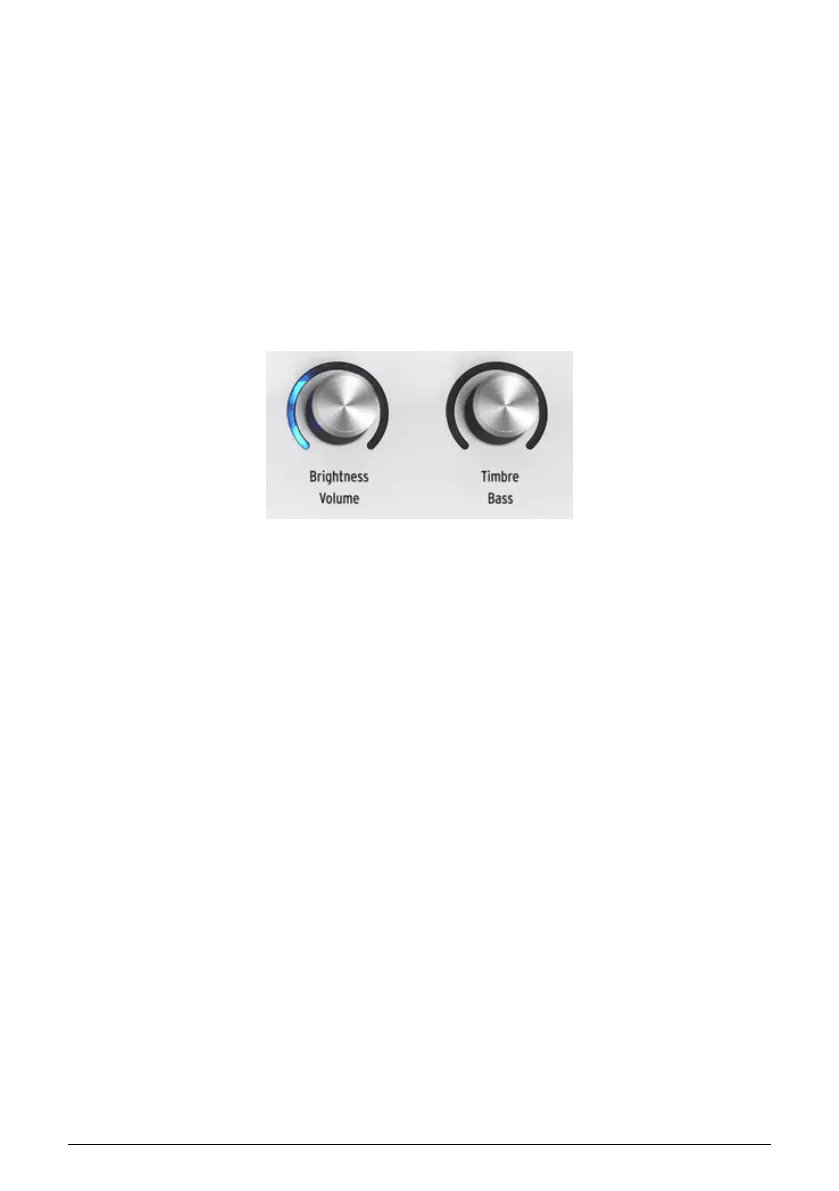
With a Multi Preset, the Macro knobs can control Part 1, Part 2, or both — your choice.
• With neither Part button selected (or both), the Macro knobs control both Parts
and their rings are lit in blue.
• With the Part 1 button selected, the Macro knobs control Part 1 and their rings are
lit in yellow.
• With the Part 2 button selected, the Macro knobs control Part 2 and their rings
are lit in green.
5.3. Part Volume and Panning
You can adjust each Part’s volume and stereo pan position.
First, select a Part. Then, hold Shift and turn the Brightness knob to adjust the volume; turn
the Timbre knob to adjust the panning.
Arturia - User Manual AstroLab - MACROS AND INSTRUMENT EDITING 33











 To Next Page