6.6. Editing Reverb
AstroLab comes with a whopping 14 options for its Reverb for different musical applications:
• Digital Reverb
• Small Piano Room
• Soft Room
• Small Studio
• Large Studio
• Jazz Club
• Small Concert Hall
• Large Concert Hall
• Bright Room
• Bright Space
• Factory Hall
• Small Plate
• Large Plate
• Spring
Again, this is a send-based effect and it runs in parallel with the Delay. Pressing Shift and
turning the knob adjusts the reverb decay. Each type of Reverb has different parameters,
which are listed at the end of this chapter.
6.7. Editing Effects
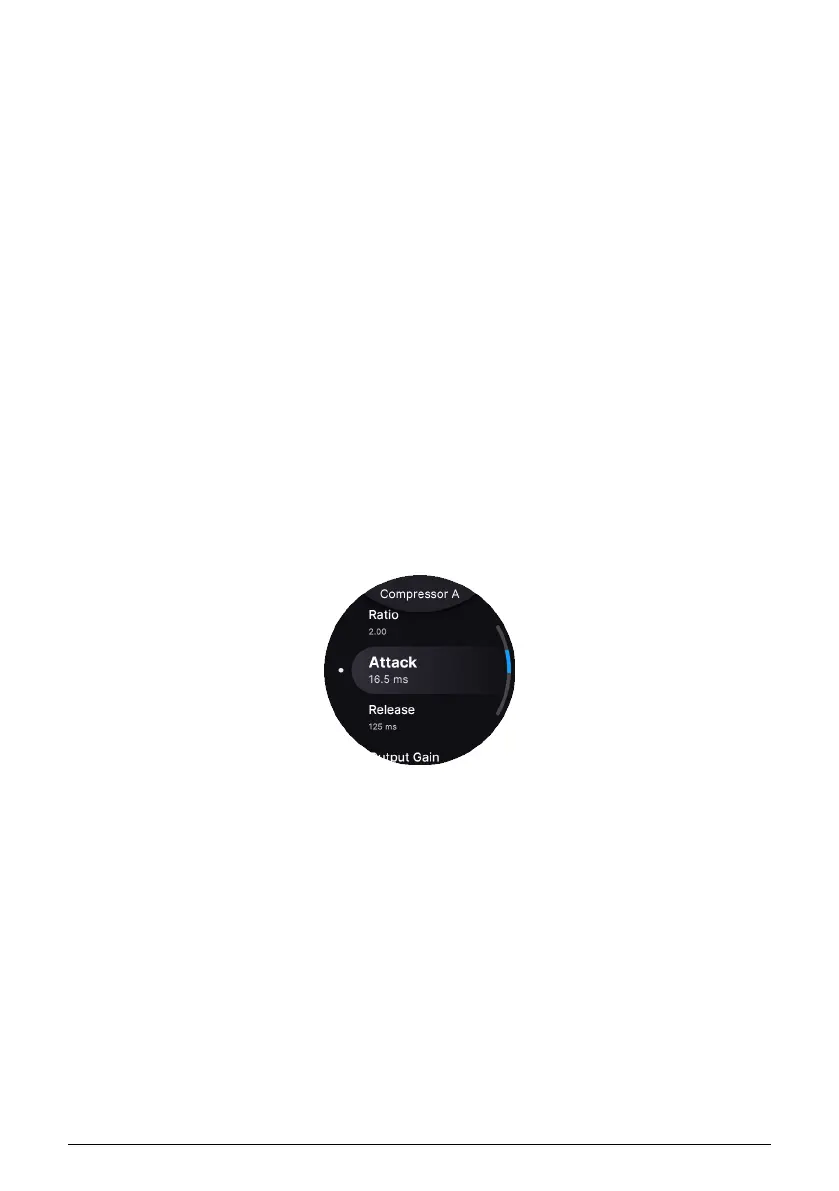
To edit the parameters of any effect, long-press the On/Off button of the desired slot. You
can then use the Screen Encoder to edit parameters as follows:
• Turn until the desired parameter is in focus.
• Click to select it.
• Turn again to change the value.
• Click again to confirm the value.
• Press Back to exit to the previous menu.
Arturia - User Manual AstroLab - EFFECTS 37











 To Next Page