2.4.4. Flexible Pedals
All the pedal inputs accept either switch pedals with TS connectors, or continuous pedals
with TRS connectors.
2.5. The Keyboard
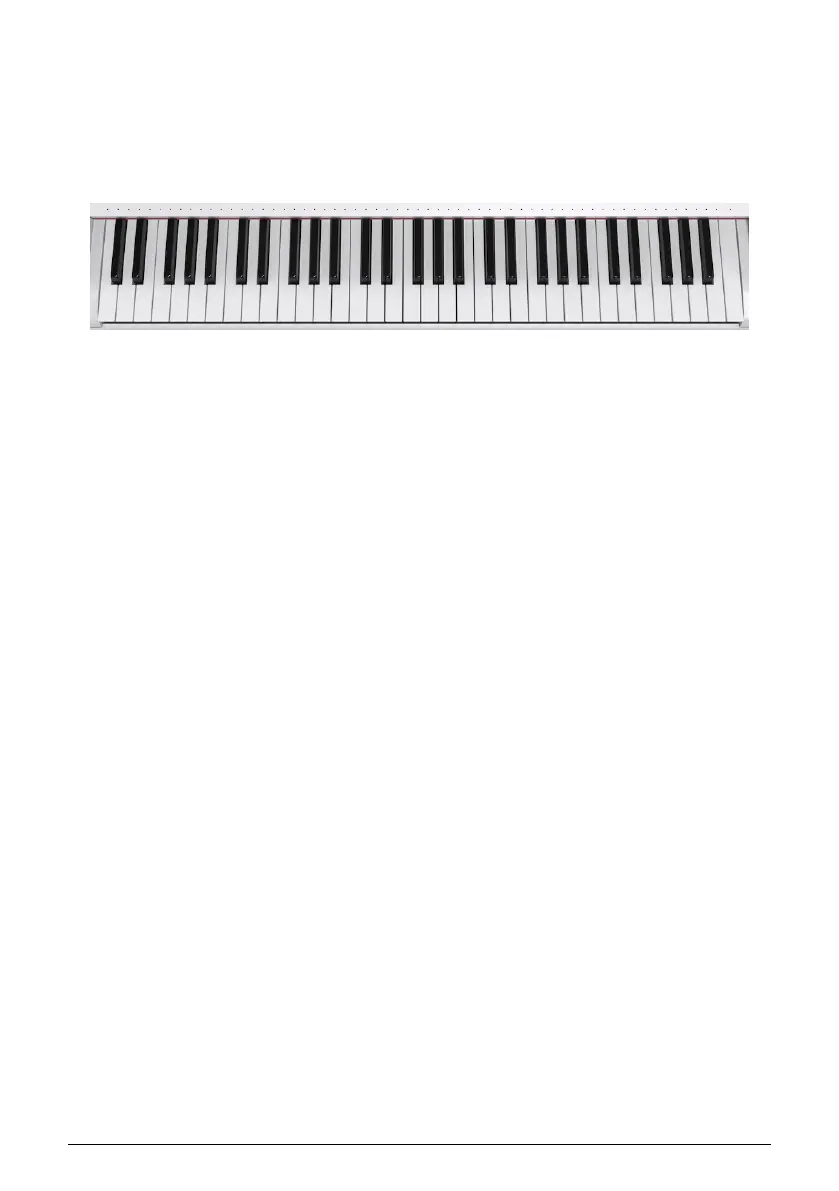
Last but not least, AstroLab’s keyboard features piano-shaped, semi-weighted keys that
sense both velocity and channel aftertouch. We designed it to hit a sweet spot between
pianists who except some resistance and synth/organ players who want to be able to move
fast.
2.5.1. Keyboard LEDs
AstroLab has a multi-color LED for every note on the keyboard. These LEDs can display
keyboard split points in a Multi Preset, or the notes played on the keyboard, or by the
Arpeggiator/Looper.
You can choose in the Utility Settings whether to see the LEDs all the time, only when a split
is active, or not at all.
AstroLab’s keyboard can have 1 or 2 zones. The LEDs change color to indicate Parts:
• Green: Part 1
• Orange: Part 2
We cover this in more detail in the sections on splitting the keyboard [p.30] in upcoming
chapters.
2.5.2. Panel LEDs
As you explore AstroLab’s many sounds and features, you will find the panel LEDs have
certain consistent behaviors. We summarize those here for reference.
• Fully lit: Active and in focus.
• Dim: Active but not in focus.
• On/Off Blink: Call to action, i.e., AstroLab is waiting for you to do something.
• Tempo Blink: Blinks every eight-note for anything tempo-related (arpeggiator,
real-time recorder, etc.).
• Faded blink: Shows what is in focus when editing.
16 Arturia - User Manual AstroLab - HARDWARE OVERVIEW















 To Next Page