6. EFFECTS
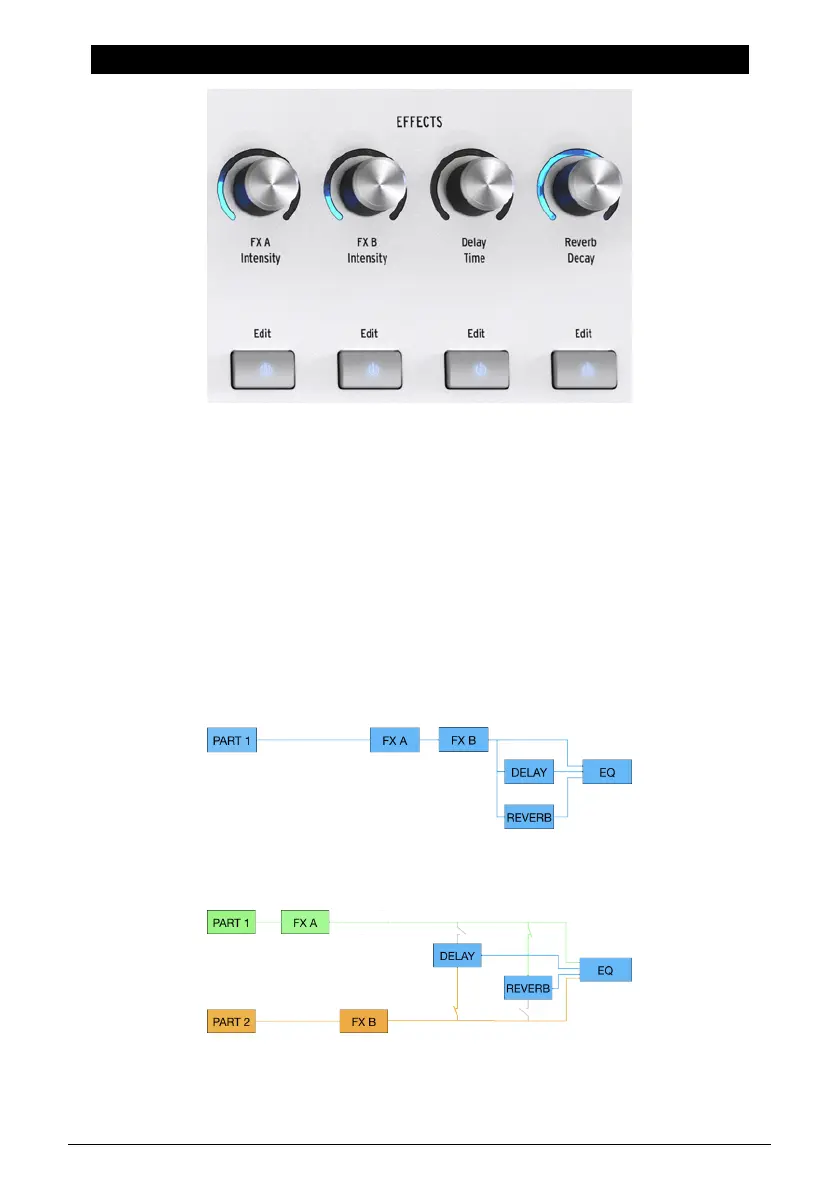
AstroLab offers two assignable insert effect slots (also called FX) plus dedicated Delay and
Reverb. (To be clear, when we say “FX”, we are talking about the insert FX. When we say
“effects,” we’re talking about those plus Delay and Reverb, i.e., the totality of effects in
AstroLab.) By design, this mirrors the effects chain in Analog Lab.
6.1. Effect Buttons
Use the On/Off button below each encoder to engage or bypass each effect independently.
6.2. Effects Routing
On a Single Preset, the insert FX are routed in series. From there, the output can be sent
independently to the delay and reverb, which are in parallel, like so:
The routing is the same for a Multi, except that FX A and B must be shared between the two
Parts — each Part can have one or one Part can hog both, as introduced in Chapter 5 [p.27].
34 Arturia - User Manual AstroLab - EFFECTS















 To Next Page