8. TEMPO, MIDI LOOPER, AND ARPEGGIATOR
AstroLab includes a full-featured arpeggiator and MIDI loop player/recorder, as well as a
metronome. This chapter covers these features, as well as settings that govern tempo and
tempo sync throughout AstroLab.
8.1. Tempo Settings
Tempo affects the Arpeggiator, MIDI Looper, and any effects [p.34] that have a Sync option.
8.1.1. Tempo Sync
Since many of the Instruments in AstroLab (and Analog Lab) have their own tempo-
generating clocks, AstroLab lets you decide whether to leave it up to the Preset to determine
tempo, or use the master tempo source.
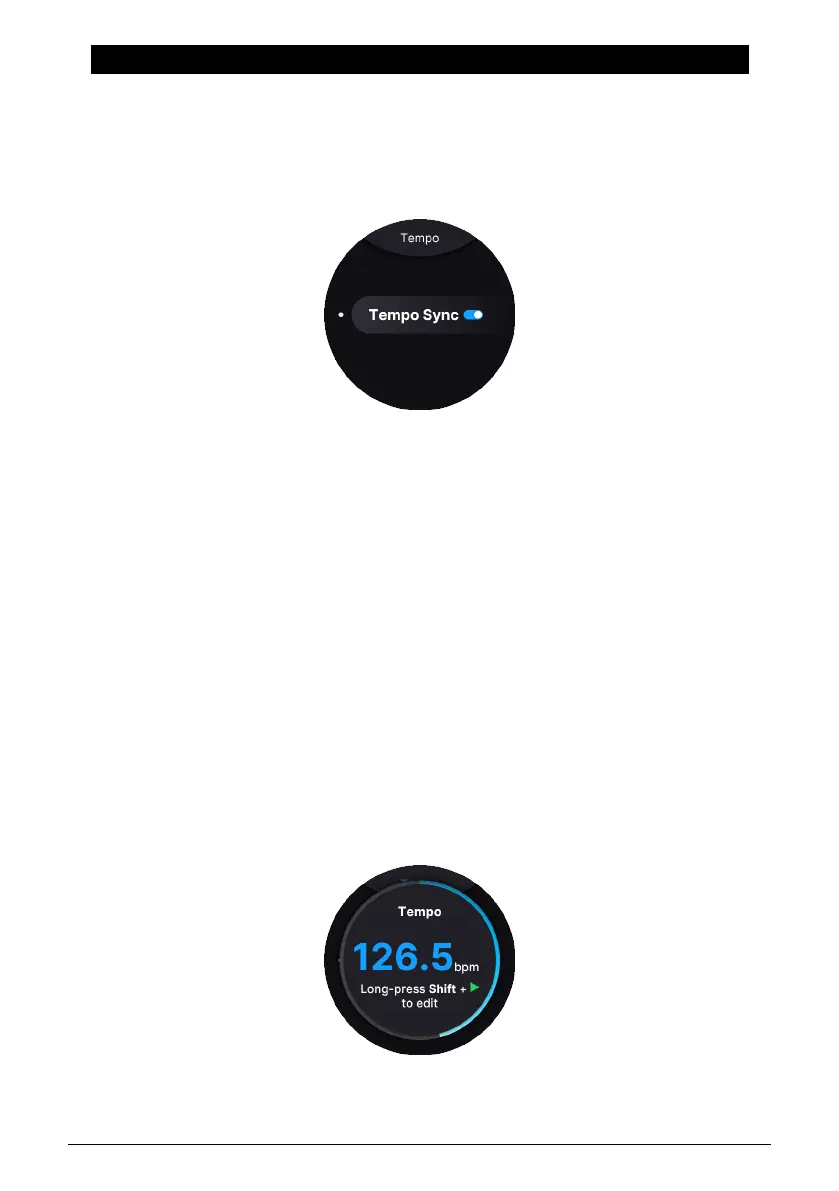
Press and hold Shift and then Play. After a second or two, you will see the Tempo Sync
screen.
Tap here to
•
On:
Tempo follows AstroLab’s global master clock or an external clock depending
on the Sync Source [p.48] setting.
•
Off:
Tempo is determined Preset by Preset.
Press Shift plus Back to go to the Home screen (if you're not already there), then press
Settings and General. Scroll down a bit to edit Tempo and Sync.
8.1.2. Adjusting the Tempo
Arturia - User Manual AstroLab - TEMPO, MIDI LOOPER, AND ARPEGGIATOR 47















 To Next Page