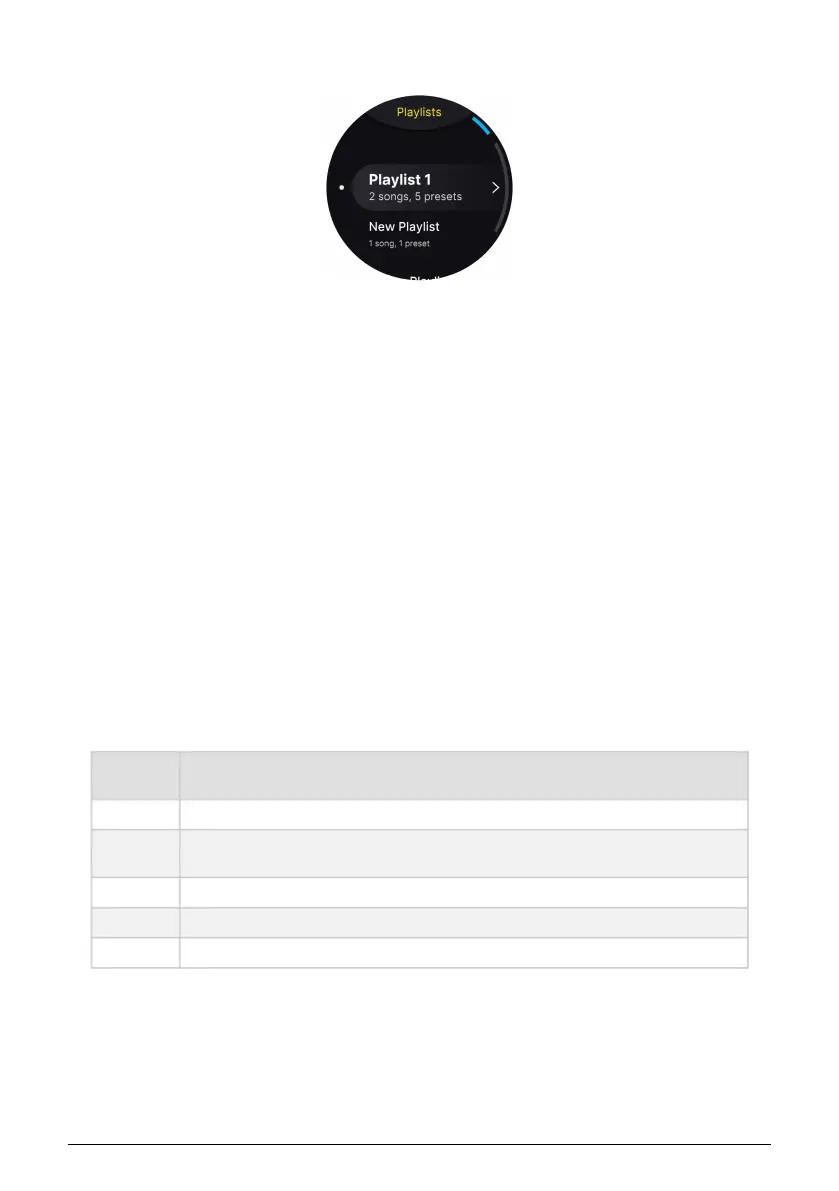
4.2.4.2. Add to Playlist
Here, you can add the Preset to a Playlist [p.45].
4.2.4.3. Edit Info
• Name: Here you can rename the current Preset.
• Type: The type of Instrument used for this Preset can be seen here. The Type can
also be changed. Example: If you edit a piano to make it sound like an organ,
you may want to refer to this Preset as an organ.
• Comment: Just like in Analog Lab, you will find some additional info about the
Preset here, written by its creator.
4.3. Presets and Polyphony
AstroLab manages polyphony to ensure that you will never hear audio dropouts, no matter
what Instrument or combination of Instruments you load. Since different Instruments have
different DSP needs, this can vary. In practice, you should be able to play as you wish,
except maybe laying two forearms across the keyboard with the sustain pedal pressed.
Available voices are:
Voice
Count
Instruments
1 Buchla Easel V, Synthi V
8
CZ V, DX7 V, Emulator V, Jun-6 V, Jupiter-8 V, Mellotron V, Modular V, OB-Xa V, Pigments,
Vocoder V
12 Matrix 12 V
16 ARP 2600 V, CMI V, CS-80 V, Mini V, Prophet-5 V, Prophet-VS V, SEM V, Synclavier V
48 B-3 V, Clavinet V, Farfisa V, Piano V, Solina V, Stage 73 V, Vox V
These are voices
per part
, meaning that if you load, for example, a Multi consisting of a Mini
V and Prophet-5 V, you can play 16 voices on each part.
For Instruments with Unison capability, the maximum is divided by the currently set unison
voice count. The same goes for instruments that have their own multi-timbral slots for
different sounds. Also, the 1-voice and 48-voice Instruments are loaded without their internal
reverbs, saving DSP resources by using AstroLab’s own reverb instead.
Arturia - User Manual AstroLab - PRESET ARCHITECTURE AND EDITING 31















 To Next Page