7. PLAYLISTS
Playlists are lists of Presets, which are further organized into Songs. They are ideal for
organizing set lists for a gig.
You can then access them quickly
7.1. Accessing the Playlists
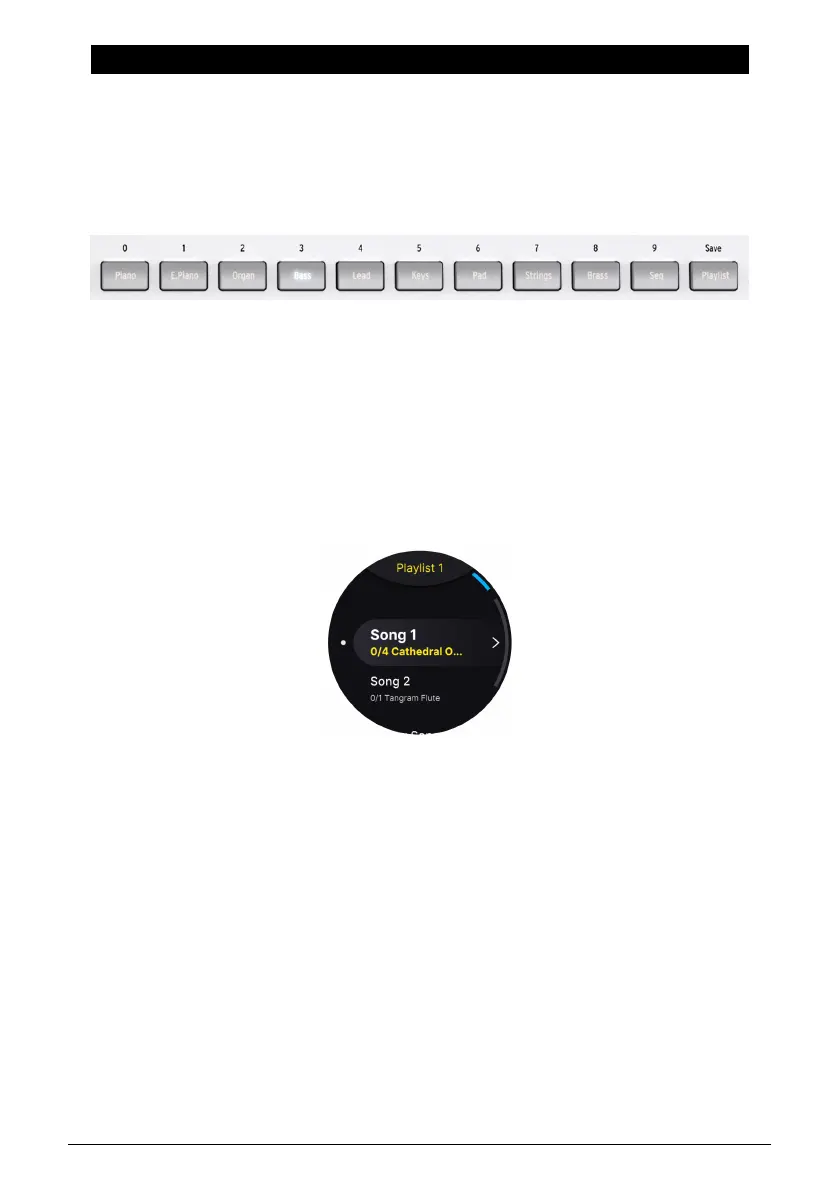
To quickly enter Playlists mode, press the Playlist button. In Playlist mode, AstroLab
navigates Songs and Presets within them.
• To select from the first ten Presets in a Song, use the Preset Type buttons 0-9.
• To select Songs, use the Previous/Next buttons or the Screen Encoder.
7.1.1. Playlist Hierarchy
Playlists in AstroLab are divided into Songs, each of which in turn can contain up to 128
Presets.
Think of Playlists, the top level of the hierarchy, as corresponding to different kinds of gigs.
You might have one for your gig with a cover band, another for your solo electronica act,
another for playing at a worship service, another for recording sessions, and so on. Then,
Songs correspond to the songs in your set list. Finally Presets cover the different sounds you
might need throughout playing a tune.
44 Arturia - User Manual AstroLab - PLAYLISTS















 To Next Page