Once a connection has been established, the telephone automatically switches to DTMF dialling.
This allows you to activate specific functions by keying in codes such as for the remote control of
an answering machine.
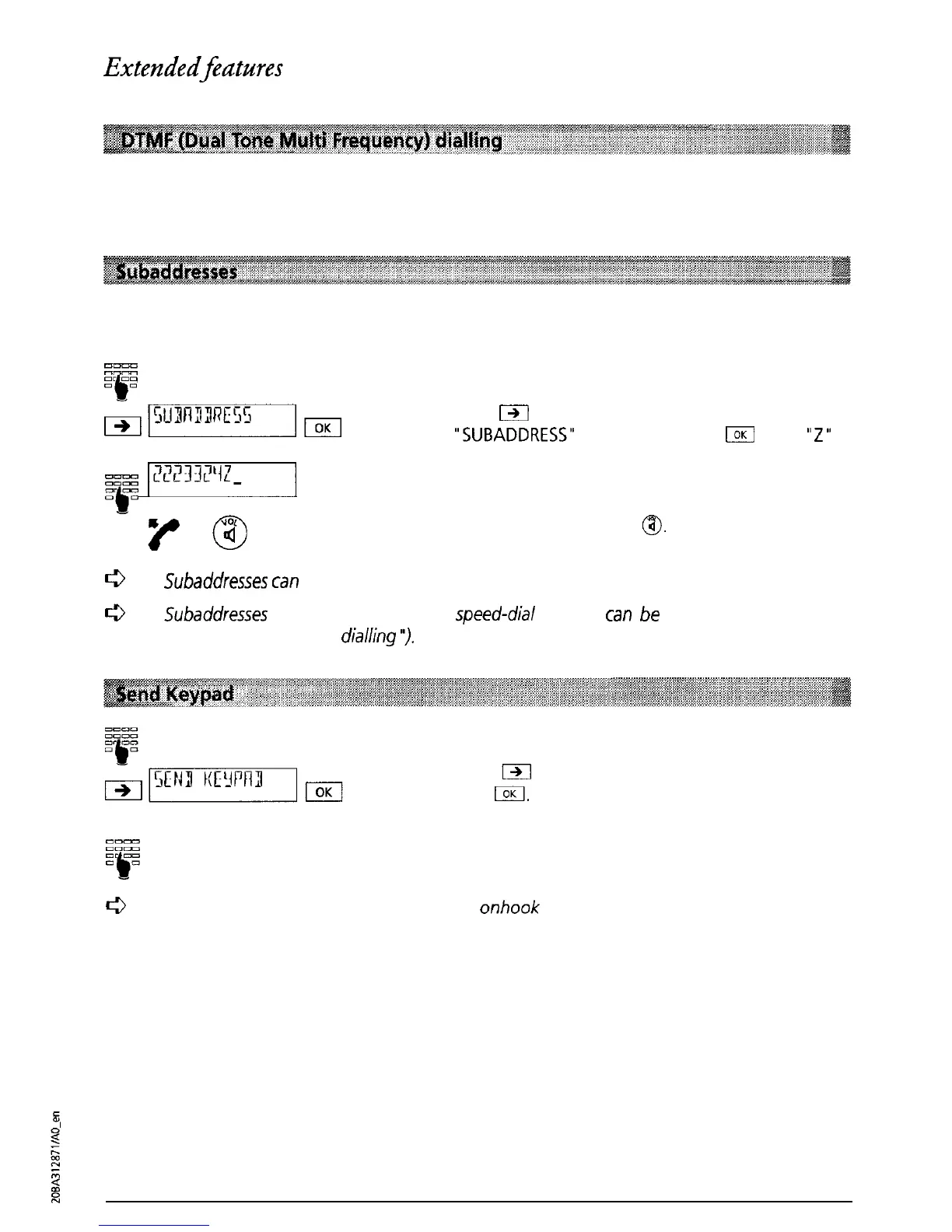
The subaddress allows equipment which supports subaddresses to be remotely controlled. Eurit
22 does not evaluate subaddresses.
EEEz
or
00
-b-
Enter the telephone number.
r&$mmmqm
Press
m
as often as necessary until
“SUBADDRESS”
is displayed. Press
laK
and a
“Z”
is
+
p2mm-j
automatically inserted.
Enter the subaddress.
-y
@
Lift the handset or press
@.
c3
Subaddresses
can
only be entered when on-hook dialling is used.
c3
S&addresses
in the directory or in the
speed-dial
memory
can
be
inserted using special
characters (see “Speed dialling
‘7.
Enter the telephone number.
Press
m
until ‘Send keypad” is displayed.
Press
IOK
Enter the required keypad information.
Keypad information is sent.
c3
You can send keypad information during
onhook
dialling as well as during a call
34



 To Next Page